
The Top 100 Most Visited Websites in the World (August 2026)
by Shai Belinsky10 Min.
Sep 17, 2026
February may be the shortest month of the year, but it certainly didn’t lack excitement. As 2025 picks up momentum, we’ve been rolling out product updates to make data access faster, easier, and more intuitive.
Take a look at February’s monumental moments:
In the spirit of staying awake, alert and ahead of the curve, these are our February product updates designed to supercharge your workflow and insights. Here’s what’s new:
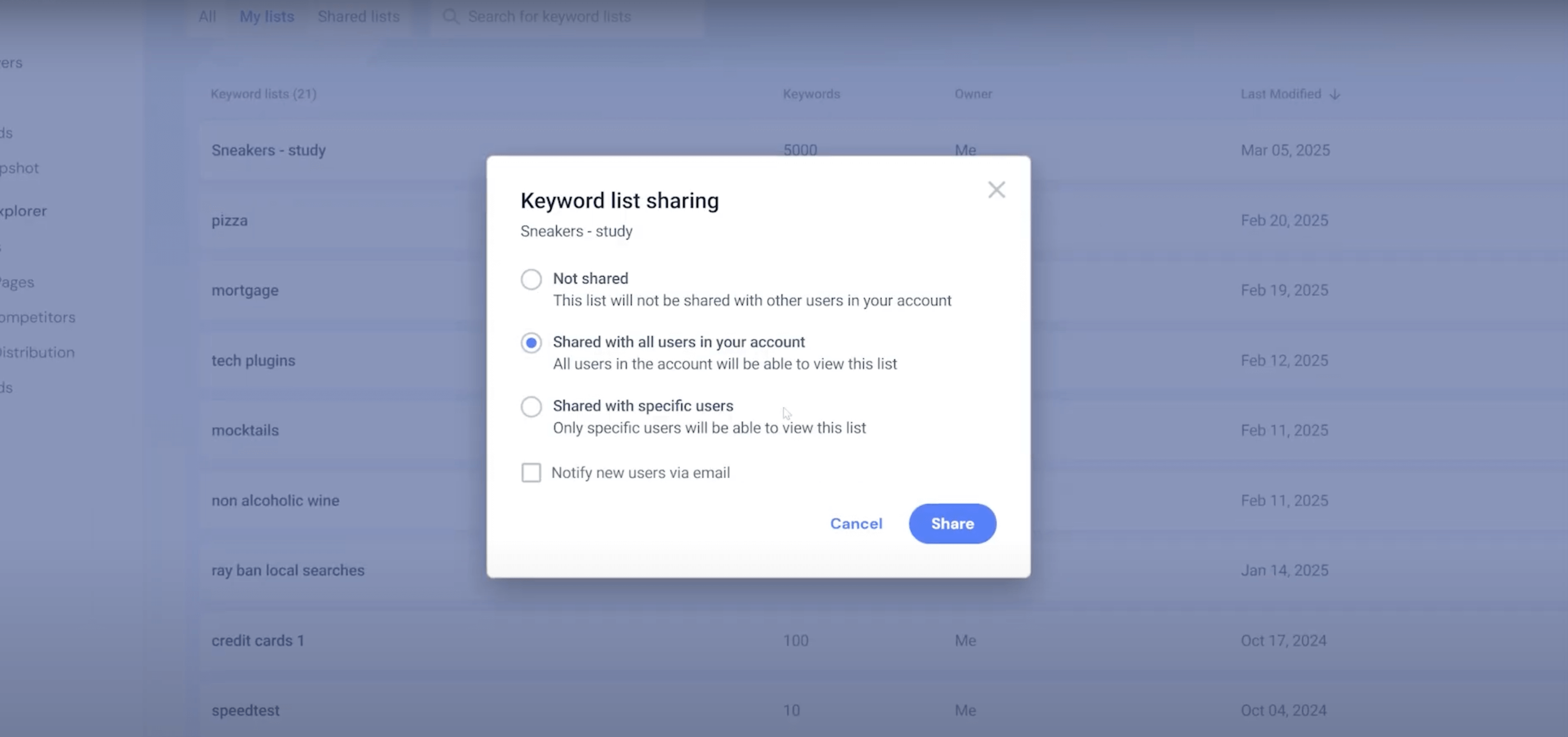
Keyword lists allow you to analyze overall search volume, traffic performance, trends, and changes. With the new homepage, managing your keyword lists is more intuitive than ever. It allows you to:
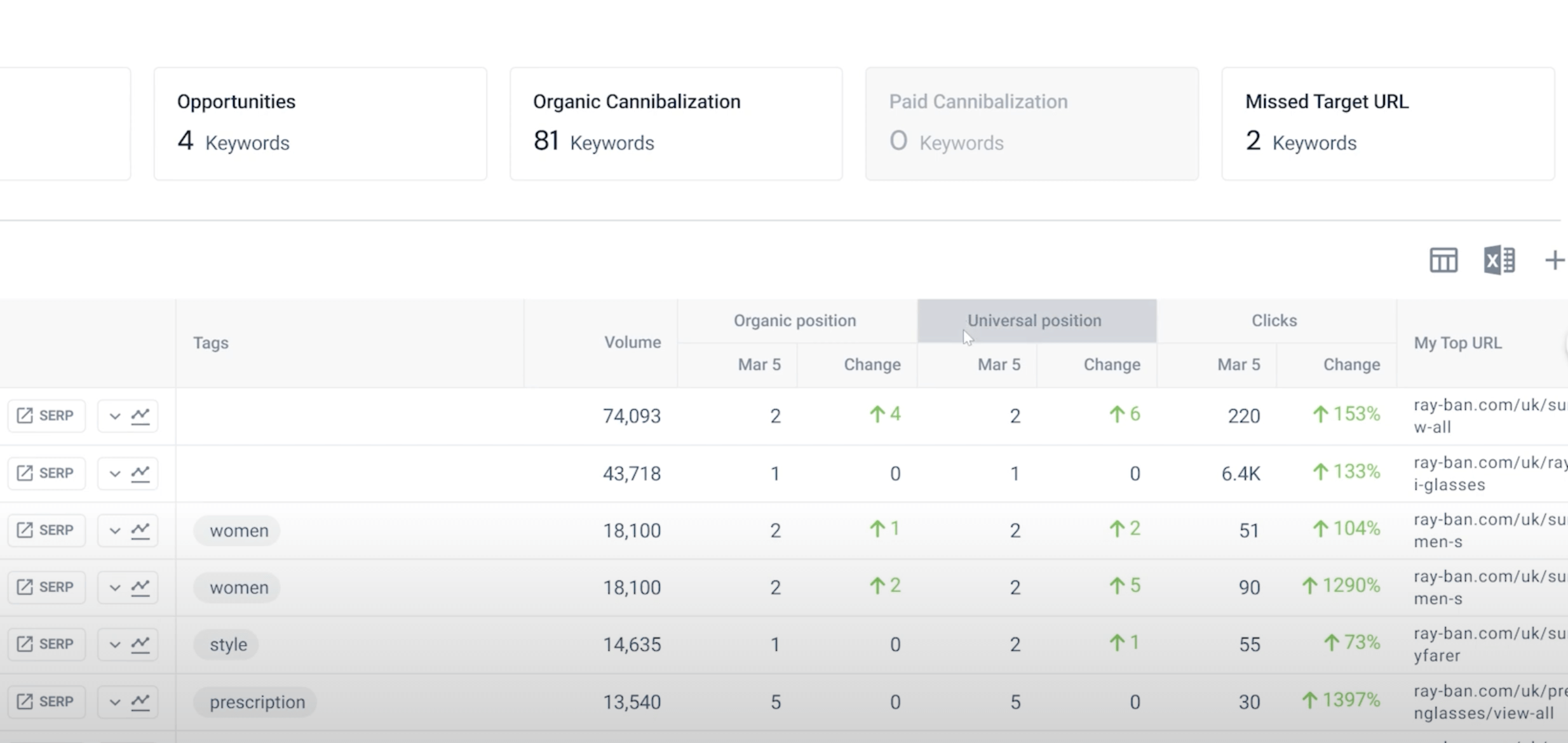
With more disruption than ever in search results, we’ve added Universal Rank to our main Rank Tracking report.
Now you can see your organic position, universal rank, and the clicks you get in one view, so you can identify if SERP features, AI overviews or paid ads are the cause of changes to your traffic.
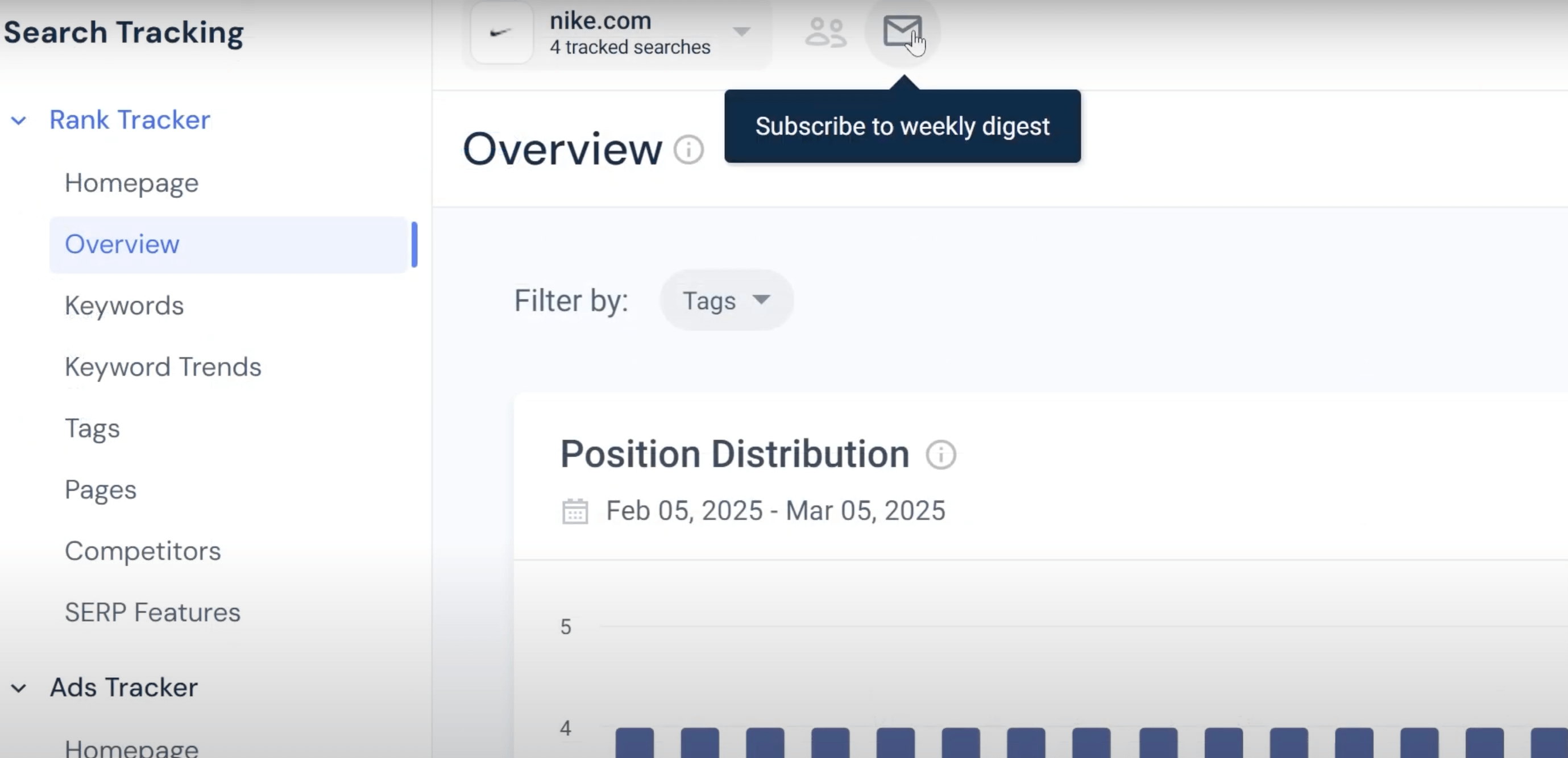
Staying informed on your rankings just got easier! We’ve added weekly email alerts to provide a summary of your share of search and key changes in ranking trends.
Subscribe to the weekly digest for:
You can now add annotations on any chart within Rank Tracker.
Record things like:
Meet the new Similarweb Excel add-in. The simplest way to bring web traffic and engagement data directly into Excel.
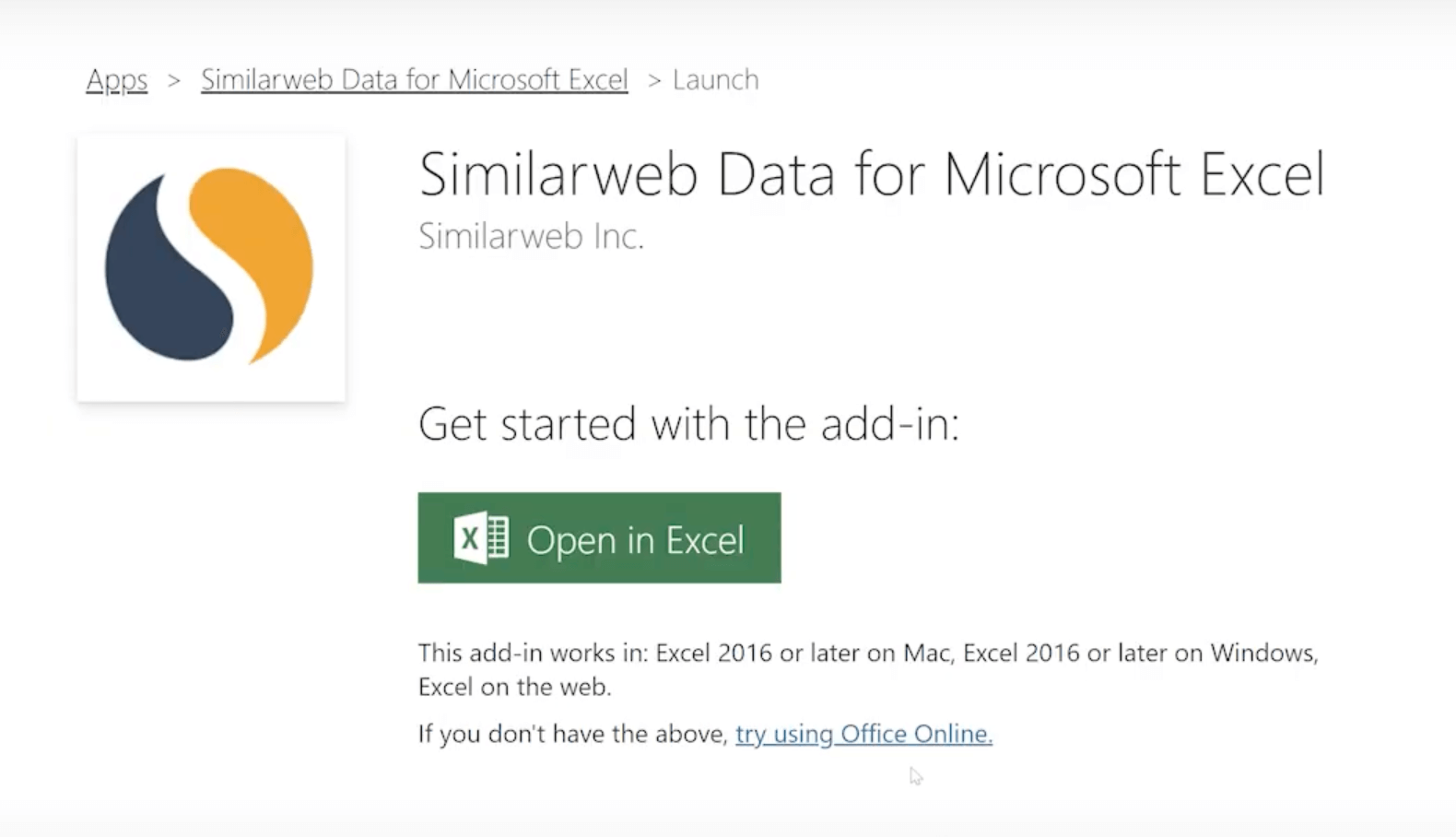
How to use it:
And the best part? All data will be automatically updated in your reports.
You asked, we delivered! We’ve introduced an ‘All Traffic’ view when analyzing segments within marketing channels.
We’ve given the sidebar quick view a sleek new design and added enhanced functionality to access actionable insights faster. Now, when viewing a company, you can:
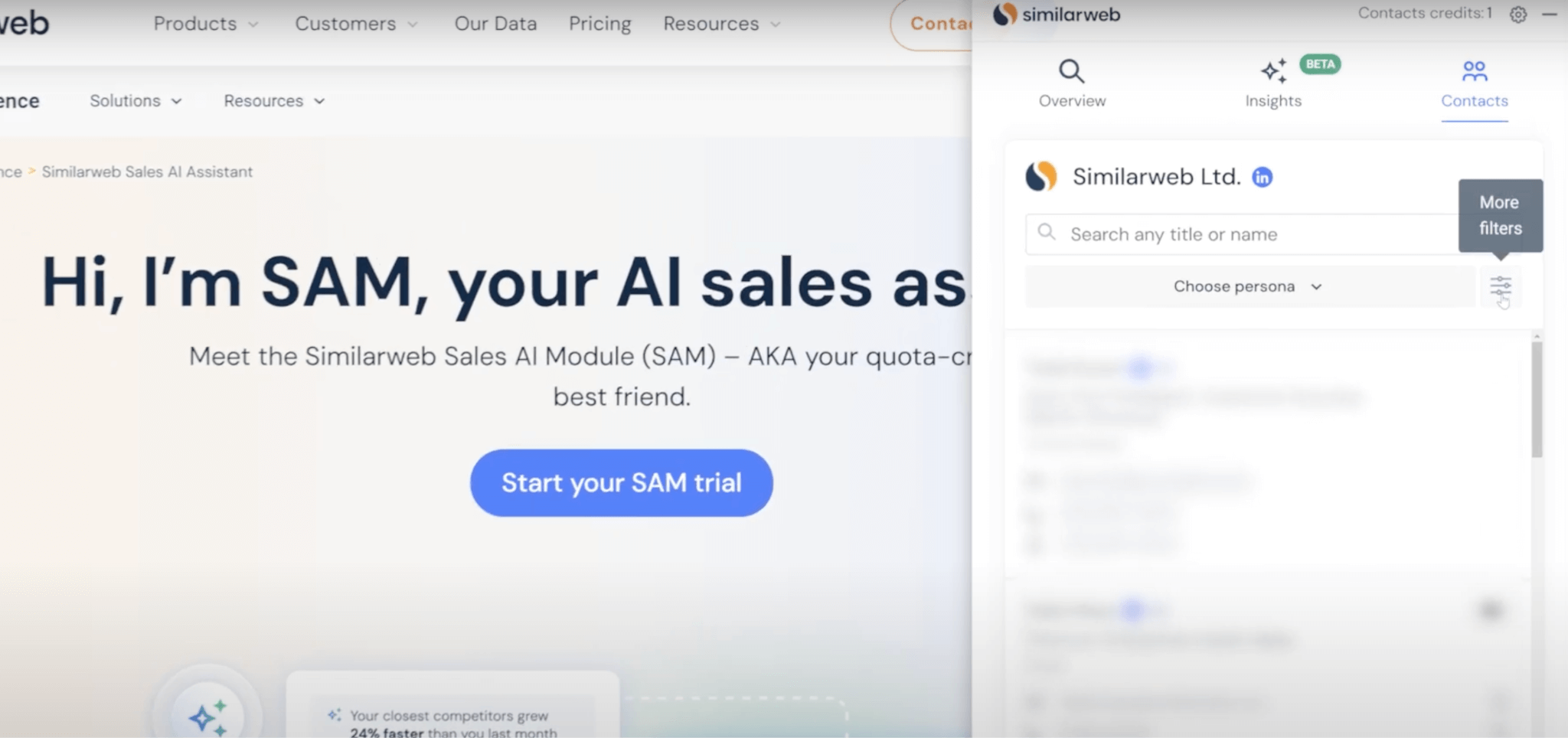
We’ve expanded our contact database significantly by integrating a new leading provider.
In certain countries, our coverage has grown exponentially, and we now offer over 470 million contacts, making it easier than ever to find the right person to reach out to in your prospect list.
Stay tuned. We’ll be back again in March with more updates!

by Gila Holder
Content Marketing Manager
Gila has a background in creating engaging content across ecommerce and tech. She's committed to staying ahead of the latest digital marketing and social media trends (as hard as this is). When she’s not sharing marketing insights, you’ll find her exploring hiking trails or unwinding at the yoga studio.
Give it a try or talk to our insights team — don’t worry, it’s free!