

Sie haben Ihr Suchlimit erreicht
Starten Sie Ihren kostenlosen Testzugang, um weiterhin alle Traffic- und Performance-Insights zu erkunden.
Los geht'sLTE Swap App-Analysen für 23. Februar
LTE Swap
- MOBILTEX DATA LTD
- Apple App Store
- Kostenlos
- Produktivität
*** Requires a corTalk® RBT1 or RMU123PGM and RMU2 or RMU3 to use. ***
Contact us at 'sales.lteswap@mobiltex.com' to purchase.
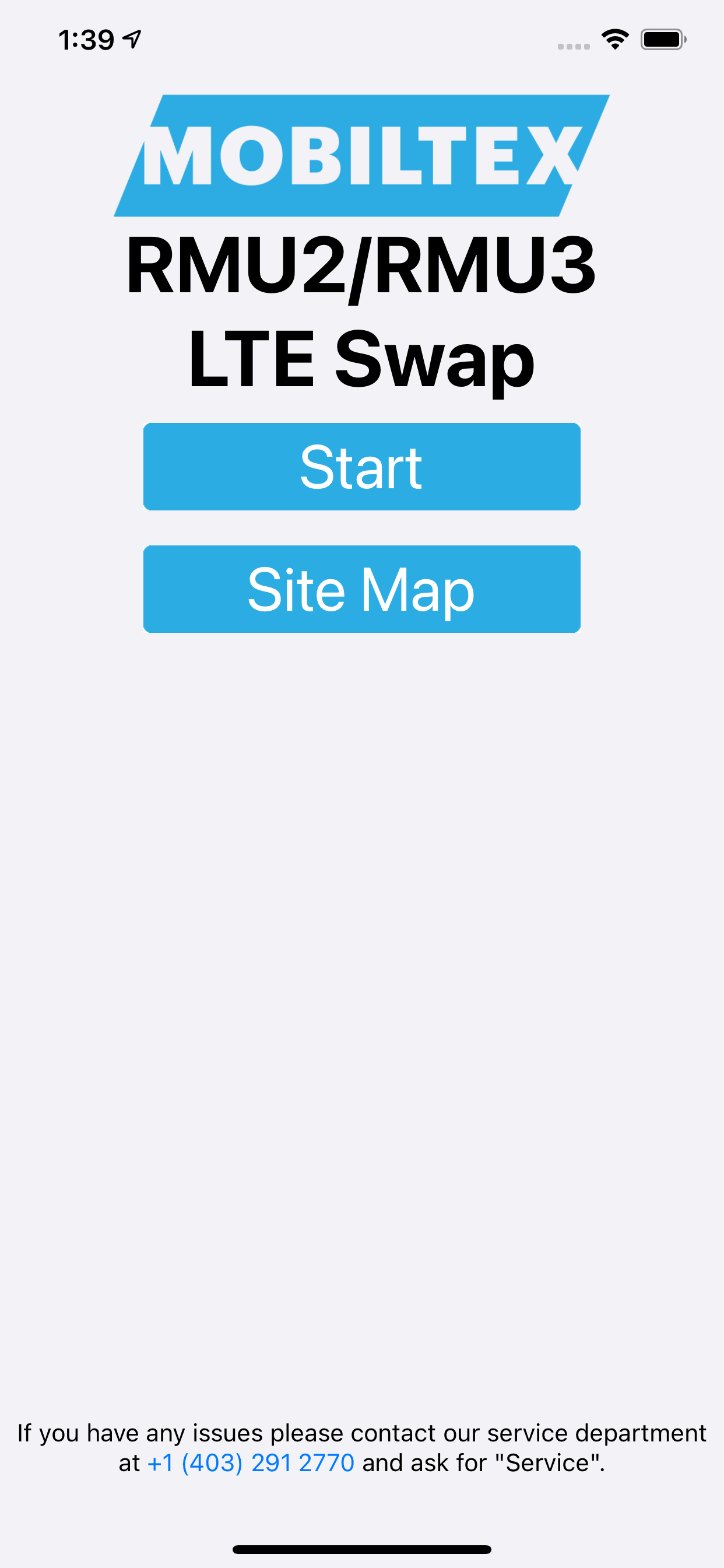
LTE Swap facilitates the upgrade process from 2G or 3G cellular technology Mobiltex RMU2 and RMU3 units to corresponding pre-purchased LTE units. It helps transfer all settings and configuration data which allows for a quick and simple swap process. If needed, it will also update the firmware of the unit it is connecting to before completing the swap process to ensure that the most up to date software is being used.
The RMU2 process consists of:
1. Plug in old RMU2 antenna and base to the programmer (RBT1 or RMU123PGM)
2. Run the app, login to your corView account and press "Start"
3. Select your programmer from the list of available devices
4. Wait for the app to read in all the settings and update the programmer and RMU2 (if required)
5. Unplug the old antenna plug in the new antenna
6. The app will then communicate with the corView servers to complete the swap process
7. The user can then send a confirmation email of the swap process for their archives
The RMU3 process consists of:
1. Plug in old RMU3 antenna and base to the programmer (RBT1 or RMU123PGM)
2. Run the app, login to your corView account and press "Start"
3. Select your programmer from the list of available devices
4. Wait for the app to read in all the settings and update the programmer
5. Unplug the old antenna plug in the new antenna
6. Wait for the app to update the RMU3 and write in the settings of the old unit
7. The app will then communicate with the corView servers to complete the swap process
8. The user can then send a confirmation email of the swap process for their archives
The RBT1 and RMU123PGM requires a Bluetooth pairing code entered on the app. The pairing code (default=123456) can be entered and changed with the app. Once paired, the app can reconnect without needing to re-enter the code. The RBT1 pairing code can be reset by tapping the RBT1 5 times in 10 seconds with a user-supplied magnet.
Rang speichern
Der Store-Rang basiert auf mehreren Parametern, die von Google und Apple festgelegt wurden.
Alle Kategorien in
Vereinigte Staaten--
Produktivität in
Vereinigte Staaten--
Top-Wettbewerber und alternative Apps
Apps mit hoher Wahrscheinlichkeit, von denselben Benutzer:innen aus demselben Store verwendet zu werden.

Truespeed 4G,5G,WiFi Speedtest

RMU Commander

RoadReady OO/LTE (GeoWiz)

FlowGIS Dashboard
 LTE Swap VS.
 Februar 23, 2026