

Sie haben Ihr Suchlimit erreicht
Starten Sie Ihren kostenlosen Testzugang, um weiterhin alle Traffic- und Performance-Insights zu erkunden.
Los geht'sAlbum Organizer - Timeflower App-Analysen für 19. Februar

Album Organizer - Timeflower
- Guojie Zeng
- Apple App Store
- Kostenlos
- Foto und Video
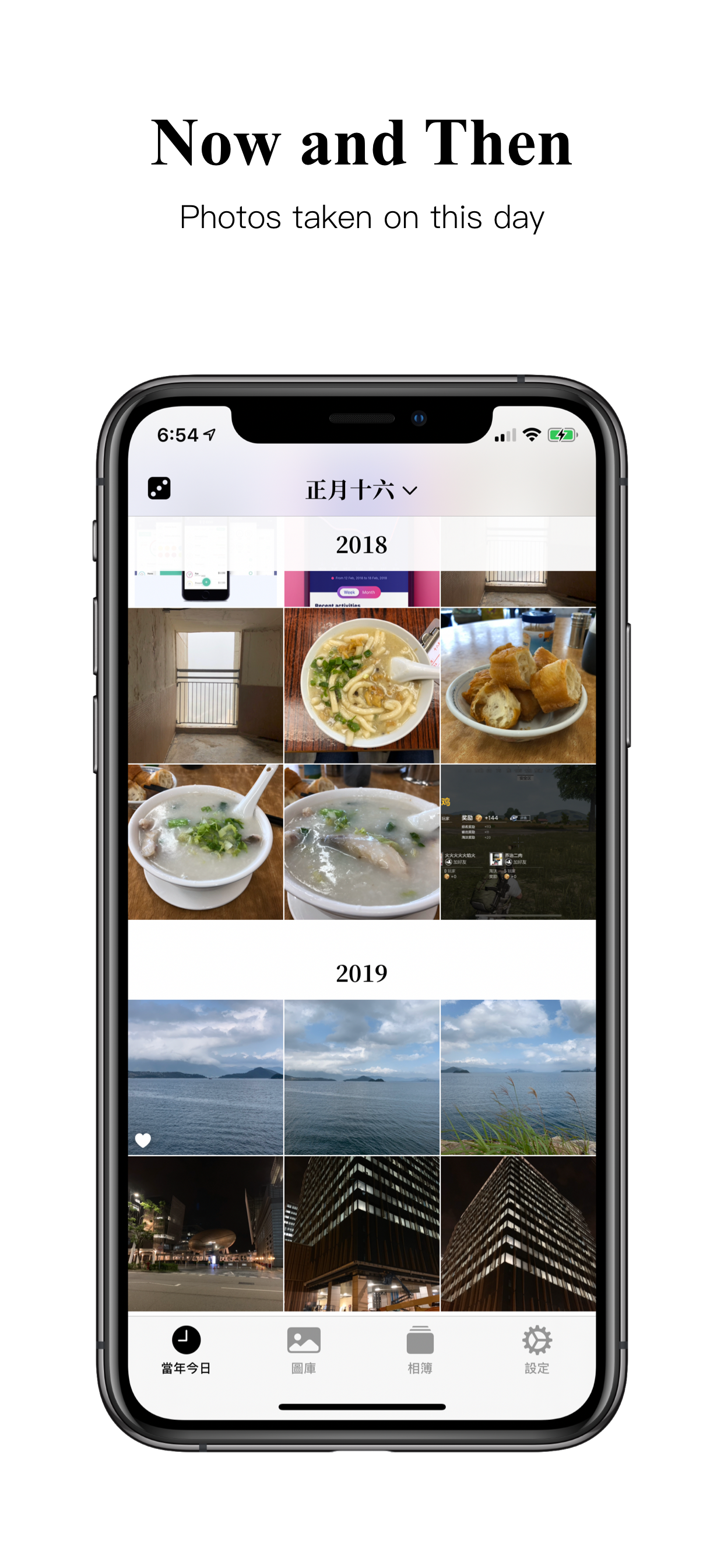
Timeflower provides various advanced features for your photos, including: Organize photos with albums, with the ability to add a photo to multiple albums; Pin albums for quick access; Show your photos taken on this day throughout the years; Display your selected photos and albums on Home Screen widgets.
"On This Day" photos support the Chinese calendar.
The easy and simple way to collect receipts, tickets, or design ideas: just take a photo with the built-in camera or save the image from a webpage to your photo library—you probably already doing this, but it is hard to find it back when you need it later?—use Timeflower to categorize the photos: add the photo to albums, just like tagging, you can quickly add a photo to multiple albums. After that, the albums can be shown on Photos app or Timeflower app, only it is quicker to browse them on Timeflower app: You can pin some albums, or search albums by keyword. Timeflower is the best and simple way to collect and organize photos, without the need of another cloud storage, or a categorizing system only accessible by a special app.
Pin Media Types(Smart Albums), Smart Albums including Recents, Favorites, Screenshots, Selfies, Panoramas, etc.
Delete Empty Albums. Clear up albums by removing empty albums created by other apps.
Random photo: pull up from the bottom of any albums to enter the Random mode, scroll left or right to pick another random photo. Favorite the photo if you like it or delete the obsolete one. Or add the photo to albums.
Or share the photo to Instagram Stories.
Or hide the photo. Hidden photos can be found in the "Hidden" album, and the "Hidden" album can be set to show or hide in the Settings app (just like the Photos app).
Use Face ID or Touch ID to unlock the app.
Simple photo widgets: Select a photo or an album in Timeflower app, create a widget with it. For album widgets, the photo with change randomly every 15 minutes on Home Screen.
Dark mode and Light mode.
Split view and multiple windows on iPad.
Option to increase brightness in full-screen: Increase the brightness when a photo opened in full screen, so you can see it with more detail and colors, and when you exit the full-screen mode, the display return to the normal brightness. Convenience to show off your photos to others nearby.
Timeflower respects your privacy. It doesn't collect any of your data, doesn't use any analytics SDKs, doesn't use third-party libraries. And a benefit of this approach, you can see the size of the app is relatively small.
Timeflower is free to use, but you can support the development of the app with a subscription. Please support me in bringing more of my ideas to life.
Terms of Use: https://timeflower.app/terms
Rang speichern
Der Store-Rang basiert auf mehreren Parametern, die von Google und Apple festgelegt wurden.
Alle Kategorien in
Vereinigte Staaten--
Foto und Video in
Vereinigte Staaten--
Top-Wettbewerber und alternative Apps
Apps mit hoher Wahrscheinlichkeit, von denselben Benutzer:innen aus demselben Store verwendet zu werden.

AirPhoto - Photo Album Manager

phoom - Photo Manager&Cleaner

Sorter : Photo Organizer

Cleaner - Photo Manager
 Album Organizer - Timeflower VS.
 Februar 19, 2026