

You’ve hit your search limit
Start your free trial to keep exploring full traffic and performance insights.
Get StartedPyStudio - Learn & Run Python analisi dell'app per 3 maggio

PyStudio - Learn & Run Python
- Ganesh Kalwane
- App Store di Apple
- Gratis
- Strumenti per gli sviluppatori
PyStudio – Python Compiler & IDE
PyStudio is a powerful Python Compiler, Python IDE, and Python Code Editor designed for developers, students, and anyone who wants to write and run Python code on mobile.
With a built-in Python 3 interpreter powered by Pyodide, PyStudio lets you compile, execute, and test Python programs directly on your mobile device without needing a remote server. You can write Python scripts, run programs instantly, and experiment with code anytime.
Whether you are learning Python programming, practicing algorithms, analyzing datasets with NumPy and Pandas, creating charts with Matplotlib, or experimenting with machine learning models, PyStudio provides a complete mobile Python development environment.
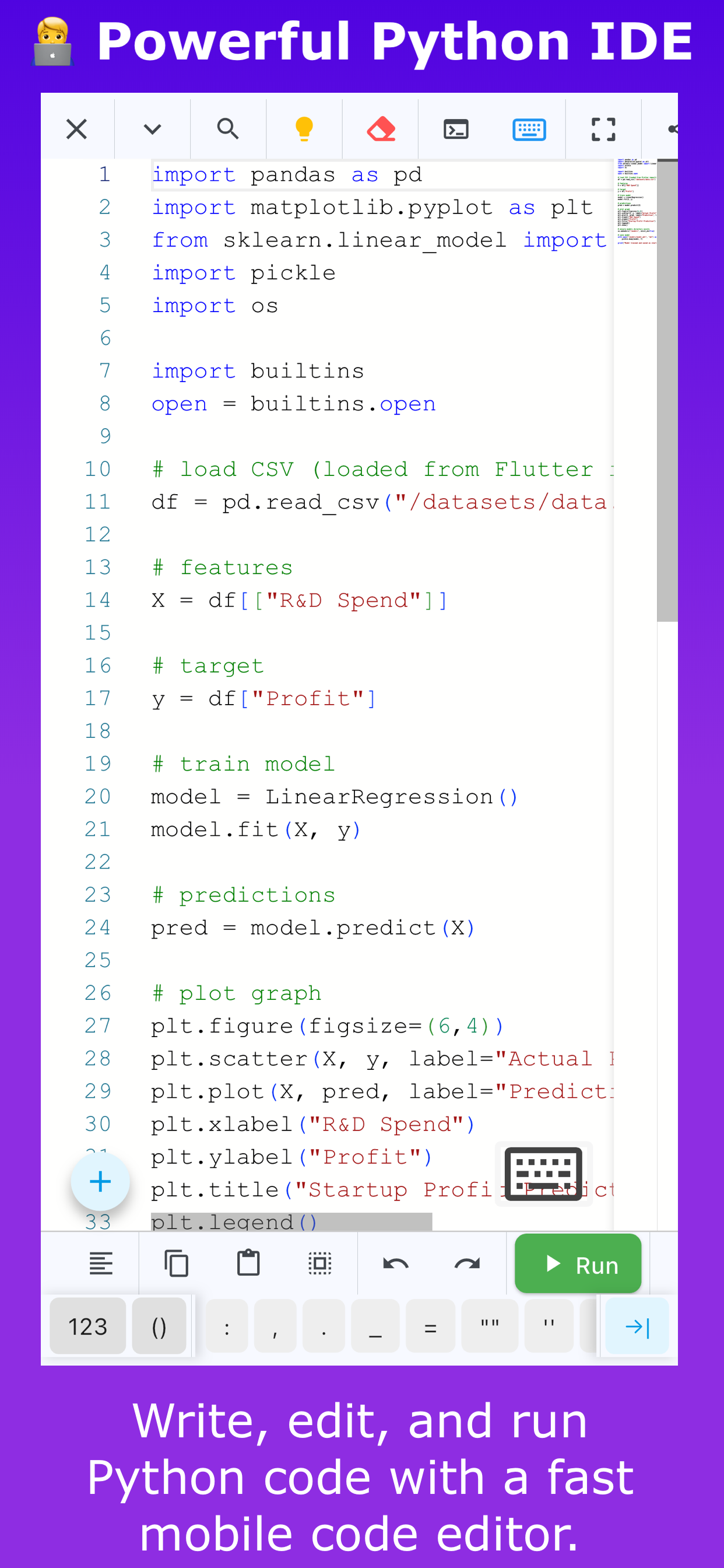
The app uses the Monaco Editor (the same editor used in VS Code), giving you a smooth coding experience with syntax highlighting, intelligent code suggestions, and fast execution.
Key Features
Python Compiler & Interpreter
-Run Python 3 programs instantly
-Compile and execute Python scripts in real time
-Built-in Python interpreter powered by Pyodide
-Works without a remote server
-Supports many Python standard library modules
Advanced Python Code Editor
-Monaco Editor with a VS Code-like experience
-Python syntax highlighting
-Smart auto-completion and code suggestions
-Error detection and code hints
-Undo and redo support
-Custom editor themes, fonts, and colors
Data Science Libraries
PyStudio supports popular Python libraries used in data science:
-NumPy for numerical computing
-Pandas for data analysis and dataframes
-Matplotlib for charts and data visualization
-Seaborn for statistical visualization
You can analyze datasets and create visualizations directly on your mobile device.
Machine Learning Support
-Train machine learning models using Python
-Import datasets using CSV files
-Process data using NumPy and Pandas
-Train and test models in the editor
-Export trained models as PKL (.pkl) files
Import and Export Data
-Import CSV datasets
-Analyze data using Pandas
-Train models using your datasets
-Export trained models as PKL files
Debug Python Code
-Step-by-step debugging
-Identify runtime errors
-Track program flow and variables
Smart Code Assistance
-Suggestions to fix Python errors
-Helpful tips while writing Python code
Save and Manage Python Programs
-Save and manage multiple Python programs
-Maintain program history
-Add names, notes, and tags to programs
-Organize and search your code easily
Learn Python Programming
PyStudio includes learning resources for understanding Python:
-Python basics and syntax
-Data types, loops, and conditions
-Functions and classes
-NumPy, Pandas, and Matplotlib tutorials
Practice Python Coding
-Python logical questions
-Programming challenges
-Python interview questions
Fast and Lightweight Python IDE
PyStudio is optimized for speed and mobile performance with fast execution, a smooth UI, and a portable environment for coding anywhere.
Who Should Use PyStudio
-Beginners learning Python programming
-Students practicing Python coding
-Developers running Python scripts on mobile
-Data science learners using NumPy and Pandas
Disclaimer
PyStudio is an independent application and is not affiliated with or endorsed by the Python Software Foundation. Python is a registered trademark of the Python Software Foundation.
Open-source acknowledgements
This application uses open-source technologies including Monaco Editor (MIT License) and Pyodide (Mozilla Public License 2.0).
PyStudio aims to make Python development accessible on mobile devices. Instead of relying on remote servers, the integrated Pyodide runtime executes Python directly inside the app environment. This allows quick experimentation, offline learning, and convenient coding while traveling, studying, or practicing programming problems anytime you want.
Simple and practical for coding day.
Classifica degli store
La classifica del store si basa su diversi parametri stabiliti da Google e Apple.
Tutte le categorie in
Stati Uniti--
Strumenti per gli sviluppatori in
Stati Uniti--
PyStudio - Learn & Run Pythonmaggio 3, 2026