

My treasury のアプリ分析 4月24日
My treasury
- Dariusz Rutkowski
- Apple App ストア
- 無料
- ファイナンス
My treasury app helps you to:
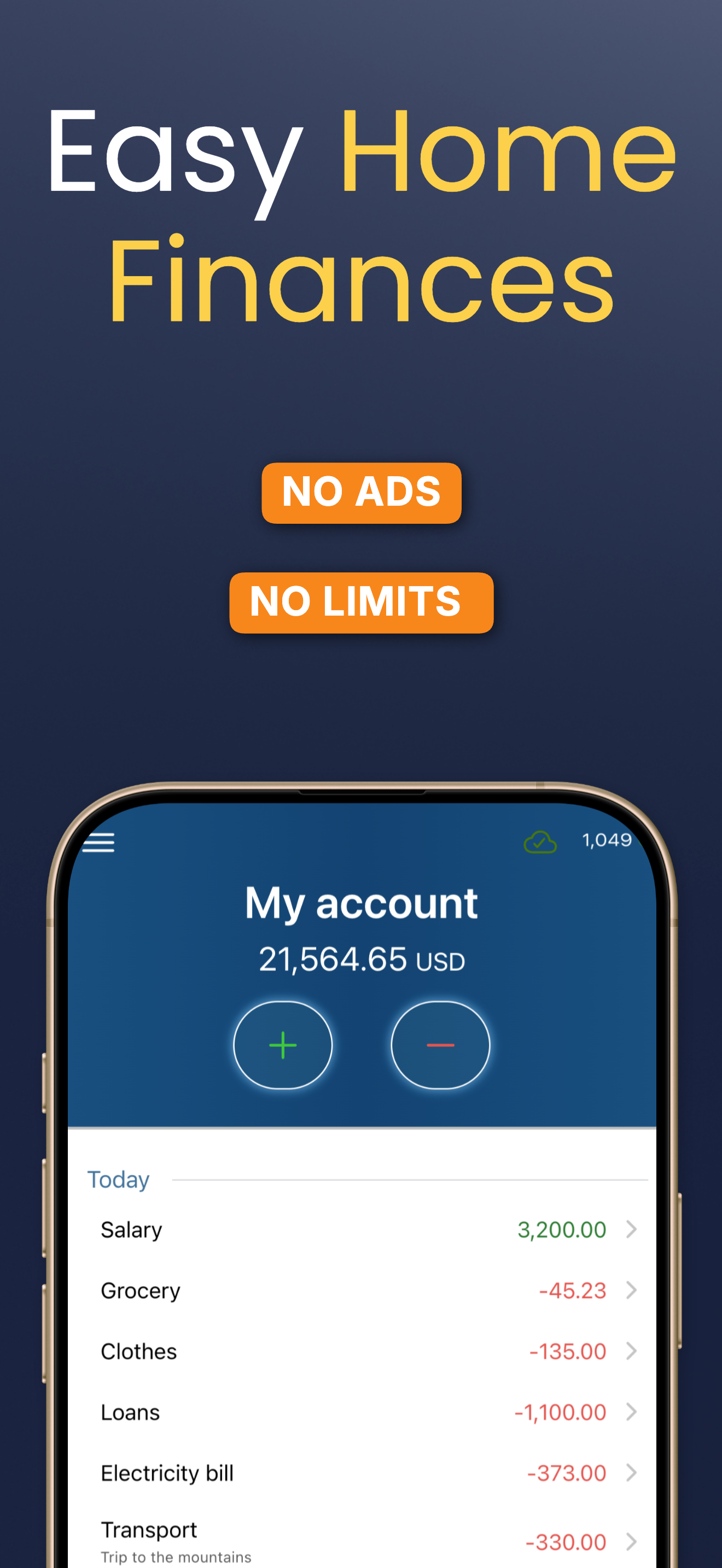
KEEP TRACK OF YOUR TRANSACTIONS
- register any expenses and incomes
- create any categories of expenses and incomes
- reflect all your accounts as they are or the way you wish
- create accounts with different currencies
- share accounts with a trusted person or with another device (requires Premium subscription)
CONTROL EXPENSES
- create goals with the maximum level of expenses
- keep track of their progress
- be notified once warning thresholds of expenses are reached
- set up pay-day and analyze based on that day
ANALYZE YOUR BUDGET FROM DIFFERENT PERSPECTIVES
- track the history of expenses per category
- analyze the structure of expenses in individual months
- see the balance of your accounts in one place
- look into your monthly and annual results
- compare periods to each other
- export transactions to spreadsheet (in CSV format) for further analysis
REMEMBER ABOUT BILLS TO PAY
- create reminders of expenses, one-off and recurring ones
REMEMBER WHAT, WHEN AND HOW MUCH YOU PAID
- add notes to transactions to record anything you want
- search for transactions by entries in descriptions, notes, categories and more
FEEL SAFE
- secure access to the application with special access code
- create backups and restore from them
- save backups where you want ie. to the cloud.
At the start the app has one account and several predefined categories of expenses, so you can start working immediately ie. by adding today's receipts or bills to be paid. You can add new accounts (like cash, bank account, savings) and categories at any moment. It takes up to few seconds to add a new expense as the application has options of setting smart hints that shorten this time to a minimum.
TERMS AND CONDITIONS
The application is free of charge, without ads and limitations.
In the Premium version (available as a subscription), you can additionally share accounts with other users (e.g. family members) or on your other devices.
To use the Premium version, you need to purchase a subscription by going to Settings -> Subscriptions in the menu. The subscription renews automatically. In the case of renewal, the account is charged within 24 hours before the end of the subscription period. To avoid renewal, you must cancel the subscription at least 24 hours before the end of its expiration.
Full terms and conditions of the My treasury application: https://dartu.app/en/my-treasury/tc
ストアランキング
ストアランキングは、GoogleとAppleが設定した複数のパラメータに基づいています。
業界別 ウェブサイトカテゴリーで
米国--
ファイナンスで
米国--


 My treasury VS.
 4月 24, 2026