

TELUS Health MyCare のアプリ分析 2月17日

TELUS Health MyCare
- TELUS Communications Inc.
- Apple App ストア
- 無料
- 医学
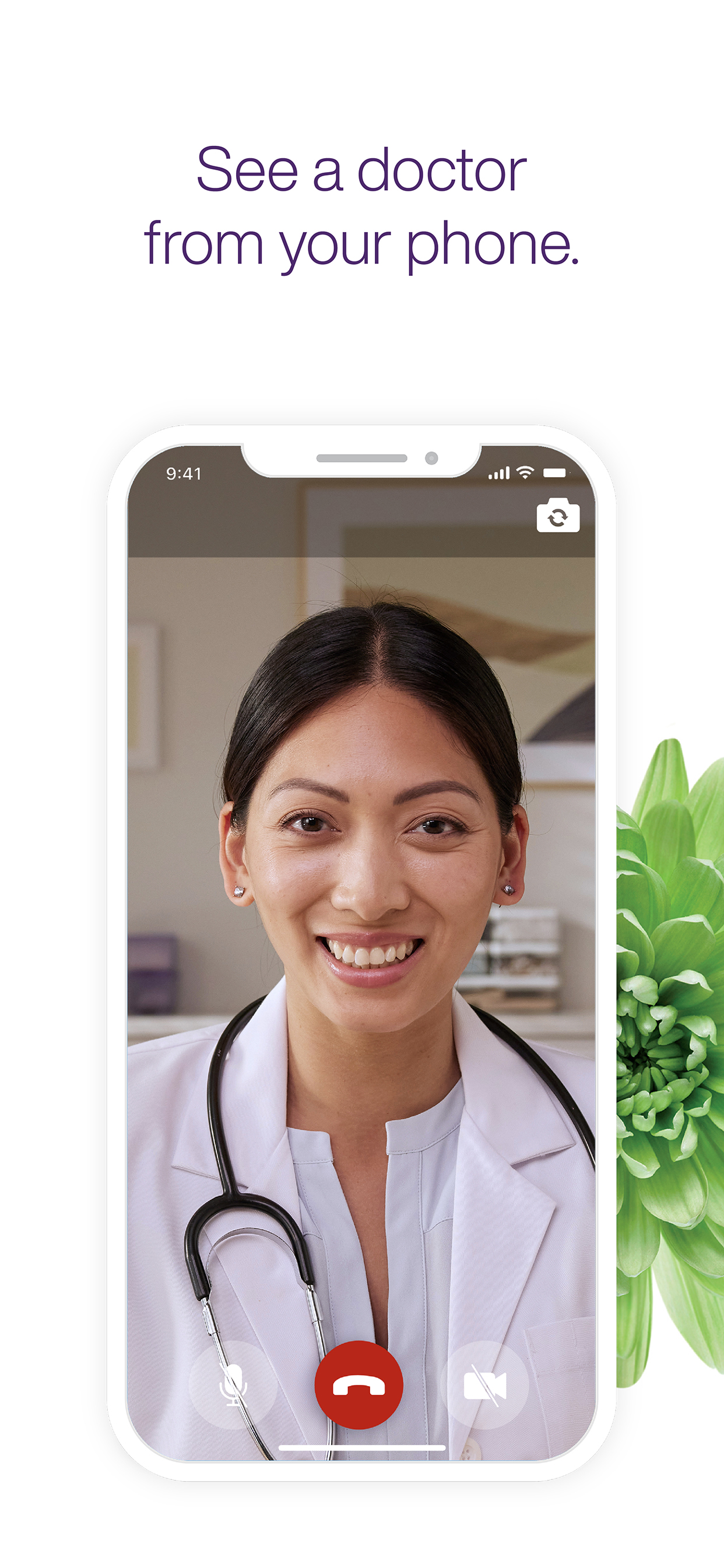
TELUS Health MyCare™ lets you easily see a Healthcare Provider right from your phone.
FEATURES
Video Consultations: See a doctor or other healthcare provider (provincial restrictions apply) and have a video consultation from the comfort of your home or wherever works best for you. If needed, prescriptions and referrals for diagnostic tests/specialists can be provided.
Easily access your TELUS Health MyCare appointment details through the app whenever you need them.
Appointments are scheduled in English by default unless you are in Quebec where appointments can be either in French or English. If you would like to schedule an appointment in a different language, contact our Support Team.
GET STARTED
1. Register for your free account.
2. Book an appointment time that suits you.
3. Start having a video consultation with a healthcare provider.
SAFETY & SECURITY
We take data security and privacy extremely seriously. All of TELUS Health MyCare’s clinical procedures meet industry and legal standards. We retain patient records in accordance with national best practice guidelines and all patient data is securely transmitted using industry-recognized encryption methods.
LANGUAGE / LANGUE
The app is available in English and French. If you wish to change the language of the app without changing your smartphone language, please follow the following instructions.
1. Add another preferred language to your iPhone (French or English):
a. Open your iPhone Settings
b. Tap General > Language & Region > Add language…
c. Add the language you would like to have the app in (French or English)
d. Confirm the language you prefer for your iPhone
2. Next, choose your TELUS Health MyCare app language:
a. At the top of the screen, tap General then Settings to go back to the main Settings screen
b. Scroll down, locate and tap TELUS Health
c. Tap Language and select your preferred language for the TELUS Health MyCare app (French or English)
d. Close the app and open it again
L’application est disponible en Français et en Anglais. Si vous souhaitez changer la langue de l’application sans changer la langue de votre téléphone, veuillez suivre les étapes suivantes :
1. Ajoutez une autre langue préférée à votre iPhone (Français ou Anglais) :
a. Ouvrez les réglages de votre iPhone
b. Appuyez sur Général > Langue et région > Autres langues…
c. Ajoutez la langue souhaitée pour l’application (Français ou Anglais)
d. Sélectionnez la langue que vous préférez pour votre iPhone
2. Ensuite, choisissez la langue de votre application Mes Soins TELUS Santé :
a. En haut de l’écran, appuyez sur Général puis Paramètres pour revenir au menu principal des Réglages
b. Sur cet écran, faites défiler vers le bas, localisez puis appuyez sur l’application TELUS Santé.
c. Appuyez sur Langue pour sélectionner la langue de l’application Mes Soins TELUS Santé (Français ou Anglais)
d. Fermez l’application puis relancez-la
For more information and a full list of FAQ’s, visit telus.com/mycaresupport
ストアランキング
ストアランキングは、GoogleとAppleが設定した複数のパラメータに基づいています。
業界別 ウェブサイトカテゴリーで
米国--
医学で
米国--


 TELUS Health MyCare VS.
 2月 17, 2026