

Business Card Maker : Creator のアプリ分析 2月19日

Business Card Maker : Creator
- Shubham Bodar
- Apple App ストア
- 無料
- グラフィック & デザイン
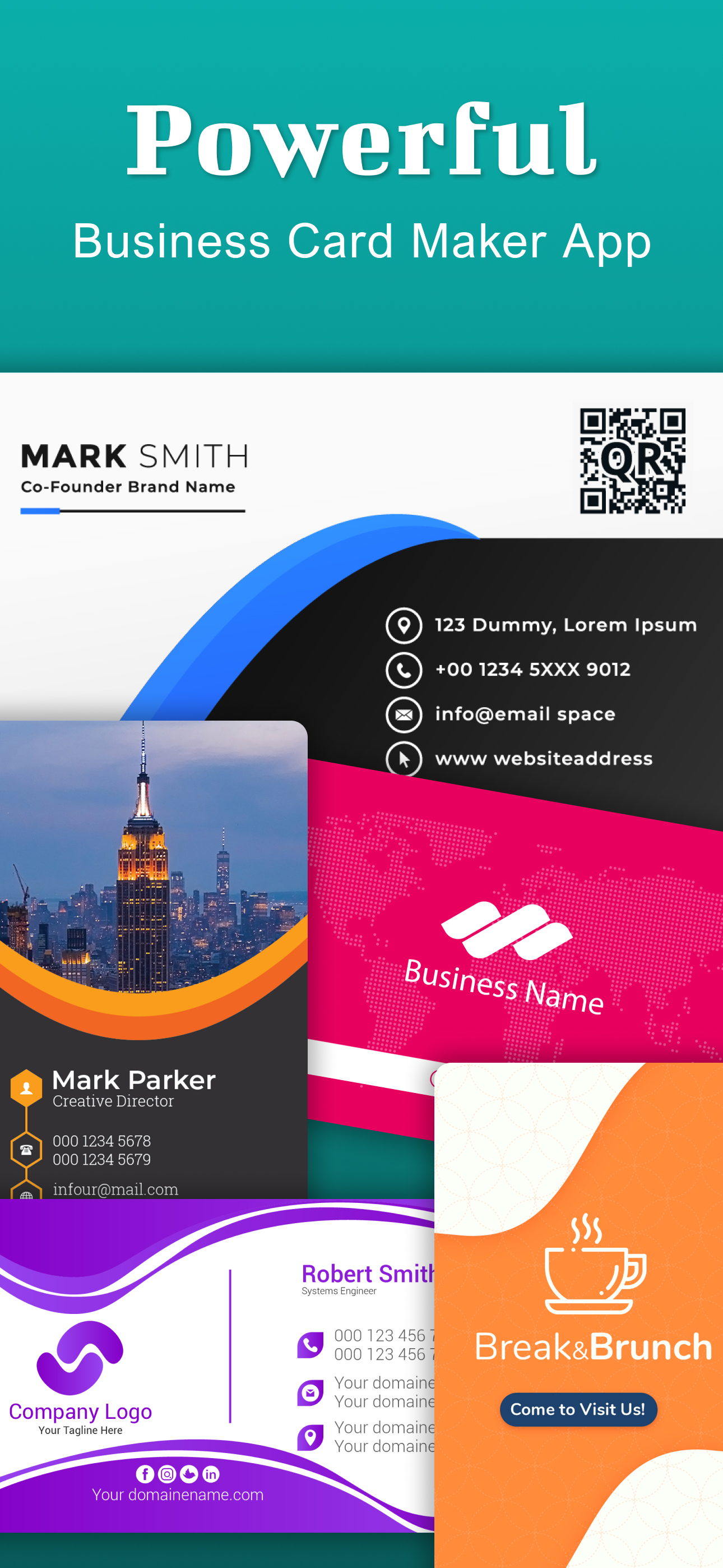
Create your own professional business cards in just a minute with our easy-to-use Business Card Maker App.
With a few taps, you can design business cards. From elegant and modern to bold and creative styles, business card maker offers a vast collection of templates, fonts, icons, and design elements for every industry and profession.
So you don’t need to hire a designer or use difficult software. Our business card maker lets you design your own business cards right from your IOS device. Create stunning business cards in just a few taps.
1,000+ Business Card Templates:
Select from thousands of modern, elegant, and creative business card templates designed for every profession from real estate agents to photographers, lawyers to small business owners.
Feature:
- Vertical business card and horizontal business card
- Modern business card templates
- Minimalist design cards
- Upload logo
- Color themes
- Abstract & elegant templates
- Elegant font typography
- Graphic packs
- Creative & artsy designs
- icons and shapes
- Colorful & trendy cards
- Text styles, gradients, and textures overlay
Powerful Business Card Creator & Editor:
- Easy business card editor
- High-resolution business card for print and digital use
- Drag-and-drop UI for fast customization
- Fully editable graphic design
- Save and rechange cards anytime
Unlimited Customization:
If you need to create a minimal visiting card, a glossy modern business card design, or a bold creative business card template, this business card maker app has it all. Experiment with color palettes, font typography, paper finishes and visual elements using the business card editor.
Our business card creator app lets you take full control of your business card design. Whether you’re making a visiting card, membership card, or professional id, you can easily customize text, fonts, colors, logos, and layouts. You can even upload your own photos and qr codes also.
Tips for the Best Business Card Design:
- Keep it clean and meaningful
- Use your business colors
- Include only important contact information
- Add a qr code for quick contact
- Use only readable fonts
- Save your business card must in high resolution
- Try both light and dark background in your design
- Update your card regularly with current contact info
The visiting card maker app gives you superpower for the need to design, customize, and share your digital and printable business cards.
About Subscriptions and Terms of Use:
- For some features of Business Card Maker, a Premium subscription is needed.
- Payment will be made from your iTunes account after you confirm the purchase.
- Your subscription automatically renews unless auto-renewal is turned off at least 24-hours before the end of the current period.
- You can manage your subscriptions and turn off auto-renewal by going to your Account Settings in the iTunes store after purchase.
Privacy policy: https://shubham-bodar.web.app/privacy.html
Terms of use: https://shubham-bodar.web.app/terms.html
ストアランキング
ストアランキングは、GoogleとAppleが設定した複数のパラメータに基づいています。
業界別 ウェブサイトカテゴリーで
米国--
グラフィック & デザインで
米国--


 Business Card Maker : Creator VS.
 2月 19, 2026