

XIAOTE - Tesla BLE Watch key のアプリ分析 2月18日

XIAOTE - Tesla BLE Watch key
- Xiaote Technology (Guangzhou) Co., Ltd.
- Apple App ストア
- 有料
- ライフスタイル
Compatible with iPhone and Apple Watch.
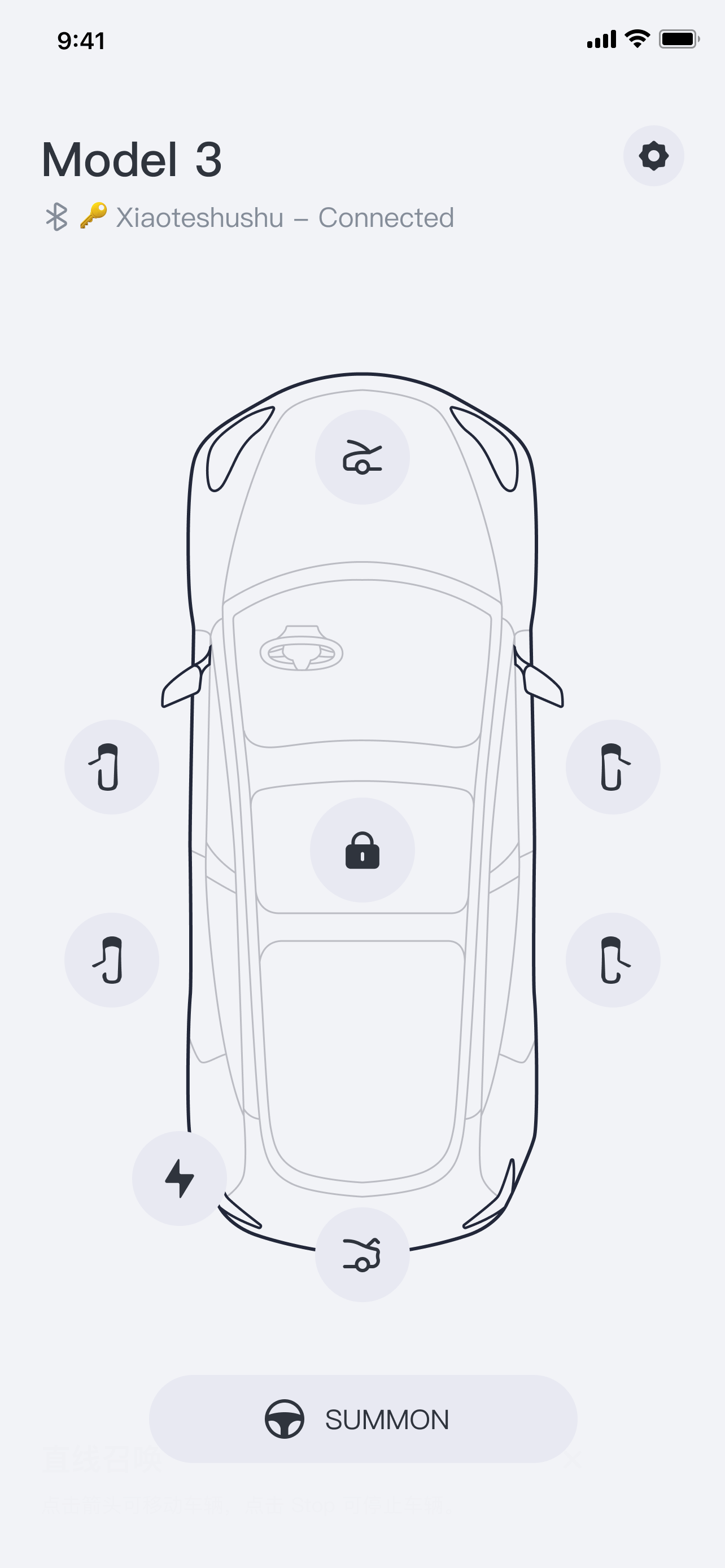
Xiatoe Keyfob (Tesla Key Fob for Apple Watch) functions just like the official Tesla key fob, which only requires Bluetooth for full functionality. The app does NOT require an internet connection or your Telsa credentials. We would NOT collect or store your personal information and data.
Supported vehicles: All Tesla Model 3 and Model Y, 2021 or later Model S and Model X
1. How do I pair Xiaote Keyfob? Please keep your Apple watch screen facing you during the process and make sure the screen is awake at all times. Sit in the driver's seat and put the car in Park. Open Xiaote Keyfob on your Apple Watch, and click on the Pair button. Grant Bluetooth permission by selecting OK. Select the vehicle with your Bluetooth key ID. ( You may see multiple vehicles if there are more than one Tesla vehicles around you. Please go to your iPhone Settings > Bluetooth, you'll see a connected device with an 18-digit alphanumeric name, which is your Bluetooth key ID.)
2. How do I operate Summon with Xiaote Keyfob? Please make sure Enhanced Auto Pilot (EAP) or Full Self-Driving (FSD) is enabled on your vehicle. Touch Controls > Autopilot > Customize Summon and set Require Continuous Press to No. After setting up the vehicle, click Summon on the watch, and within 5 seconds after the vehicle enters the double flashing light mode, click the button to move forward or backward. (Note: Please pay attention to the surrounding environment when using it, and be ready to stop the vehicle movement at any time.)
3. Can I pair multiple vehicles with Xiaote Keyfob? Not yet. The functionality is still in development and will be enabled with future updates. If you need to pair your Apple watch with another vehicle, please remove the currently paired vehicle and start the pairing process with another vehicle.
4. Does Xiaote Keyfob support automatic locking and unlocking? Automatic locking and unlocking are not fully supported. This is due to the limitations on Watch OS background processing, once the app is closed, the Bluetooth signal would be stopped. You would have to open the app on your Apple Watch for Xiaote Keyfob to function. Once the app is started, you could use it just like a normal Tesla key fob, as intended.
5. Would Xiaote Keyfob interfere with my phone key or key fob? No. Tesla allows simultaneous connections with multiple keys, they would not interfere with each other.
6. How to unpair Xiaote Keyfob? Touch Controls > Locks and remove the Apple watch keyfob from the list. Uninstall Xiaote Keyfob if needed.7. How to redownload or update Xiaote Keyfob on my Apple watch? Go to the App Store app on your Apple Watch (NOT on your iPhone), scroll to the bottom of the page, click Account > Purchased or Updates, find the app in the list and click to redownload or update.
ストアランキング
ストアランキングは、GoogleとAppleが設定した複数のパラメータに基づいています。
業界別 ウェブサイトカテゴリーで
米国--
ライフスタイルで
米国--


 XIAOTE - Tesla BLE Watch key VS.
 2月 18, 2026