

Blur Photo Editor - Auto Blur のアプリ分析 2月24日

Blur Photo Editor - Auto Blur
- Himanshu Rupareliya
- Apple App ストア
- 無料
- 写真 & ビデオ
Blur photo editor app comes with many one-tap auto blur photo editing tools to take your pics art experience to the next level.
Key Features of Blur Photo Editor : -
- Pick photo from library or camera
- Brush size adjustment
- Blur / UnBlur
- Gaussian Blur
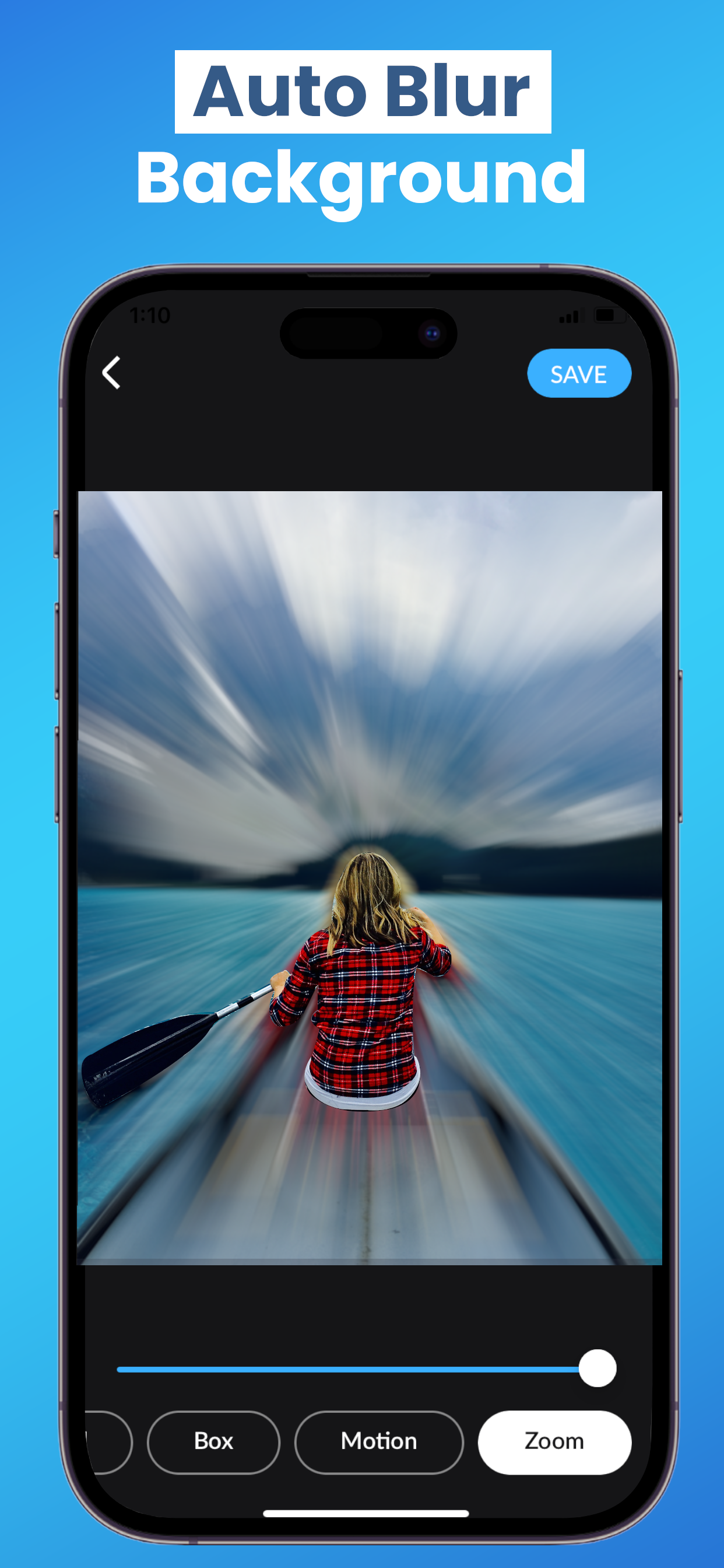
- Zoom Blur
- Motion Blur
- Glass Effect
- Crystalize Effect
- Pixel Effect
- Save to Camera Roll in Low or High Resolution
- “My Creation” feature to automatically save work in progress
How to blur a picture on iPhone or iPad using Blur photo editor - Auto Blur App?
If you want to know how to blur something in a photo, go through the following steps.
- Start the app and choose a photo.
- Choose the intensity of blur effects of your liking and blur the image.
- Blur anything precisely using the magnifying glass effect.
- Tap the save button on the top right corner for saving photos
Make a picture look like it was taken from a professional camera. Enjoy it now!
Sharing :-
After you are done with editing a photo, share the photo on Instagram, Facebook to show your friends the wow effects you made with this Blur photo editor - Auto Blur App.
So, what are you waiting for? Download now and Enjoy app :)
Privacy policy :- “https://sites.google.com/view/blurphotoprivacy/home”
Terms of use :- “https://sites.google.com/view/blurphoto-backgroundeditor/home”
ストアランキング
ストアランキングは、GoogleとAppleが設定した複数のパラメータに基づいています。
業界別 ウェブサイトカテゴリーで
ドイツ--
写真 & ビデオで
ドイツ--


 Blur Photo Editor - Auto Blur VS.
 2月 24, 2026