

You’ve hit your search limit
Start your free trial to keep exploring full traffic and performance insights.
Get Started18 Şubatiçin sCS commissioning uygulama analizi

sCS commissioning
- Tridonic GmbH & Co KG
- Apple App Store
- BOŞTA
- Araçlar
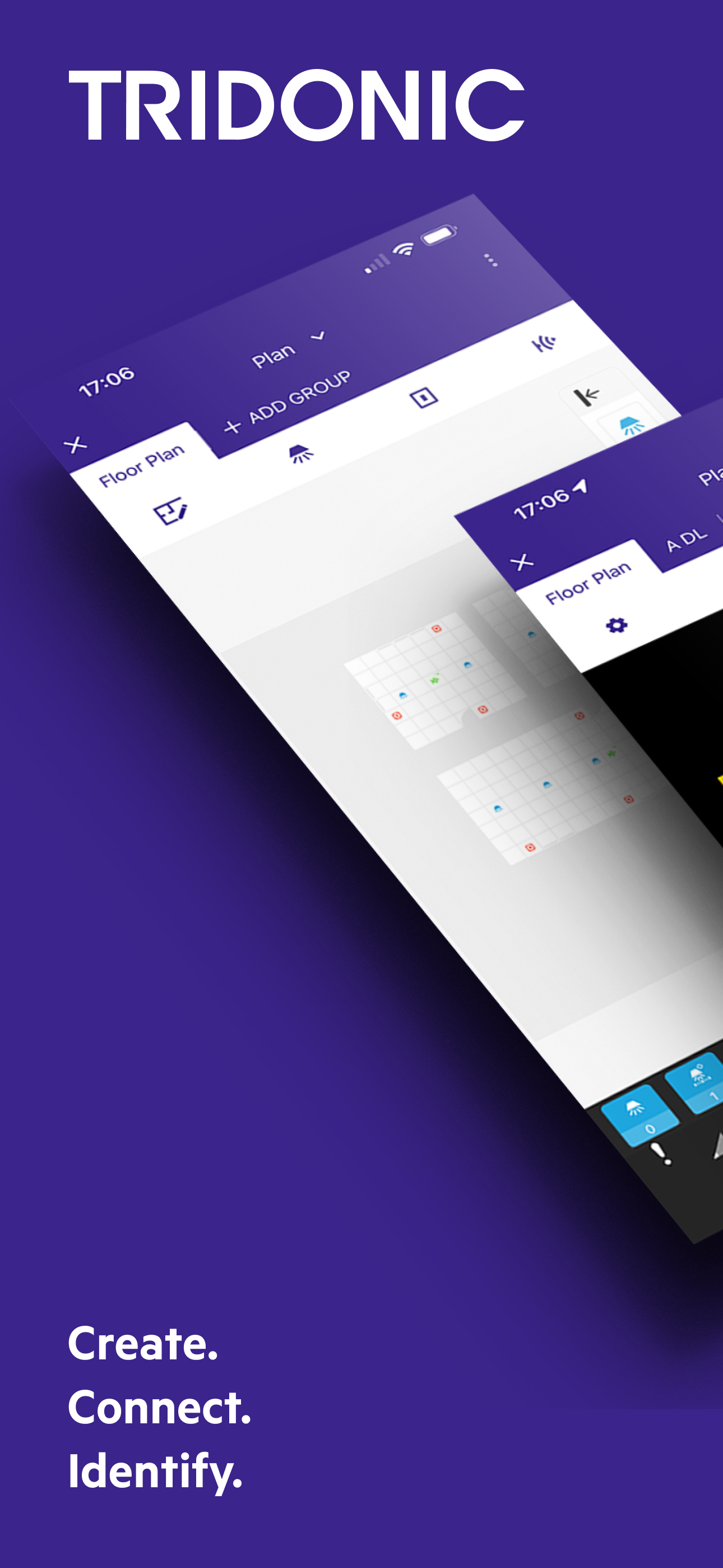
The sceneCOM S commissioning app has been specially developed to help make commissioning the sceneCOM S lighting control system intuitive. The DALI-2-based, scalable lighting control system which is covers variety of applications: from complex stand-alone luminaire setups to small to medium building areas encompasses a wide range of functions – from simple switching on and off and dimming/brightening to daylight linking – even with Tunable White lighting – and individual lighting scenarios.
Each system supports up to 64 DALI 1 or DALI 2-based LED drivers and 16 input devices such as sensors or momentary-action switches. A single DALI LED driver or control device can therefore belong to several groups and thus various scenes.
Individual luminaire setups can be as well quiet complex and consist of up to 4 independent light heads with multiple drivers, groups and control devices like sensors and push button interfaces. Lighting manufacturers are able to create various luminaire setups using new Free-standing luminaire (FSL) configurator.
With the latest release sCS Comissioning APP is able to bring advantages of dynamic time-based lighting to our customers as new sceneCOM S RTC hardware support highly accurate real time clock. Now it is possible to assign different Human Centric Lighting profiles to one or multiple groups with Tunable White luminaries.
The app is so intuitive to use, commissioning can be completed in just four simple steps. A particularly practical feature is Bluetooth, which enables unlimited use of the app even in offline mode.
Step 1: Create
In the first step, the new project is created. The basis for this can be either a new floor plan or a cloned layout. Luminaires are grouped and planned with corresponding light scenes.
Step 2: Connect and identify
Once the sceneCOM S commissioning app is connected to the sceneCOM S application controller, the system components (e.g. LED drivers, sensors or switches) in the app are automatically addressed. Easy device identification with the single touch of the device icon or single press of the switch push button.
Step 3: Plan
Using drag and drop, system components such as luminaires, sensors and momentary-action switches can now be placed in the floor plan and assigned to the various groups.
Step 4: Configure
The desired functions can then be defined and assigned. Finally, the project can be PIN-protected.
Completed projects and templates can be shared or copied and pasted to other projects. An over-the-air update ensures that the software is always up to date.
Mağaza Sıralaması
Mağaza Sıralaması, Google ve Apple tarafından belirlenen birden fazla parametreye dayanmaktadır.
Tüm kategoriler içinde
Amerika Birleşik Devletleri--
Araçlar içinde
Amerika Birleşik Devletleri--
En İyi Rakipler & Alternatif Uygulamalar
Aynı mağazadan, aynı kullanıcılar tarafından kullanılma olasılığı yüksek olan uygulamalar.

DIMLITE pro G2 Remote

DIMLITE pro commissioning

DALI Cockpit Mobile

Tuner4TRONIC Field
 sCS commissioning VS.
 Şubat 18, 2026