


4月30日 的 Diving Log 應用程式分析

Diving Log
- TABATA CO.,LTD.
- Apple App Store
- 免費版
- 體育
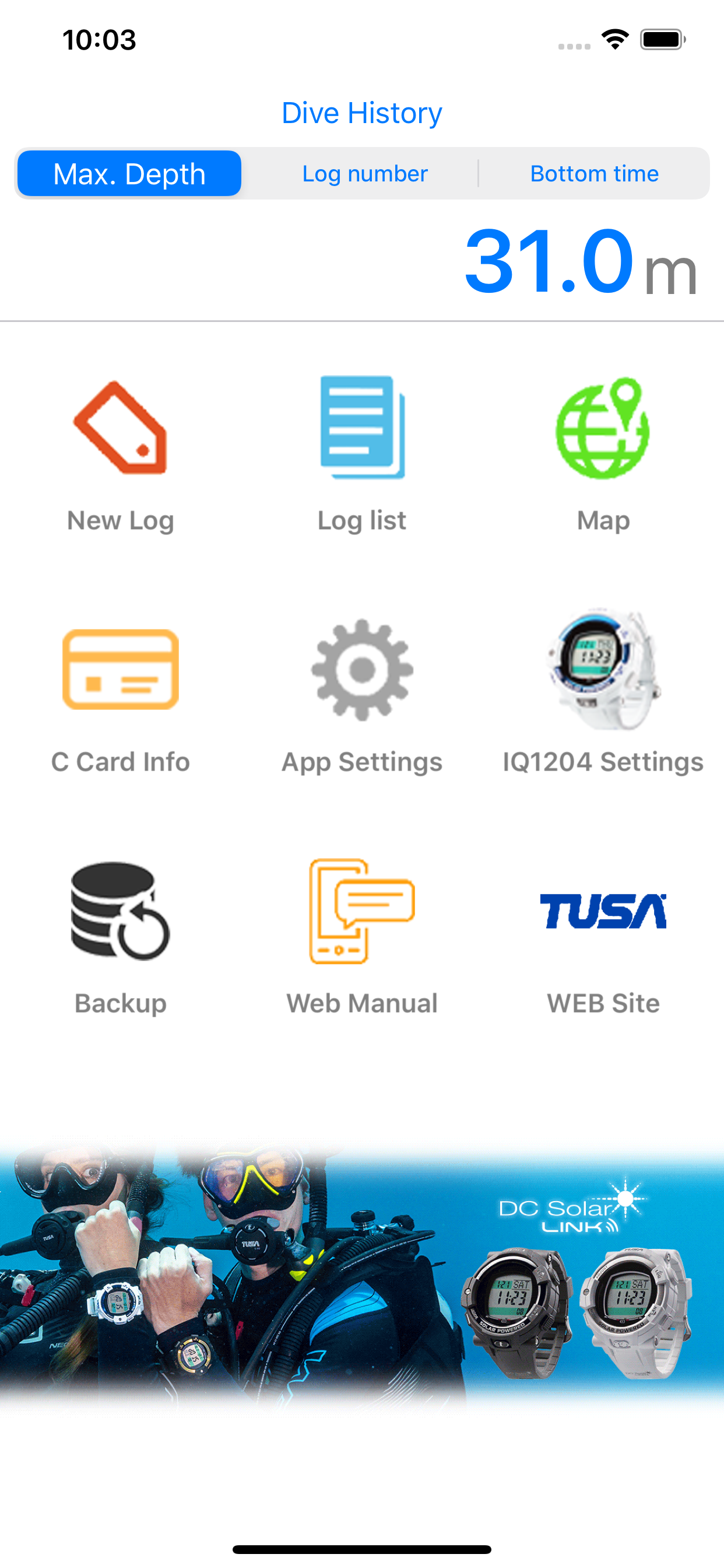
TUSA Diving LOG is a diving logbook app, which enables you to upload log data from TUSA IQ1204 DC Solar Link to your smartphone using Bluetooth® SMART. The TUSA Diving LOG App has many customizable functions to record the details of your dive. Information such as entry time, exit time, dive time, maximum water depth, average water depth, water temperature, air consumption, and much more can be recorded. Customize your dive log by recording dive point locations using maps, add photos, and capture signatures from an instructor. In addition, detailed water depth and warning information can be recorded at intervals, and uploaded to your app. Also you can easily export dive log information as images to share on Facebook, Twitter, or other social media. TUSA Diving LOG can be used independently of TUSA IQ1204 DC Solar link to record basic log information.
--TUSA Diving LOG--
• Featuring:
- Customizable scuba diving log book (create, edit, and browse log history)
- Graph display of depth intervals
- Record dive point locations using maps
- Export log information as an image to share on social media
- Dive instructor verification signature
- Ability to toggle ON/OFF all menu display items
• Information Recording:
- Maximum Water Depth (including graph display and current time)
- Average Water Depth
- Total Bottom Time (including Entry and Exit Time)
- Date
- Location
- Dive Points (Map Display)
- Entry Point (Boat or Beach)
- Residual Pressure Start and End Time
- Air Consumption
- Weather
- Wave Height
- Current
- Wind
- Water Temperature
- Lowest Water Temperature
- Visibility
- Gas Type
- Cylinder Type & Volume
- Safety Factors: N2 & O2 Indicators
- Ascent Rate Warning
- Decompression Dive Warning
- Decompression Depth Warning
- PO2 warning
- O2 warning
- Maximum Depth Alarm
- M Value Warning
- Weight
- Instructors Name
- Instructor Verification Signature
- Buddy Name
- Memo
• Creating a New Dive Log with TUSA Diving LOG App
- Press the “New Log” button on the home screen to create your new dive log.
• How to Pair TUSA IQ1204 DC Solar Link with DiveLog App
- When you create a new dive, first press the blue “Link with DC Solar” button on top in order to pair your TUSA IQ1204 DC Solar Link. Press the “Start Search” button displayed at the bottom of the screen. Make sure to follow all instructions on the screen in order to successfully upload your dive log information in the Diving LOG app.
商店排名
商店排名基於Google和Apple設定的多個參數。
所有類別 在
美國--
體育 在
美國--


 Diving Log VS.
 4月 30, 2026