

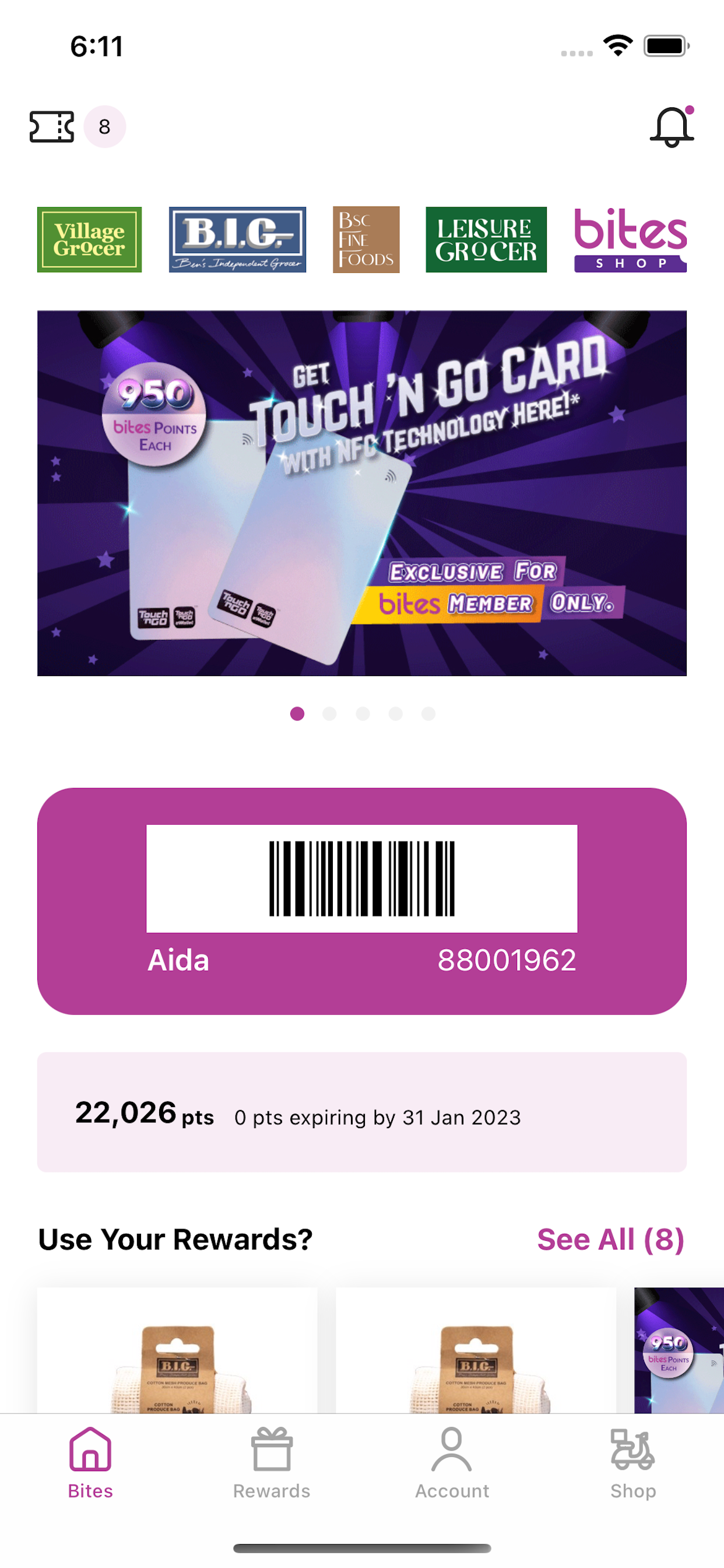
5月2日 的 Bites Card 應用程式分析

Bites Card
- Village Grocer Holdings Sdn Bhd
- Apple App Store
- 免費版
- 購物
# New App Update
We would like to inform that with this new app update, we will need all members to update email address and phone number contact once with new login and reset password. Especially for members who previously login using Facebook, Google or Apple ID. This is part of contact information update requirement practise for us to serve you better. We seek for your kind understanding while we move towards better user experience and services.
Important: Kindly do not create new Bites account if you already have existing Bites account. We are not able to sync accounts or transfer Bites points or vouchers. Kindly reach out to us at contactus@thefoodpurveyor.com for us to assist you.
Bites app currently support IOS - IOS 14.0 and above.
Internet connection required while trying to login in to Bites App.
### Q1: I login Bites App using Facebook OR Google previously. What do I need to do now?
Step 1: Select login option Facebook / Google OR Others for Apple ID
Step 2: Enter email address associated with your Facebook OR Google. Click ‘NEXT’.
Step 3: You will receive a ‘Bites by The Food Purveyor - Reset Password’ email from us. Click the link and reset a password you prefer. If Bites email not found, please try checking ‘Junk Mail’.
Step 4: You can now re-launch the Bites app to login using email address and new password you created. All points and e-vouchers will remain and not affected.
### Q2: I login Bites App using Apple ID previously, what do I need to do now?
Step 1: Select login option ‘Others’ for Apple ID
Step 2: Click ‘Contact Us’ and provide us your email address associated to Apple ID and mobile number used for the same Apple ID.
Step 3: We will send you reset password email. You will receive a ‘Bites by The Food Purveyor - Reset Password’ email from us. Click the link and reset a password you prefer. If Bites email not found, please try checking ‘Junk Mail’.
Step 4: You can now re-launch the Bites app to login using email address and new password you created. All points and e-vouchers will remain and not affected.
### Q3: I see ‘Error Code: 500’, What do I do now?
Step 1: ‘Error Code: 500’ means you have entered incorrect email address OR the email address is not the one used to register Bites membership previously.
Step 2: Kindly check all alphanumeric spelling is correct OR try another email. (Hint: from work email or others)
Step 3: If you have tried a few emails and still cannot recall which email address you used before, Kindly reach out to us at contactus@thefoodpurveyor.com and provide your mobile number for us to assist you.
Step 4: We will send you reset password email. You will receive a ‘Bites by The Food Purveyor - Reset Password’ email from us. Click the link and reset a password you prefer. If Bites email not found, please try checking ‘Junk Mail’.
Step 5: You can now re-launch the Bites app to login using email address and new password you created. All points and e-vouchers will remain and not affected.
### Q4: I login using Bites App using email address previously. What do I do now?
Step 1: Once you update Bites App, you are required to login again with password.
Step 2: If you forgot password, please click ‘Forgot Password. If you see ‘Error Code: 500’, kindly refer Q3 above.
Step 3: You will receive a ‘Bites by The Food Purveyor - Reset Password’ email from us. Click the link and reset a password you prefer. If Bites email not found, please try checking ‘Junk Mail’.
Step 4: You can now re-launch the Bites app to login using email address and new password you created. All points and e-vouchers will remain and not affected.
商店排名
商店排名基於Google和Apple設定的多個參數。
所有類別 在
美國--
購物 在
美國--


 Bites Card VS.
 5月 2, 2026