


4月29日的Periodic Timer +应用程序分析

Periodic Timer +
- Vladimir Kelin
- Apple 应用商店
- 付费
- 健康与健身
Keep track of time without being distracted by the device!
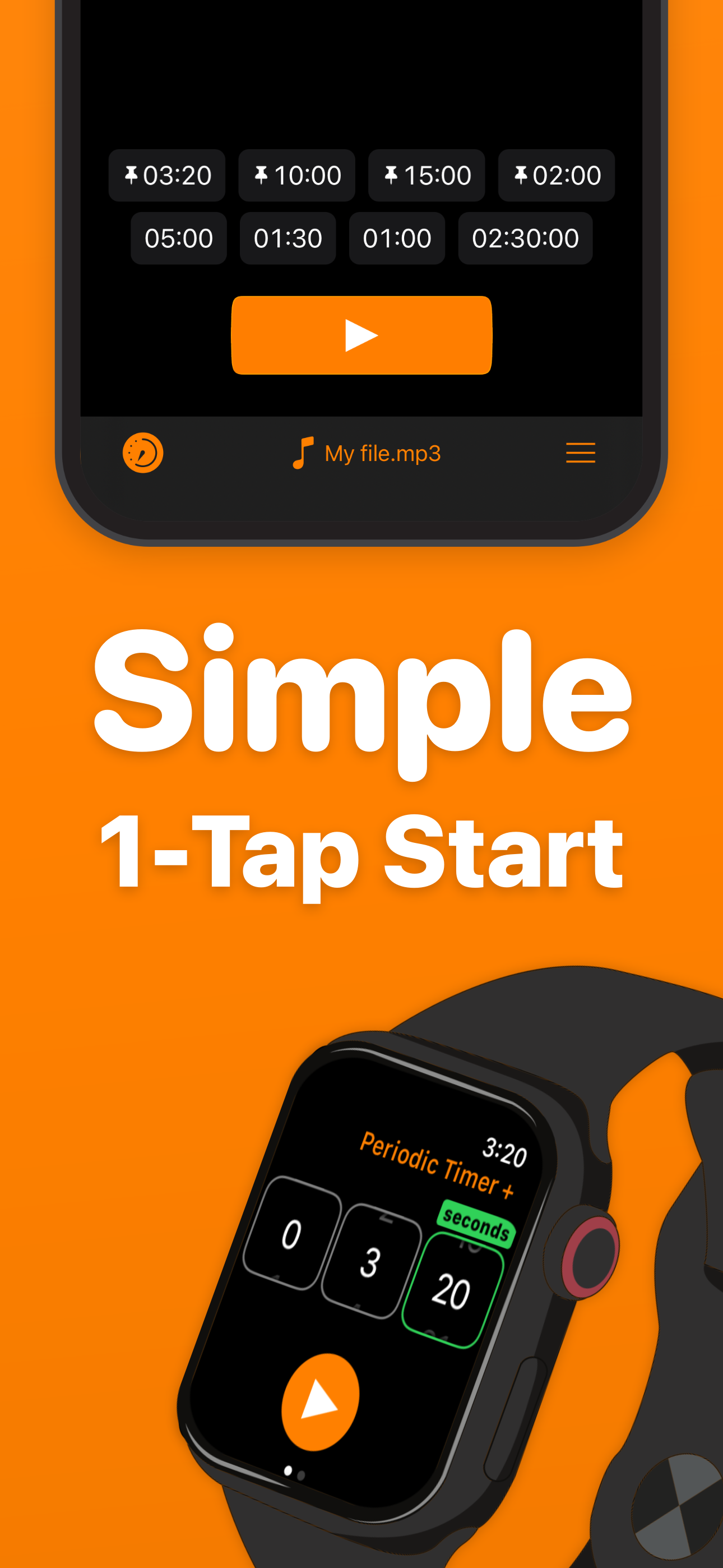
Simple and easy timer that repeats at your chosen interval.
FEATURES
- Many sounds to select + the ability to add custom ones.
- Up to 4 pinned and up to 5 recent Quick Start items.
- Long intervals - up to 99 hours!
- Vibration, if the sound is off.
- Works in the background.
- 3 timer output modes: intervals, total time, countdown.
- You can cancel or pause the timer with help of a notification.
- Flexibility and minimalism.
- Shake To Start - can be enabled in settings.
- Prevent Lockscreen - another useful setting, the screen will not lock, while the timer is running.
USE CASES
Here is a list of use cases based on the real feedback:
Fitness and health:
- Stretching
- Stationary bicycle (interval training)
- On a treadmill
- For HIIT
- Jogging
- Timed medication
- Boxing
Cooking
- While frying potatoes
- Roasting steaks
- Checking an oven or a grill to prevent burning
Learning & science
- Foreign language learning
- As a lab timer
- Periodic data collection
- Speech training
- Presentation timing
Other
- Mindfulness
- Communication
- To have a sense of time flying away :)
HELP
Q: Why the timer doesn't work in the background?
A: You should allow notifications.
Q: How to turn off the sound and turn on the vibration?
A: On the device, turn the Silent Mode on. (Side Switch)
Q: How can I add a custom sound?
A: There are four ways. Choose one depending where is the sound file located.
* If the sound on your Mac or PC:
1. Connect the device.
2. Open Finder and select the device.
3. Select Files in the menu. There you'll find 'Periodic +' folder.
4. Drug and drop the sound file there.
* From Files app on iPhone:
1. Copy the required file.
2. Open Periodic + folder and paste it.
* From another app on iPhone (like Mail):
1. Open the app where the file is located.
2. Find and touch Share button (it may have different name, for example Export).
3. In the appearing Share Sheet find the list of apps. If there is no Periodic +, touch More and enable it.
4. Now select Periodic + in the Share dialog and the sound will be imported.
* And the most convenient "+" button!
1. Open Sounds tab.
2. Hit the "+" button in the "Folder" section and pick your file.
Q: Alert is limited for 5 seconds!
A: Go to Settings app, then Periodic + > Notifications > Banner Style > Persistent.
Q: How to switch the Timer Output Mode?
A: To switch the Output Mode touch the timer display at the top of the screen.
Q: What is Shake To Start for?
A: Shake To Start setting allows to start/cancel the timer by shaking the device. Thus, you don't touch the screen, what can be useful while cooking, for example. For this mode, in order to work, the app should be open.
This app has a free version with limited features.
If you still have questions or suggestions, you can visit the support page (https://goo.gl/forms/pggVBcaBxdW85EGE3), the Facebook group (http://www.facebook.com/groups/PeriodicTimer/) or you can email me (periodictimer.sup@gmail.com).
If you like the app - please, rate it!
商店排名
商店排名基于 Google 和 Apple 设置的多个参数。
所有品类在
美国--
健康与健身在
美国--


 Periodic Timer + VS.
 四月 29, 2026