

2月18日的Bookmark To File应用程序分析

Bookmark To File
- Ganymed Stanek
- Apple 应用商店
- 付费
- 公共事业
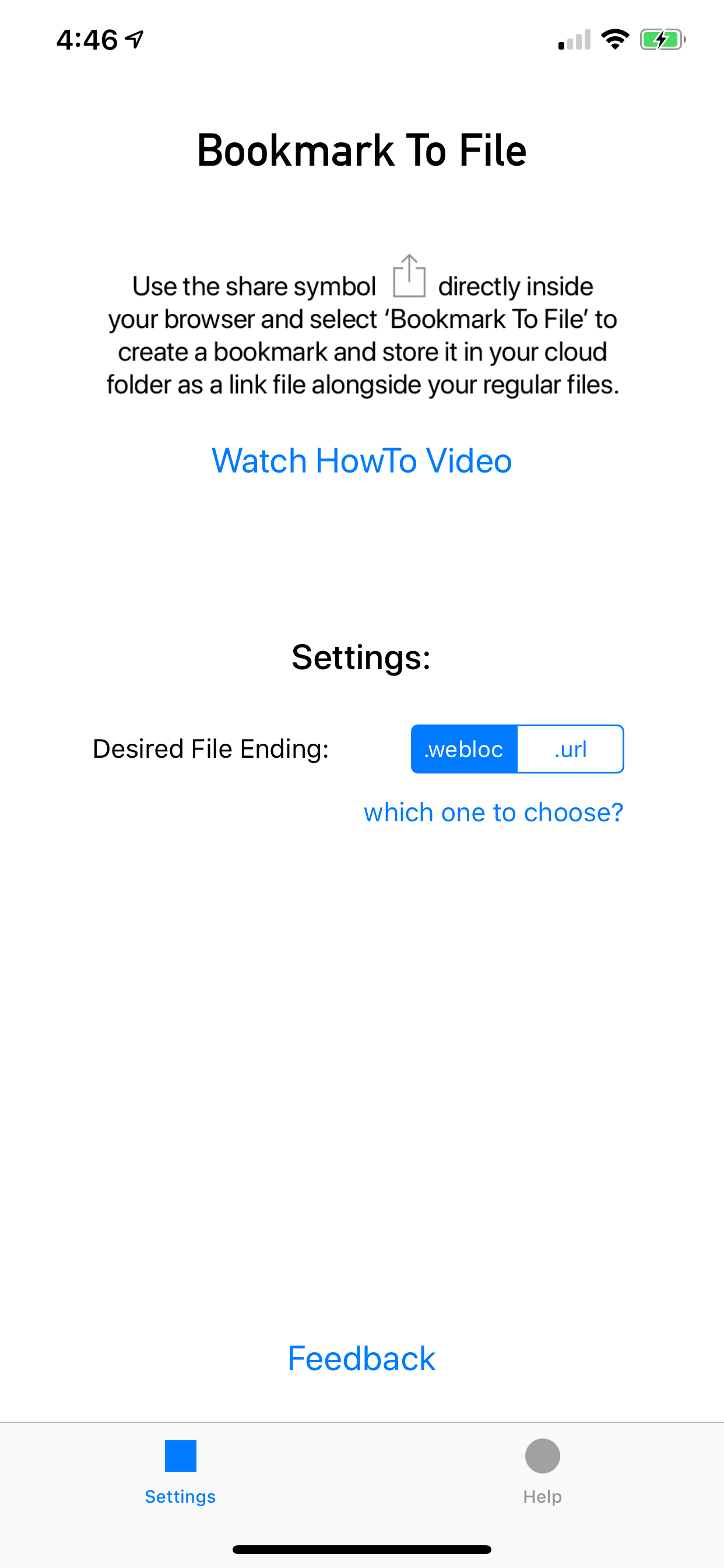
Right from within your browser, create a bookmark file with a .webloc or .url ending that links to the website you are currently on - and store it in any of your cloud storage drives set up on iOS.
By storing your bookmarks individually as link files right along your other files on a project or topic, you save yourself duplicating your folder structure inside the browsers bookmark feature.
This is how it works:
1. Tap the share icon in your web browser and chose 'Bookmark to File'
2. Keep the website title as the filename for the bookmark link, or change it to what you like.
3. Select your cloud folder where to save the bookmark file to - and hit save - that's it!
Works from Safari, Chrome, Opera and Edge browsers on iPhone and iPad. And now also Firefox!
Works with any cloud drive provider that can also be used with the Apple File App. This includes Google Drive, iCloud, OwnCloud, OneDrive, Dropbox and many more.
商店排名
商店排名基于 Google 和 Apple 设置的多个参数。
所有品类在
美国--
公共事业在
美国--


 Bookmark To File VS.
 二月 18, 2026