


4月27日的Luxilux Light Meter应用程序分析

Luxilux Light Meter
- Christian Lobach
- Apple 应用商店
- 付费
- 照片与视频
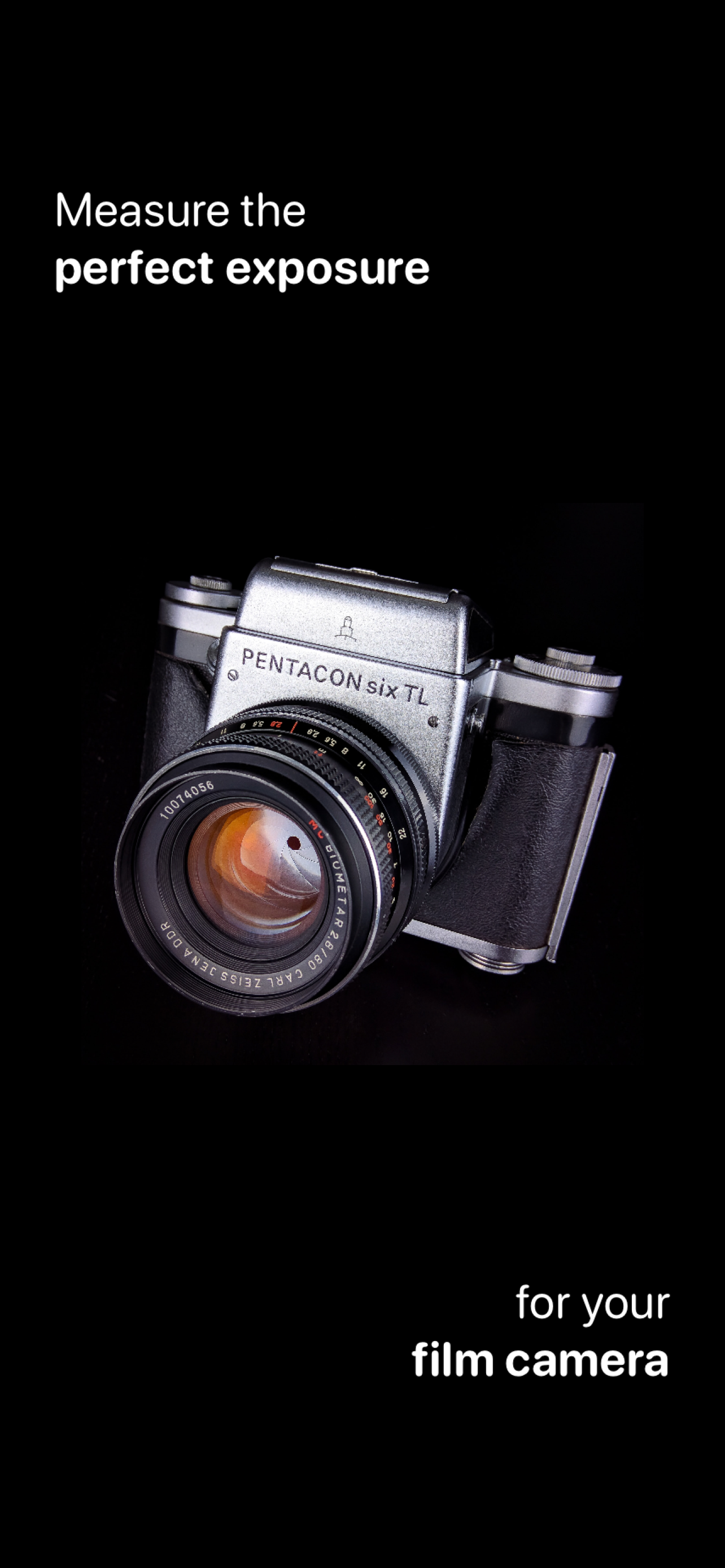
You like using your old film camera but it doesn't have a built-in light meter?
The built-in meter is broken or requires special batteries?
With Luxilux you always have a light meter in your pocket.
--- METERING ---
Luxilux will take an average reading of the image you see in the preview.
Specify the area for the meter reading even more accurately by zooming in or out.
If your device has two or three back cameras, you can switch between them.
You can also tap on points of interest to expose correctly for them.
--- MODES ---
Use Luxilux in aperture priority mode (Av) by choosing the ISO and aperture, and Luxilux will calculate the right shutter speed to get a proper exposure.
Use it in shutter priority mode (Tv) by choosing the ISO and the shutter speed, and Luxilux will calculate the right aperture to get a proper exposure.
Manual mode (M) lets you change all values and shows you how much they differ from the calculated optimal exposure.
--- SAVE EXPOSURES ---
Tap "Save" and the currently selected settings are saved alongside a preview image into your photo library.
If you give location permission you can also save where the measurement was taken.
You can view your saved photos in Luxilux or in the Photos app.
--- PROFILES ---
You can choose between full stops, half stops or third stops for ISO, aperture and shutter speed.
Specify the minimum and maximum values that your combination of camera, lens and film supports.
Save these settings in profiles so you can quickly recall them.
商店排名
商店排名基于 Google 和 Apple 设置的多个参数。
所有品类在
美国--
照片与视频在
美国--


 Luxilux Light Meter VS.
 四月 27, 2026