

2月18日的How to Draw, Step by step应用程序分析

How to Draw, Step by step
- nazife ince
- Apple 应用商店
- 免费
- 教育
How to Draw helps you learn how to draw!
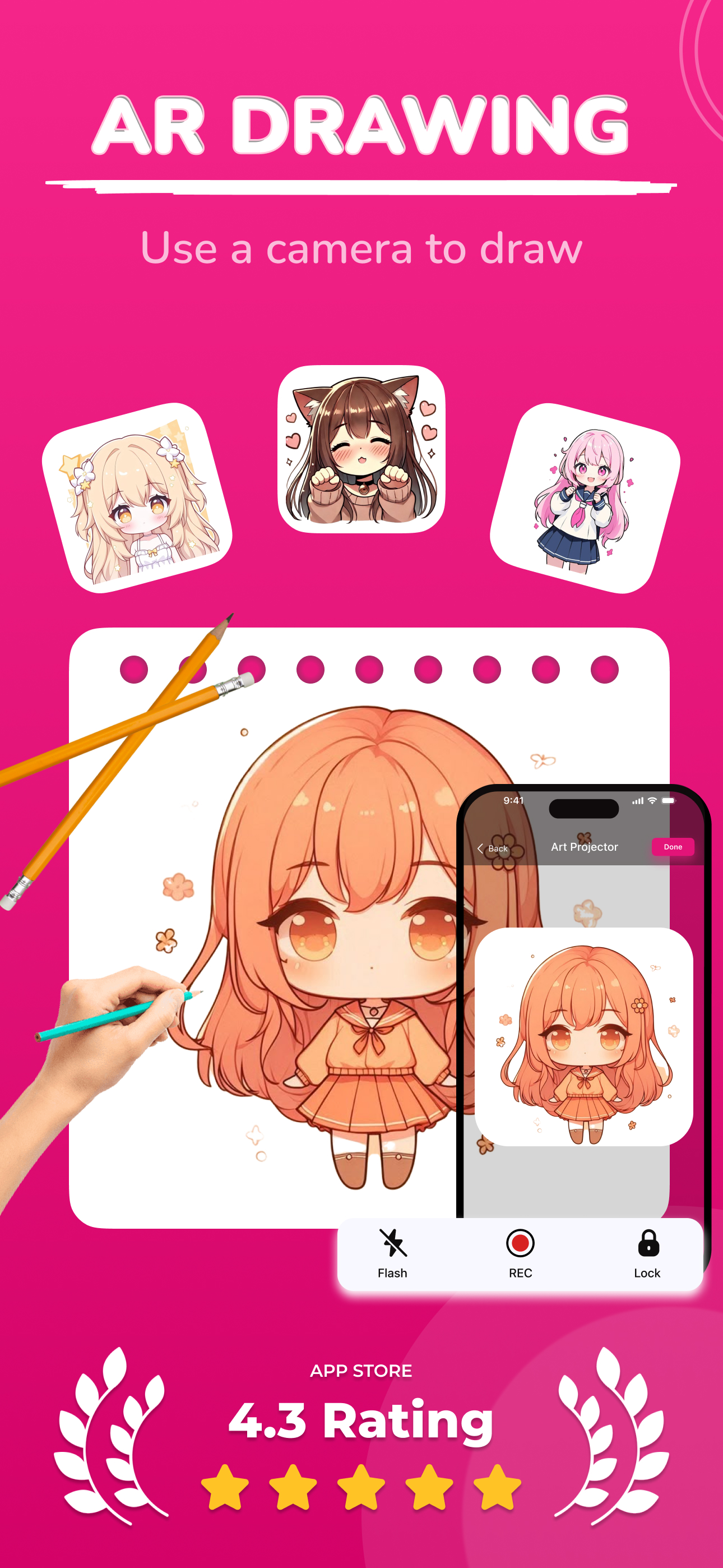
Use your phone's camera as a projector to draw.
How to Draw is a meticulously designed drawing application aimed at pushing the boundaries of your creativity.
This unique app allows you to elevate your drawing skills from beginner to advanced levels. It includes drawings that even master artists, drawing enthusiasts, tattoo artists, art school students, and those who have never drawn before can enjoy.
Learn to draw with AI
With the How to Draw app, you can use AI to do the following:
- Sticker Maker: Turn your photos into eye-catching stickers.
- Photo to Sketch: Transform your photos into sketches and use the projector feature to draw them on paper using your phone's camera.
- Background Remover: Flawlessly remove the background from your photos and draw anything you want in the background!
- Enhance Old Photos: Improve the quality of your photos for drawing!
- AI-Powered Drawing Sketches: One of the standout features of Ar Drawing is its AI-powered drawing sketch generator. Simply describe what you want to see—for example, "a white-haired man playing soccer"—and the AI will provide a drawing sketch that matches your description. This feature allows users to bring their imagination to life effortlessly.
Enjoyable Drawing Experience:
Ar Drawing, with its user-friendly interface, is easy to use. From beginners to professional artists, everyone can work on various drawing sketches and unleash their creativity.
Lightbox and Projector Features:
Drawing becomes incredibly easy with custom lightbox and projector features. You can follow step-by-step drawings on ready-made sketches. The art school is now in your pocket, allowing everyone, even those who have never drawn before, to create art.
Coloring Book Category:
Ar Drawing offers users a Coloring Book Category where they can step into colorful worlds. You can color ready-made drawings, create your color palette, and add a unique touch to your art.
Record Your Work in Real-Time:
While drawing, you can record videos of your work to track your progress.
Save and Share:
Save your works and share them on social media platforms! Ar Drawing makes it easy and fun to share your art with friends and the world. Explore the world of art with Ar Drawing, unleash your creativity, and share your unique drawings with the world.
Download it now and embark on an art-filled journey!
PRIVACY POLICY:
Read our privacy policy here: https://draw.findbluapp.com/privacy-policy
TERMS OF USE:
Get more information about our terms and conditions here: https://draw.findbluapp.com/terms-of-use
PREMIUM SUBSCRIPTION:
How to Draw app offers an automatically renewable subscription. The subscription will renew automatically unless turned off at least 24 hours before the current period ends. Subscriptions can be managed by the user at any time, and auto-renewal can be turned off by going to Account Settings after the purchase. Accounts will be charged for renewal within 24 hours before the end of the current period. If a subscription with a free trial is initiated, charges will be made unless canceled 24 hours before the end of the trial period.
CONTACT US:
Do you have any questions or feedback that would contribute to development? Reach out to us at: support@findbluapp.com
商店排名
商店排名基于 Google 和 Apple 设置的多个参数。
所有品类在
美国--
教育在
美国--


 How to Draw, Step by step VS.
 二月 18, 2026