

2月19日的Wilma应用程序分析

Wilma
- Visma Aquila Oy
- Apple 应用商店
- 免费
- 教育
Visma’s official Wilma app is essential for teachers, students, and guardians alike. The functions needed for the daily basic use of Wilma are at your fingertips!
The Wilma app lets you read and write messages and view the schedule, homework, exams, lesson notes, and announcements. Guardians can verify absences and notify of their child's absences in advance.
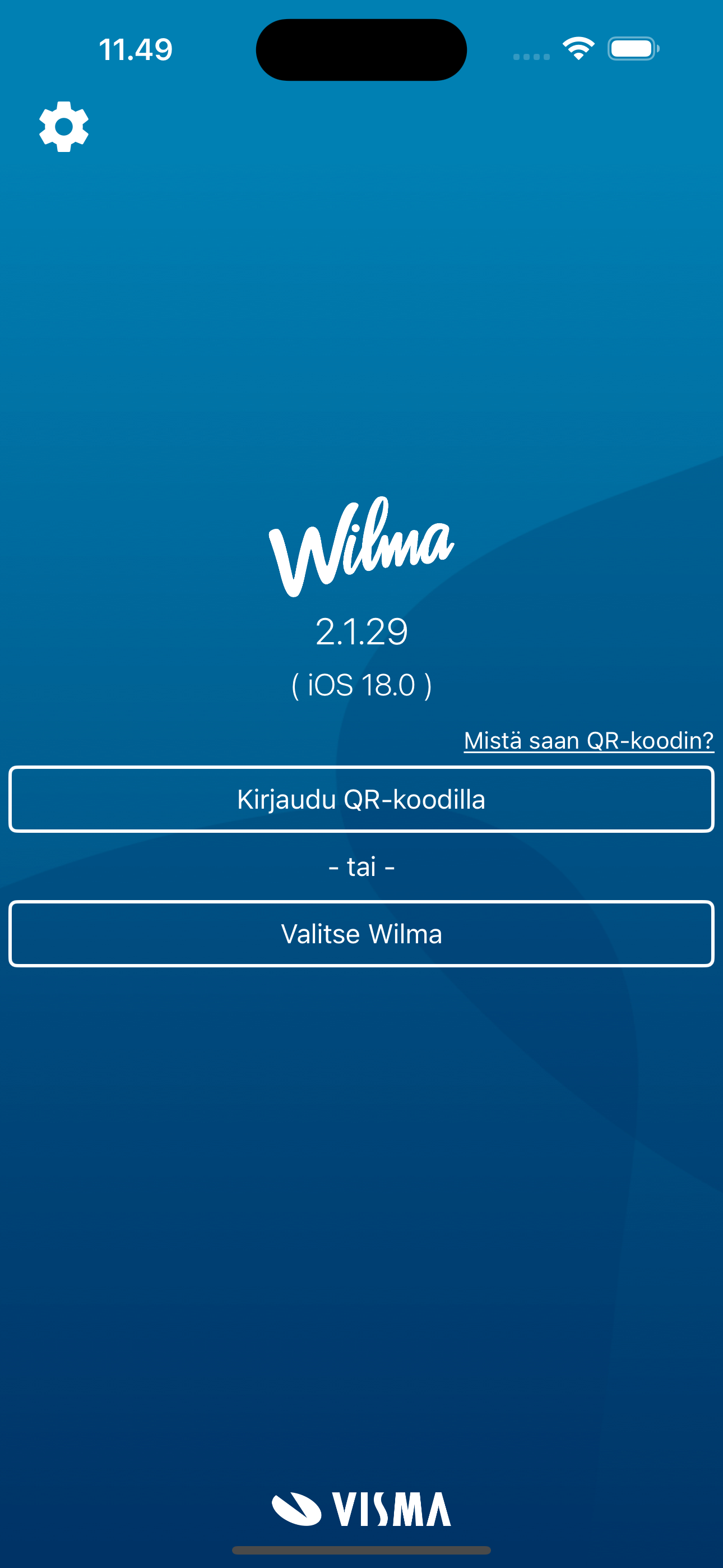
The app works without a separate login once you have added a user account.
- The easiest way to add a user account is by logging into Wilma with a computer browser, scanning the QR code with your phone in the app, and entering your Wilma password.
- Alternatively, you can add a user account manually by selecting your municipality's or school's Wilma in the app and entering your username and password.
If you have multiple Wilma accounts, you can add them all to the app — you get all the information conveniently in one place, even if you have Wilma accounts from different municipalities or educational institutions.
Features:
- Get notified about new messages and lesson notes
- Read and write messages
- Read announcements
- View your schedule
- See course information: homework, exam dates, and lesson notes
- Handle absences individually and in bulk
- Report absences in advance
- Book care times in early childhood education (in municipalities that have purchased this service)
- Support for offline mode: if a network connection is unavailable, you can still check your schedule, read messages, and more.
The app does not include all the functions featured in the web browser version of Wilma.
商店排名
商店排名基于 Google 和 Apple 设置的多个参数。
所有品类在
美国--
教育在
美国--



 Wilma VS.
 二月 19, 2026