

4月26日的MobileJawi应用程序分析

MobileJawi
- Muthelilan Nedumaran
- Apple 应用商店
- 免费
- 公共事业
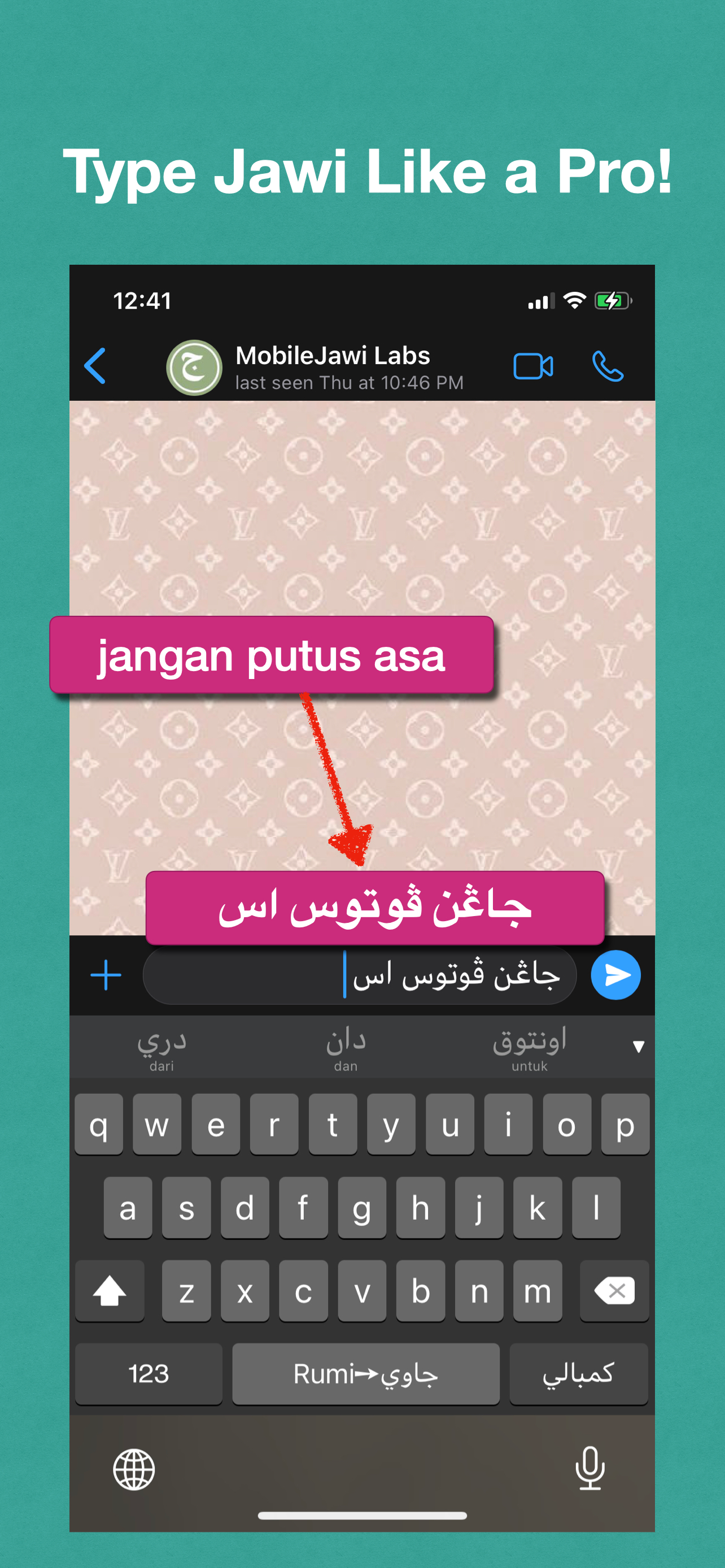
MobileJawi app includes two keyboards for typing text in Jawi. One is the Rumi -> Jawi transliteration keyboard and the other is the native Jawi keyboard. These are keyboard extensions, which allows you to type in any iOS app directly. There is no need to cut-and-paste!
With the Rumi -> Jawi keyboard, you type the text with the standard qwerty keyboard used for English and Malay. MobileJawi includes an engine that will transliterate the Malay words from Rumi to Jawi as you are typing.
For example, to get ساي in Jawi, you just type saya in Rumi. You can type Jawi text like a pro, even if you are not a Jawi pro!
MobileJawi predicts the word you are trying to type and presents a list of suggested words. These words are shown in both Jawi and Rumi letters so you can cross check and be comfortable that you are indeed getting the word you want. It also auto-corrects the word before transliterating. Touching any of the suggested words will insert only the word spelt in Jawi into the text.
Once a word is selected from the suggestions and inserted into the text, MobileJawi will then present a list of possible words as the next word. These words will also be shown in Jawi and Rumi. You can select the correct word from the Rumi spelling, even if you can't read Jawi.
MobileJawi handles some of the common short-cuts used in Malay. For example, when you type jln, MobileJawi will expand jln into jalan and then provide the Jawi spelling for this word in the suggestions list.
For words that MobileJawi can not transliterate, like words from other languages, you can always switch to the Jawi keyboard and type the word directly in Jawi. Even there, MobileJawi shows the Rumi spelling of the word spelt in Jawi!
商店排名
商店排名基于 Google 和 Apple 设置的多个参数。
所有品类在
美国--
公共事业在
美国--


 MobileJawi VS.
 四月 26, 2026