

2月22日的Glazba – Music Player应用程序分析

Glazba – Music Player
- Pavel Alekseev
- Apple 应用商店
- 付费
- 音乐
Listen music from your favourite cloud storage service (Google Drive, Dropbox, OneDrive, Yandex.Disk), download tracks for offline access.
Or upload music from PC/Mac directly using WiFi or cable.
Main feature is the playlist, where you can drop music with a simple gesture. It really feels that easy: you can quickly made a playlist you need right now out of hundreds of tracks you have. All the tracks in this playlist will be nicely separated by albums or folders.
Folders.
You can upload music from your PC/Mac straight into the player app. All your highly structured music collection… or just a jumble of tracks.
Upload entire “E:\music” folder and it will appear as is in the application (look below for instructions).
If you used to sync with iTunes or have an Apple Music subscription, it is supported as well.
The rest:
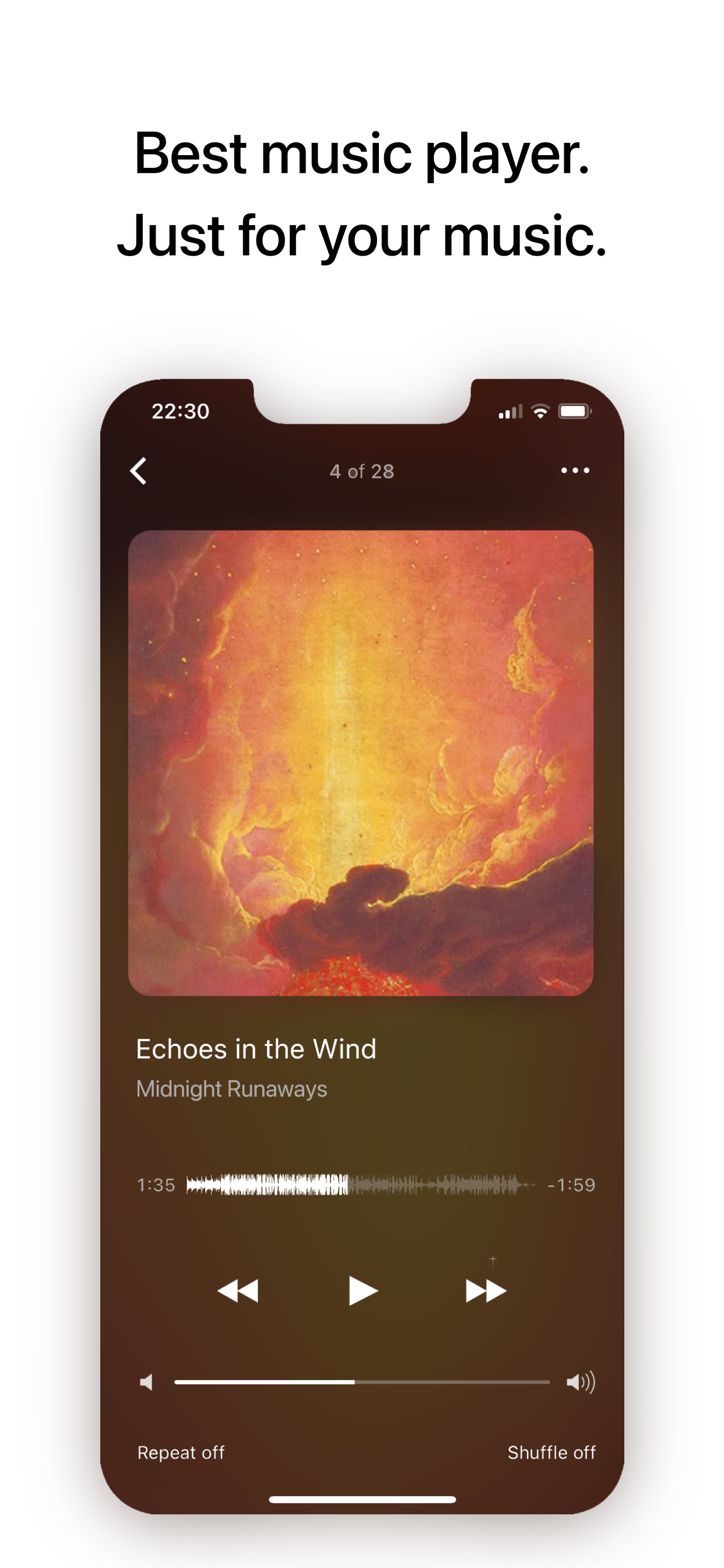
- Real waveform instead of boring position slider.
- Covers for albums.
- Last.fm scrobbling.
- Support for FLAC, radio-streams and many more audio formats.
Enjoy!
—————
How to upload music from PC/Mac:
Method #1.
- Connect your iPhone/iPad.
- Launch iTunes.
- Go to Apps and scroll down to File Sharing.
- Find “Glazba”.
- Drag and drop any files or folders with music into Glazba Documents.
Method #2.
- Check that you iPhone and computer are connected to the same WiFi.
- Enable WiFi Upload in the app (Folders -> WiFi Upload).
- In the browser on computer go to specified URL (something like http://192.168.1.140).
- Create/rename/delete folders and drag and drop music files directly into browser page.
商店排名
商店排名基于 Google 和 Apple 设置的多个参数。
所有品类在
美国--
音乐在
美国--


 Glazba – Music Player VS.
 二月 22, 2026