

You’ve hit your search limit
Start your free trial to keep exploring full traffic and performance insights.
Get StartedAnálisis de la app QuickNotes X Pro para 17 de febrero
QuickNotes X Pro
- Alessandro Sassi
- App Store de Apple
- Pagado
- Productividad
- ORGANIZE YOUR NOTES -
Create notebooks to organize your notes. Choose between a selection of paper templates and covers, and choose between vertical or horizontal layout to fit your note-taking needs. You can also rearrange your notebooks and create folders for them for maximum flexibility.
- IMPORT & EDIT YOUR PDFs -
With QuickNotes X you can import your PDF documents inside an existing notebook or in a new one, and you can edit them using all the tools QuickNotes X offers. Markup, annotate, highlight, insert images and text and more. You can also export these pages as a new PDF to share you edits.
- ACCURATE NOTE-TAKING -
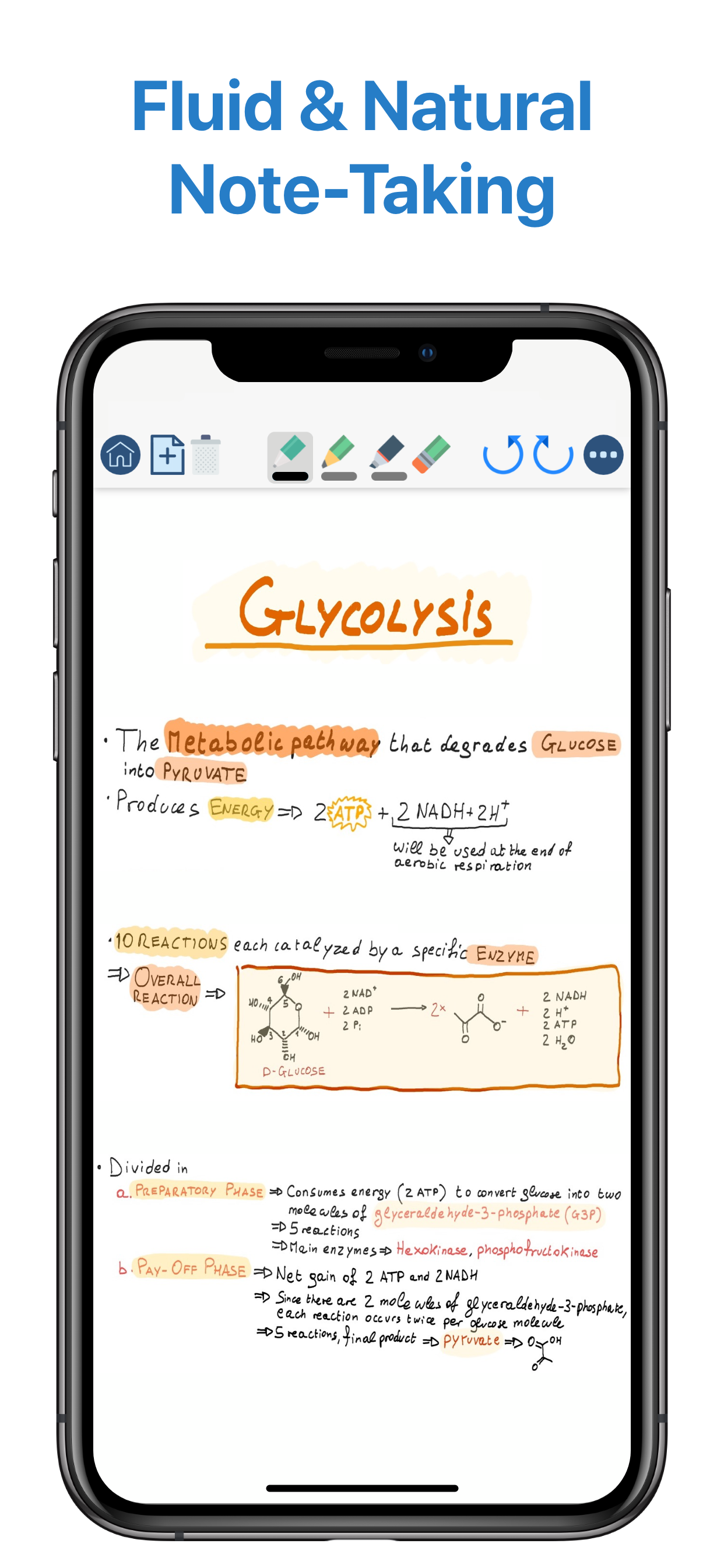
QuickNotes X has a new accurate drawing engine that never loses detail, even after zooming or moving around the page. It also has the tools necessary to take perfect professional notes, all in one place.
- DRAG & DROP SUPPORT -
With QuickNotes X, you can easily create multi-media notes: use an image as a background, or import images from your library or from the web with an in-app tool or by using drag & drop from another window. In addition, these images are always resizable and movable, so that you can edit them whenever you want
- PROFESSIONAL TOOLS -
To create perfect notes, you need the right tools. This is why QuickNotes X has everything you need, from Pen and Highlighter to the Eraser, so that no mistakes are irreversible. Select the perfect line width and opacity to further customize your style, and choose the color you need from a hand-picked selection or by using the new HSV picker. You can even import a color from an image using the unique RealityPicker!
- LOCK YOUR PRIVATE NOTEBOOKS -
Want to restrict access to a specific notebook? Just set up a password when you create it or long press on its cover to lock it. And when you need to add some pages to it, just enter the password again or use Touch ID or Face ID to unlock it.
- TYPE INSTEAD OF WRITING -
With the new Text Tool you can add Text Boxes to your notes to type instead of writing. Want a different text style? Choose the font, size and color you like, underline or set to bold important things: now typing and writing notes is easier with QuickNotes X.
- EXPORT TO EDIT ON OTHER DEVICES -
You can export individual notes or entire notebooks as a QuickNotes X Document, which can be imported on another device to continue editing your notes. If you export your notebooks they will retain all properties, such as background and aspect ratio, so that if you reimport them they will look exactly as you expect.
- SEAMLESS SHARING -
Export your note as a PNG image or PDF, with the option to export the whole notebook in a single PDF document. Then, open it in your favorite app or share it with Mail, all with a few taps.
- USE YOUR STYLUS -
Have a Bluetooth stylus? No problem! QuickNotes X support a variety of styluses, from the Apple Pencil (1st & 2nd Generation)* to Adonit Jot, so that you can take notes while resting your palm on the screen, just like on paper.
- OPTIMIZED FOR iOS 13 & 14 -
With iOS 13 and 14, QuickNotes X is better than ever! A new, more modern look and support for Dark Mode makes taking notes with QuickNotes X a new experience.
- BUT THERE IS MORE! -
⊱ Quickly change page by double-tapping on the edge of the screen
⊱ See all your notebook pages at a glance while taking notes with the new "Notes List" feature
⊱ Create a new page while writing with the dedicated button or by double-tapping on the edge of the screen
⊱ Unlimited undo-redo while writing (before leaving the page)
⊱ Clear your page with a single tap
⊱ Change your notebook template while writing thanks to the dedicated button
⊱ Rapidly delete notes and notebooks with just a long press
⊱ Option to reset all content (Notebooks and Notes) and preferences
⊱ Lightweight: all the features of a professional drawing app with less than 20MB of space
⊱ Localized in English, Italian and French.
QuickNotes X Pro: note-taking, made easy.
*Only on selected iPad models
Clasificación de tiendas
El Store Rank se basa en múltiples parámetros establecidos por Google y Apple.
Todas las categorías en
Estados Unidos--
Productividad en
Estados Unidos--
Principales competidores & aplicaciones alternativas
Aplicaciones con una alta probabilidad de ser utilizadas por los mismos usuarios, desde la misma tienda.

Stylus Labs Write Pro

DayBook's

eScribo

TextCrafter 2 ~ Craft & Share
 QuickNotes X Pro VS.
 febrero 17, 2026