

You’ve hit your search limit
Start your free trial to keep exploring full traffic and performance insights.
Get StartedAnálisis de la app KOREK para 27 de abril

KOREK
- Government of Mauritius
- App Store de Apple
- Gratis
- Servicios públicos
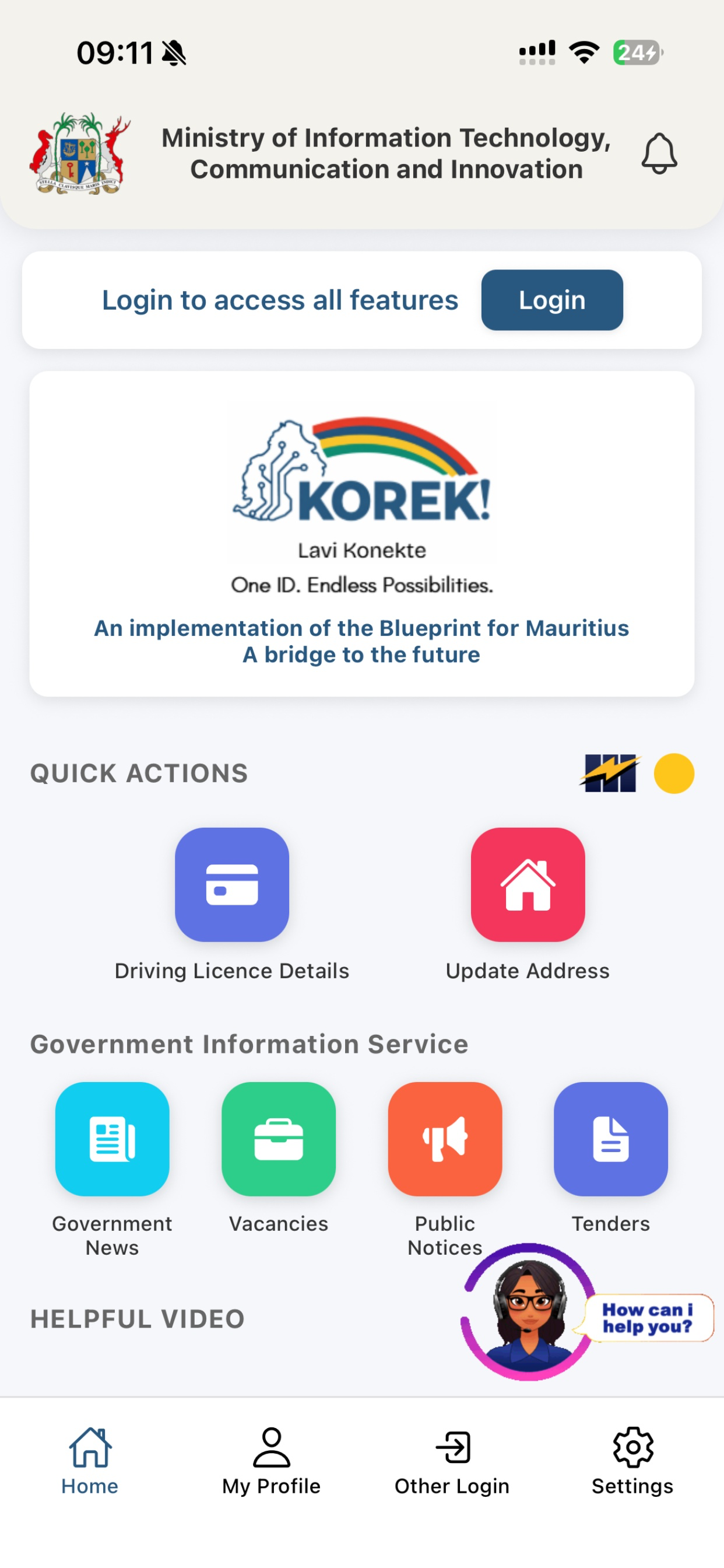
KOREK is the mobile application of the Mauritius National Authentication Framework, developed under the aegis of the Ministry of Information Technology, Communication and Innovation (MITCI). Korek is the rebranded version of the MauPass mobile application and continues to provide citizens with secure access to existing MauPass services, while introducing new features related to driving licence information.
Key Features
• Secure access to MauPass services using the national authentication framework
• Viewing of personal information retrieved from authorised government systems
• Access to driving licence details for eligible users (18 years and above)
• Viewing of driving licence penalty points and history of infractions
• Real-time data retrieval via government interoperability platforms
Driving Licence Information
Driving licence details and penalty points displayed in the Korek mobile application are retrieved in real time from the Integrated Driver’s Licence Management System (IDLMS) through approved government interfaces.
Important:
Information displayed in the application is for informational purposes only and does not constitute a digital driving licence at this stage.
Data Security & Privacy
All data is accessed through approved government systems and interoperability standards
Personal information is displayed securely and is not stored unnecessarily on the device
The application complies with applicable data protection, security, and auditing requirements
Clasificación de tiendas
El Store Rank se basa en múltiples parámetros establecidos por Google y Apple.
Todas las categorías en
Estados Unidos--
Servicios públicos en
Estados Unidos--
Principales competidores & aplicaciones alternativas
Aplicaciones con una alta probabilidad de ser utilizadas por los mismos usuarios, desde la misma tienda.

my.t care

MoKouran

HYYP

Wallbox Service App
 KOREK VS.
 abril 27, 2026