

You’ve hit your search limit
Start your free trial to keep exploring full traffic and performance insights.
Get StartedAnálisis de la app VideoCalc para 22 de febrero
VideoCalc
- Nelcea
- App Store de Apple
- Pagado
- Servicios públicos
VideoCalc is The tool that will help you design Home Theaters in a consistent, quick and easy way.
It makes all the tedious calculations a breeze and ensures you can get the desired information in an intuitive way.
This is a must have for Home Theater enthusiasts, custom installers, video professionals and more.
VideoCalc is made up of several tools, that each in its own right provide you with essential calculations but do work together, ensuring the effect of every component on the system is taken into account.
Furthermore the tools are organized in a natural progression, guiding you through the process of designing a Home Theater that follows the industry best practices and standards.
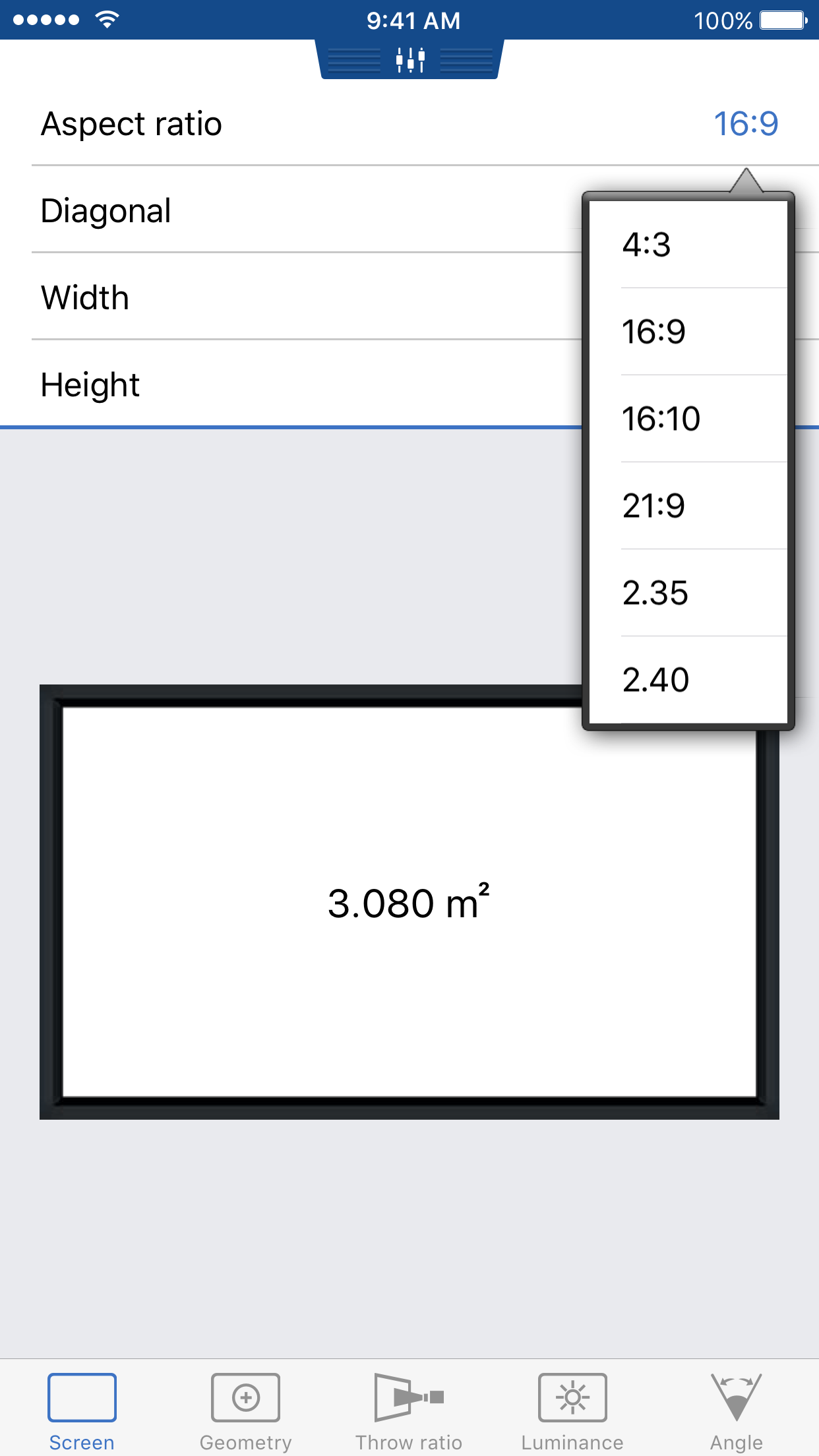
Start by defining your screen. The tool allows easy calculation of any screen dimension based on the others.
Support for usual aspect ratios is provided, allowing you to pick amongst a selection of the most commonly used aspects.
For a projection system, the next step tackles the projector part, defining the aspect ratio of the matrix and the optional usage of an anamorphic lens.
The tool shows you how the image will fit within the defined screen and the deformation that the anamorphic lens would apply to the projected image.
This is also a fantastic tutorial tool to understand anamorphic systems.
The next step takes care of projector placement and/or selection in regards to the throw ratio requirements.
Enter the throw ratio range of your projector and check it can be placed to work with your screen.
Alternatively, enter the distance from the screen where you wish to place your projector and the tool computes the required throw ratio.
This is perfect for selecting your lens on higher-end projectors.
The Luminance tab allows to find out how big the screen can be with a given projector or how bright your projector must be to light up the defined screen, while respecting the industry best practices.
With the Angle tab, validate that your field of view is in accordance with industry accepted standards such as THX or SMPTE.
VideoCalc works in both imperial and metric units. Simply swipe down to reveal the unit selection view, giving you the choice between centimeters, meters, inches and feet.
If you like this tool, be sure to also check AudioCalc, the companion tool addressing your audio needs.
Clasificación de tiendas
El Store Rank se basa en múltiples parámetros establecidos por Google y Apple.
Todas las categorías en
Estados Unidos--
Servicios públicos en
Estados Unidos--
Principales competidores & aplicaciones alternativas
Aplicaciones con una alta probabilidad de ser utilizadas por los mismos usuarios, desde la misma tienda.

LensPro

Lensit

Origin Music

PhaseX NFC App
 VideoCalc VS.
 febrero 22, 2026