

You’ve hit your search limit
Start your free trial to keep exploring full traffic and performance insights.
Get StartedAnálisis de la app Strider: Personal Kanban Board para 3 de mayo

Strider: Personal Kanban Board
- ORCAN FURKAN DAGLI
- App Store de Apple
- Pagado
- Productividad
Strider — Personal Scrum Board
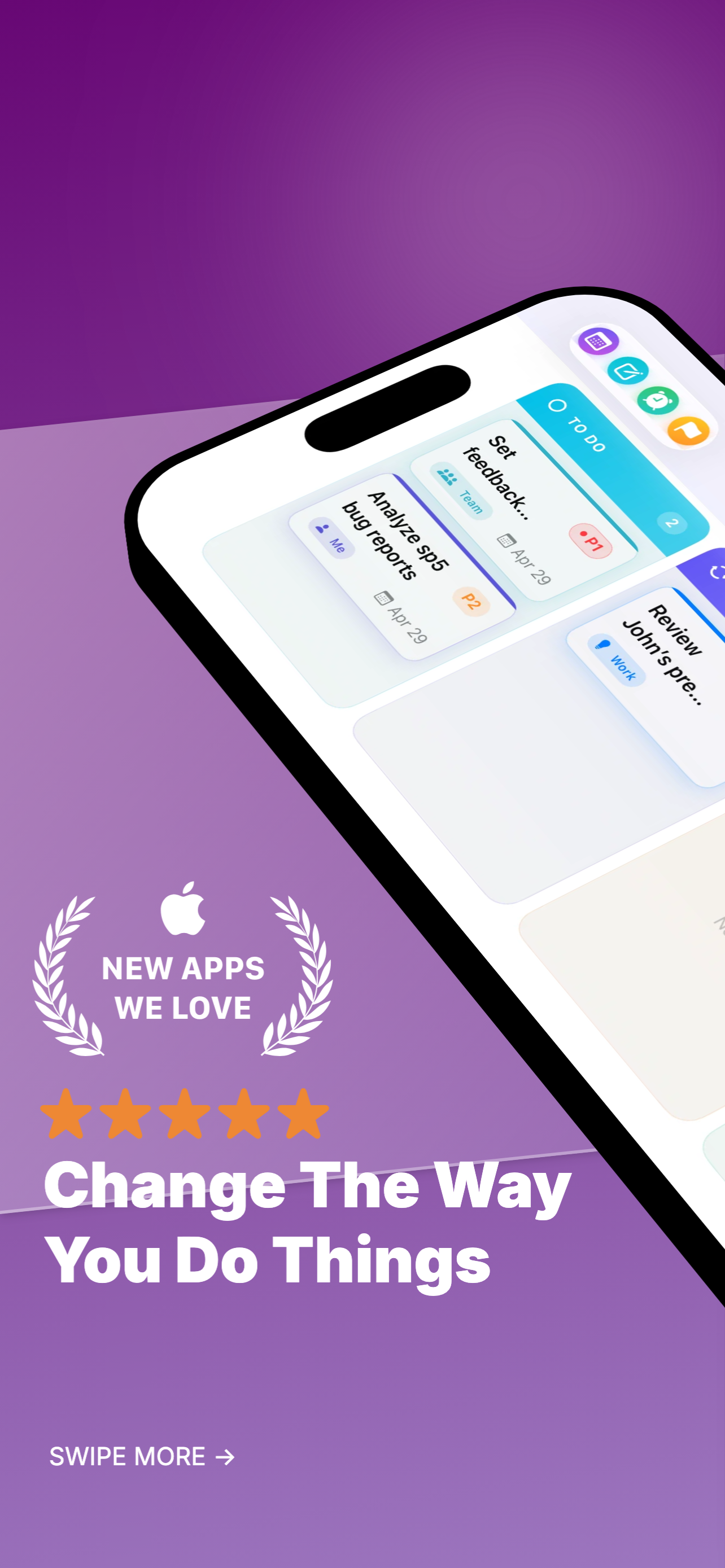
Strider turns your iPhone into a powerful personal productivity hub. Designed with a landscape-first Kanban board at its core, it brings the clarity of agile project management to your daily life.
Kanban Board
Organize your tasks across four columns — To Do, In Progress, On Hold, and Done. Drag and drop cards between columns, set priorities from P1 (Critical) to P5 (Lowest), assign categories, and track deadlines. Filter by priority or category and sort by urgency, deadline, or creation date.
Voice & Camera Input
Create tasks and notes by speaking — hold the mic button and Strider transcribes in real time. Supports 10 languages including English, Turkish, French, German, Spanish, and more. Use the built-in document scanner to capture handwritten or printed text with on-device OCR.
Meeting Notes
Schedule meetings manually or sync today's events directly from your iOS Calendar. Add notes by typing, dictating, or scanning. Promote any meeting note to a board task with a single swipe.
Personal Notes
Capture quick thoughts with text, voice, or camera. Every note can be turned into a task on your board when you're ready to act on it.
Routines
Set up daily, weekly, or monthly recurring reminders. Toggle notifications on or off for each routine and add a purpose note to stay motivated.
Long-Term Goals
Break big ambitions into weighted steps. Track progress with a visual percentage ring that updates automatically as you complete each step. Set reminders to keep yourself on track.
Smart Notifications
Configure reminder intervals per priority level. Critical tasks can notify you every 30 minutes, while lower priorities check in less frequently. You decide what matters most.
Customizable Categories
Start with defaults like Me, Team, and Department — or create your own. Up to 20 color-coded categories keep your tasks organized your way.
Privacy First
All data stays on your device. No accounts, no cloud, no tracking, no ads. Strider works entirely offline using Apple's SwiftData framework.
Key Features:
• 4-column Kanban board with drag-and-drop
• 5-level priority system (P1–P5)
• Voice input in 10 languages
• Document scanner with smart OCR
• iOS Calendar sync for meetings
• Meeting & personal notes with promote-to-task
• Daily, weekly & monthly routines
• Long-term goals with weighted step tracking
• Per-priority notification intervals
• Custom categories (up to 20)
• Landscape-optimized design
• 100% offline — your data never leaves your device
Clasificación de tiendas
El Store Rank se basa en múltiples parámetros establecidos por Google y Apple.
Todas las categorías en
Estados Unidos--
Productividad en
Estados Unidos--
Strider: Personal Kanban Boardmayo 3, 2026