

You’ve hit your search limit
Start your free trial to keep exploring full traffic and performance insights.
Get StartedAnalyse de l'application MyNotebook - simple note app - pour le 26 avril

MyNotebook - simple note app -
- fumio ueda
- App Store Apple
- Gratuit
- Productivité
"My Notebook" Overview
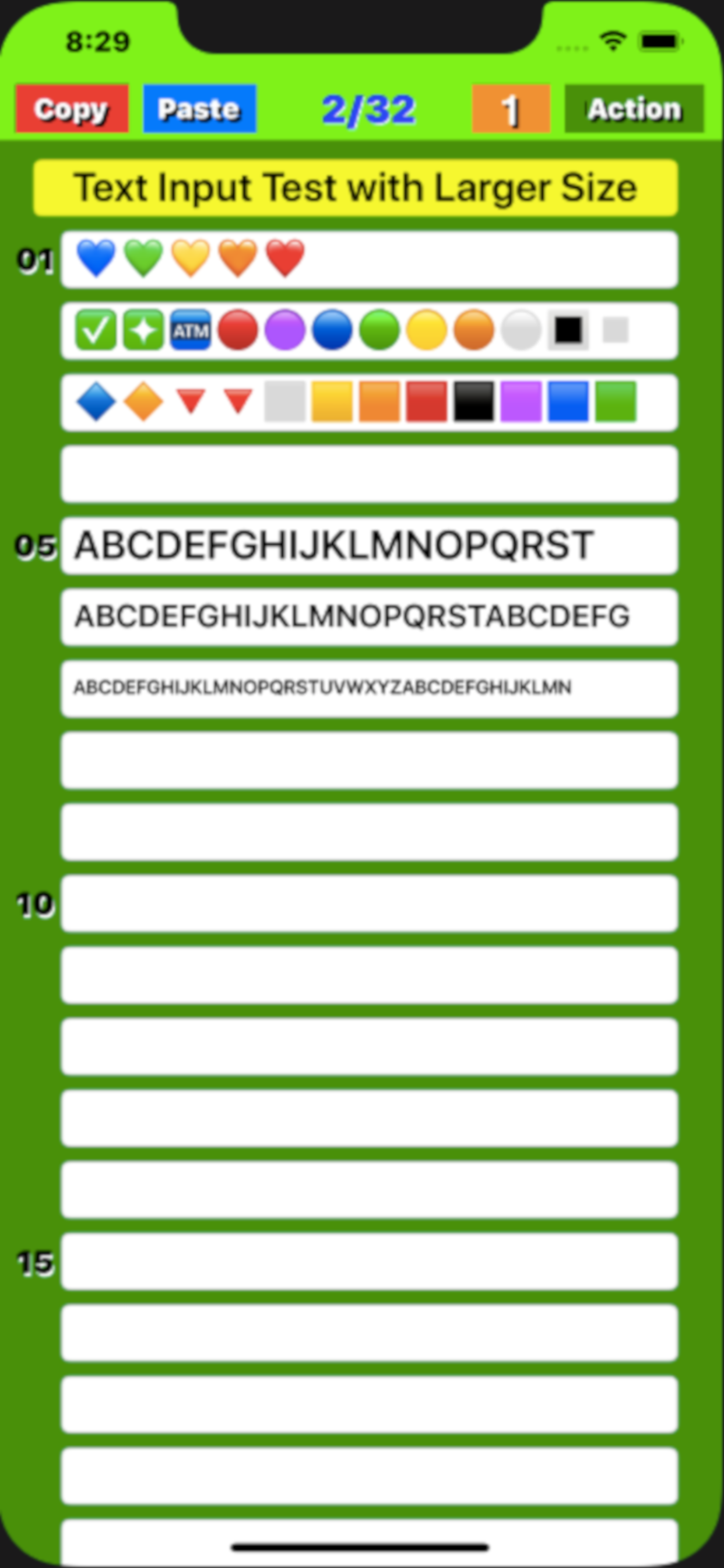
it is suitable for creating checklists, to-do lists, and writing diaries by genre using short sentences. And you may be even trained the ability to create short sentences. Text size can be changed by simply pinching the screen.
(1) Notepad function
● Start up ; The display will start from the last finished page and it will be possible to edit.
● Page structure ; Consists of one title and 32 lines body.
● Font resizes ; When more than limited number of text is entered, font size automatically become smaller.
● Page turning ; Swipe the screen left / right or tap the left / right frame to page forward.
● Turning speed ; If you set the "Mode" button to "5", you can send 5 pages, if you set it to "1", you can send 1 page at a time.
● Infinite loop; Since it uses an infinite loop type page turning, the page is turned from the page near the rear end to the page near the front end when moving forward, and in the reverse direction when reversing.
● Character input; Tapping a position where you want to enter a character a cursor appears and a keyboard also appears at the bottom of the screen. Using the keyboard you can enter any character at the cursor position.
● "Done" button; Tapping the "Done" button, you can save the text you entered to your device's memory, for the next startup.
(2) "Copy" function
By tapping the "Copy" button on each page, the entered title and text will be stored in the device's memory. The text is also copied to the clipboard.
(3) "Paste" function
● When you tap the "Paste" button on each page, a screen will pop up asking if you want to overwrite the page with the title and text saved in memory. Tap "Overwrite" on that screen to execute overwriting.
● You can erase all the characters at once by copying a blank page and pasting it on any page.
(4) Table of contents creation function
If you press the Paste button for a few seconds, a screen will pop up asking if you want to create a table of contents. Select Create to create a table of contents.
(5) "Mail" function
On any page, click the "Action" button, and a selection screen for email or print appears. Select an email and follow the instructions on the email screen. After setting and confirming the title, destination, Cc / Bcc, and sender, click the "Send" button to send, or the "Cancel" button to cancel.
(6) "Print" function (v1.5)
On any page, click the "Action" button, and a selection screen for email or print appears. Select "Print" and follow the instructions on the print screen. After selecting and checking the printer selection, number of prints, and print page range, press "Print" to execute printing. If you want to cancel, press "Cancel".
Classement dans le store
Le classement des stores est basé sur plusieurs paramètres définis par Google et Apple.
Toutes les catégories dans
États-Unis--
Productivité dans
États-Unis--
Principaux concurrents & apps alternatives
Applications ayant une forte probabilité d'être utilisées par les mêmes utilisateurs, à partir du même store.

Steno paper

Memopad - Simple&Classic Notes

Notepad Widget, Sticky Notes

Audio Notebook: Voice Recorder
 MyNotebook - simple note app - VS.
 avril 26, 2026