

You’ve hit your search limit
Start your free trial to keep exploring full traffic and performance insights.
Get StartedImage resizer, converter iSize app analytics for August 19

Image resizer, converter iSize
- VeprIT
- Apple App Store
- Free
- Graphics & Design
iSize: Advanced Image Converter
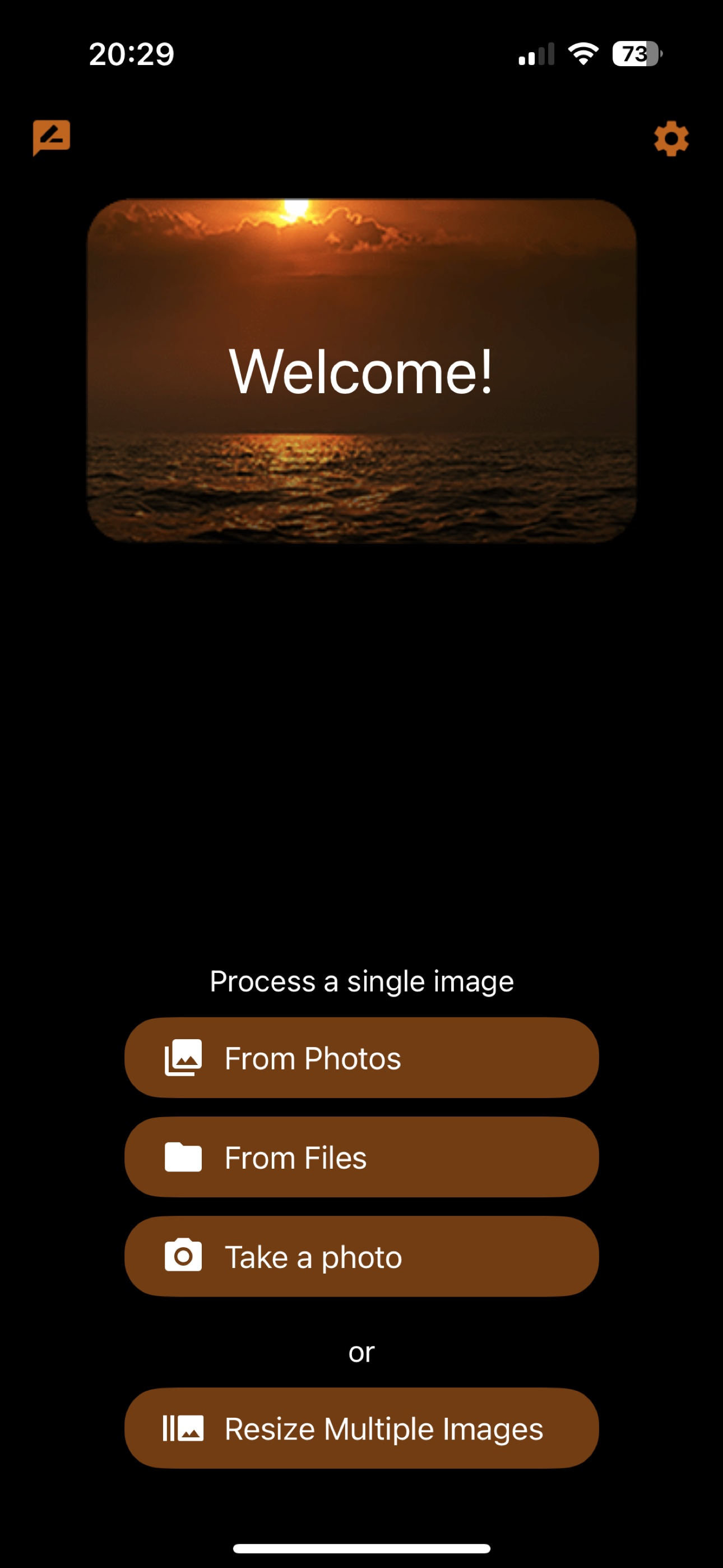
Effortlessly resize, crop, transform, and print your photos with precision. Edit metadata, prepare images for social media, or handle professional graphic design tasks—all in one flexible tool.
Key Features
• Advanced Resize: Choose how to handle the image aspect ratio change, enlarge images, and more.
• Batch Resize: Process multiple images at once to save time.
• Export in Multiple Sizes: Create images for every need, for example @2x and @3x.
• Seamless Import: Pull images from Photos, Files, or your camera.
• Transparent Image Support: Perfect for logos and design work.
• Live Previews: See pixel dimensions, megapixels, and file size before exporting.
• Time-Saving Presets: Customize and sync presets across your devices via iCloud.
• Metadata Editing: View and modify EXIF, IPTC, GPS data, and more.
• Printing: Print at exact dimensions or scale to fit the page.
Try it for free!
----
Advanced Resizing Modes
Tailor image size to your needs with these flexible options:
• Define width, height, or both.
• Set resolution by megapixels (e.g., create a 5 MP image).
• Limit file size (e.g., keep images under 1 MB).
Handle aspect ratio changes with:
• Cropping (customize to your liking).
• Deformation.
• Border addition in any color.
For small images, enlarge with AI or add borders to meet size requirements.
Define dimensions in:
• Pixels, percentages, inches, centimeters, or millimeters.
For printing, specify resolution in:
• Pixels per inch (PPI).
• Pixels per centimeter (PPCM).
Set file size limits in:
• Bytes, kilobytes (KB), kibibytes (KiB), megabytes (MB), or mebibytes (MiB).
----
Supported Formats
Save images in:
• JPEG, HEIC (iPhone 7 or later), TIFF, PNG, GIF, or BMP.
Customize format-specific settings:
• Compression quality for JPEG and HEIC.
• Lossless compression for TIFF.
Control file size with precise format adjustments.
----
Terms of Use: https://veprit.com/eula.html
Privacy Policy: https://veprit.com/VeprIT-PrivacyPolicy.pdf
Store Rank
The Store Rank is based on multiple parameters set by Google and Apple.
All Categories in
United States--
Graphics & Design in
United States--
Top Competitors & Alternative Apps
Apps with a high probability of being used by the same users, from the same store.

Photo2Art - Aesthetic Drawing

VividPic - AI Video Generator

Themes & Widgets - ThemeScape

AI Tattoo Generator, Designs
 Image resizer, converter iSize VS.
 August 19, 2026