Integrate Sales Intelligence Data in Your CRM
Connect Similarweb data to your Salesforce or HubSpot, so your team can sync company & contact data, and act on sales signals where sales actually happens.

Trusted by the Best and Brightest Digital Brands





Connect Your CRM to the Data That Drives Revenue

Export
Get data directly into your CRM
Use the Similarweb platform or Chrome extension to identify accounts, contacts, and send them directly to your CRM with a single click with all the data you need.

Enrich
Update records with fresh data
Set up recurring enrichment automations to keep your CRM records accurate and actionable with a fresh Similarweb metrics at your chosen cadence. Choose exactly which accounts or contacts to target and how often to update them with fresh data.

Exclude
Advanced Prospecting Exclusion
Filter out accounts and contacts that already exist in your CRM during prospecting. Similarweb recognizes what’s already in your database and hides it from your results, so you can focus on new opportunities while avoiding repeated entries and redundant outreach.
Empower Your Sales Team Inside Their CRM
Revenue Operations
Connect digital intent data directly to your funnel to focus your sales where it matters.

Revenue Operations
 Route and score leads using live signals so high-intent accounts reach the right rep faster.
- Maintain a "living" CRM by automatically updating firmographic and technographic fields, reducing manual data entry.
- Trigger churn-risk alerts when a customer’s digital health drops, enabling proactive retention.


Sales Development Representative
Reach out to the right accounts at the right moment, with a clear reason to engage.

Sales Development Representative
- Build daily prospecting around accounts showing active growth or meaningful change instead of working static lists.
- Craft relevant openers using real-time context like competitor replacement, market expansion, or recent tech adoption.
Account Managers
Protect renewals and grow accounts by spotting risk and expansion opportunities early.

Account Managers
- Monitor your book of business for risk signals like competitor installs or sharp drops in engagement so you can intervene before renewals.
- Identify expansion opportunities when customers sudden traffic spike or digital growth that signals they are ready for a higher-tier solution.

Back your strategy with unbeatable sales data


Upgrade Your Workflow with Sales-Focused Features
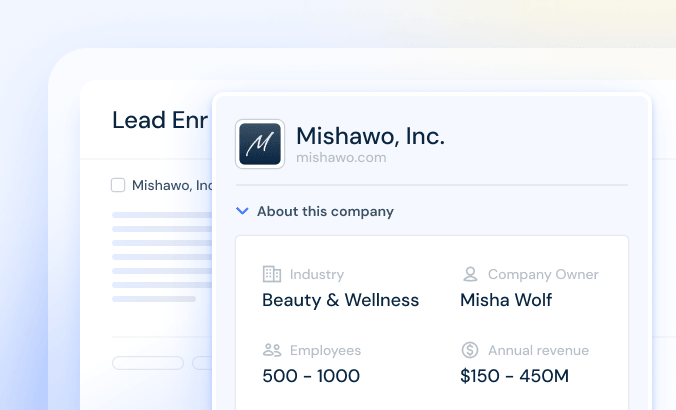
Get a complete view of who you’re talking to by firmographics, companies, revenue, and choose who you want to enrich.
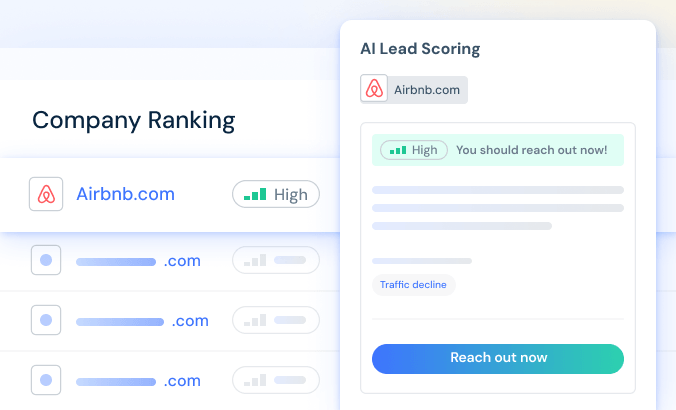
Use real-time web data to automatically rank your leads so you can focus on the ones most likely to buy.
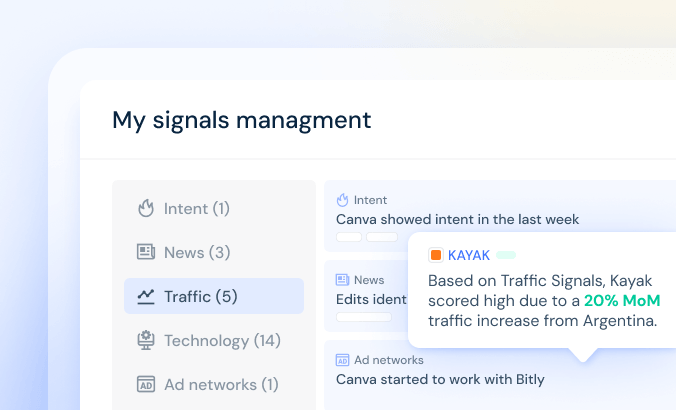
Get alerts inside your CRM when a target company has a surge in web traffic or changes their technology.
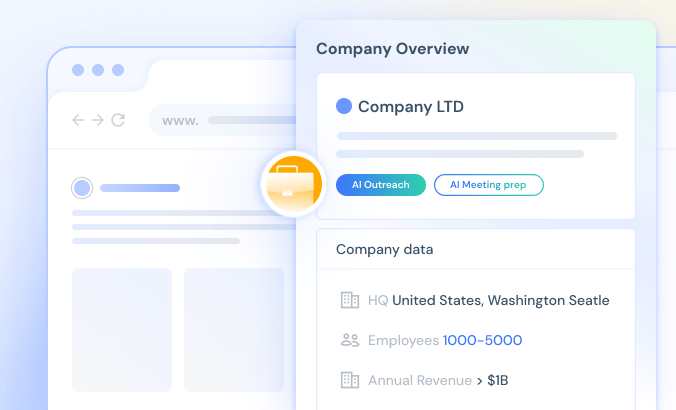
Browse any website and instantly pull up company data, revenue, and headcount, with AI Outreach and AI Meeting Prep just a click away, no tab switching required.
FAQs
CRM integrations connect Similarweb data directly into your CRM, such as Salesforce or HubSpot, allowing contact data, company overview, web traffic, and technology insights to automatically sync. This reduces manual data entry, keeps records up to date, and supports efficient lead routing, scoring, and reporting. It brings contextual, real-time insights into your sales workflow.
A CRM integration securely syncs data between Similarweb and your CRM. It lets you add new leads and contacts to your CRM in one click, and automatically enrich existing records with Similarweb insights like website traffic and technology usage—so your data stays up to date without manual exporting or copy-pasting.
Start by deciding what data you want in your CRM (accounts, contacts, leads, and key fields). Then connect your CRM, map Similarweb metrics to the right CRM fields, and choose how often records should update. Test with a small set of accounts before rolling it out to the full team.
A Salesforce Administrator can connect the two platforms in just a few minutes by navigating to the integrations page and authenticating through a secure login. Once connected, you map the Similarweb data fields you want to see—such as traffic, tech stack, or contact info to your standard Salesforce objects. You then activate the specific toggles for exporting new records or automating the enrichment of existing ones.
Start by identifying what needs to be enriched, whether it’s accounts, contacts, or leads. Then connect the Similarweb integration to HubSpot, authenticate access, map the required fields, and test on a small sample before full rollout. You can control which records are enriched and how often they’re updated.
CRM integration refers to connecting Similarweb’s Sales Intelligence platform to your CRM system, enabling automatic enrichment of records with digital traffic data, firmographics, technographics, and intent signals. This creates a single source of truth for your sales and marketing teams and improves targeting and outreach.
Integrating your CRM This feature is available to accounts in organizations on our Business or Enterprise Sales Intelligence packages. You can learn more here.