AI Lead Scoring Tool Based on Real-Time Digital Behaviour
Start your day knowing which accounts are ready to buy, ranked by what matters to you. Get instant AI briefs and a clear story behind every opportunity.

Turn Signals to Actions with AI Lead Scoring

Define your signals and logic
Choose which digital signals matter, set logic rules that reflect how your team thinks, and add context per signal so the AI knows exactly what it means for your pitch.

Ranks, not static lists
Every company in your list gets a High, Medium, or Low score, updated continuously as signals change. So you always know where to start, focus, and spend your energy.

Click. Read. Reach out.
Click any score for an instant AI brief: what's happening, why it matters for your pitch, and what to say. Move from signal to outreach in seconds, not hours.
Priority built into your flow

Platform
View scores across company pages and lists, with AI insights one click away.

Browser extension
See the score overlay in any company website, LinkedIn and CRM, without leaving the tab.

CRM
Scores sync as native CRM fields reportable in dashboards, visible on every account record.

Lead Scoring API
Plug scores into any system - custom dashboards, Slack, internal tools, and more.
Your whole sales team. One score to rule the day
RevOps
Set signals once for the whole org. Export scores to CRM. Run pipeline on real data.
Account Executive
Walk into every call knowing what changed in their business this week.

SDR
Start every day knowing the top accounts to call, with a brief already written.

Account Manager
Know when accounts signal expansion or churn risk before your QBR.

Sync Scoring with More Features
Sales Signals
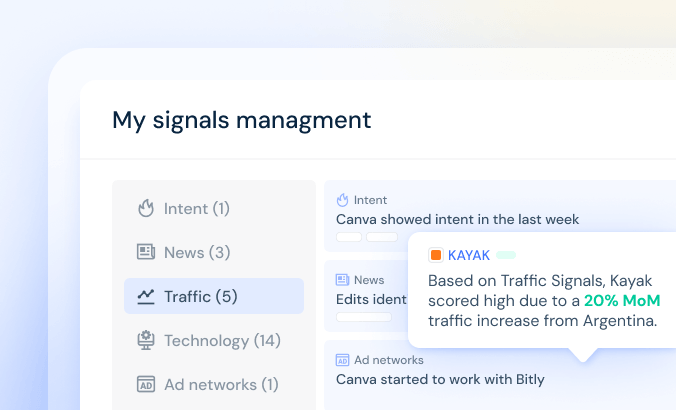
The real-time buying signals behind every score. Track traffic spikes, intent surges, news events, tech changes.
Lead Generation
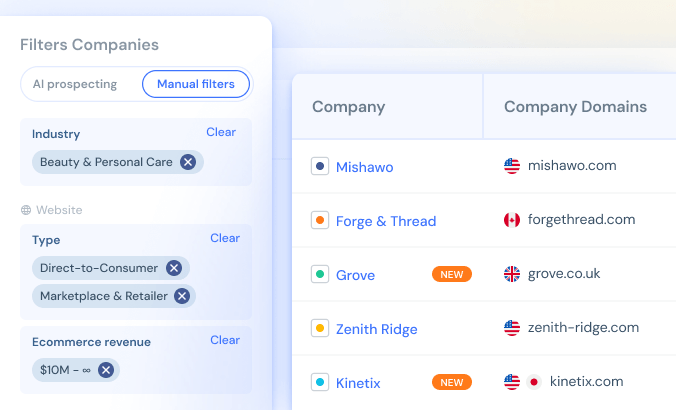
Find and organize your target accounts, with scores that tell you who on that list to prioritize today.
Company Analysis
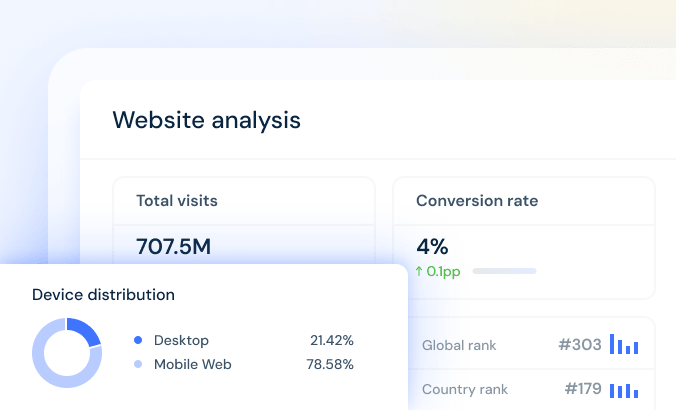
Get full context for each company and its digital performance, with your score always in view
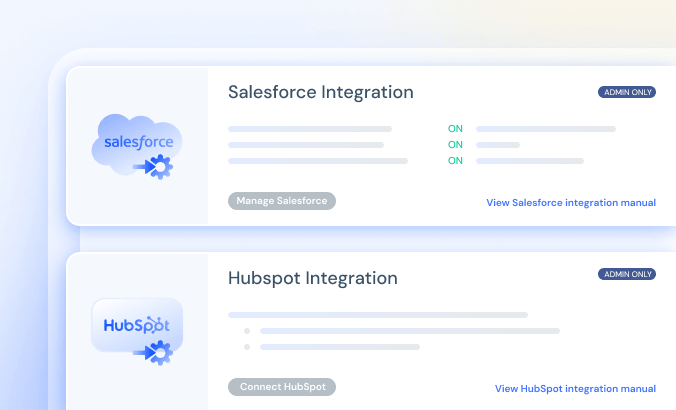
CRM Integration
Sync your CRM so sales data flows both directions, and your scores land where your reps actually work.
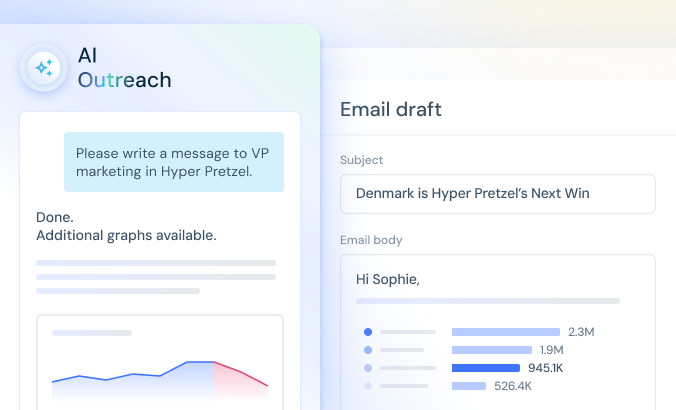
AI Outreach
Turn a High score into a personalized, data backed outreach email in one click.
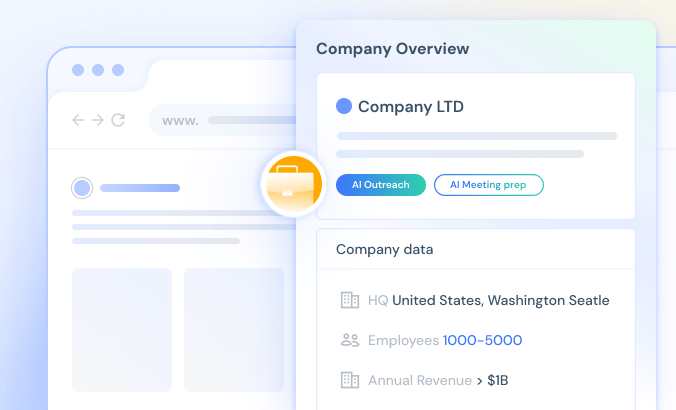
Sales Extension
Browse any website and instantly pull up company data, revenue, and headcount, with AI Outreach and AI Meeting Prep just a click away, no tab switching required.
FAQs
What is AI Lead Scoring and why is it different from regular lead scoring?
Traditional lead scoring relies on static data like company size, industry, revenue. Similarweb’s AI Lead Scoring is based on real-time behavioral signals: what’s actually happening to a company’s digital presence right now. Traffic shifts, intent spikes, tech stack changes, news events. It’s not who they are, it’s what they’re doing and why they might need you today.
How does the scoring logic work?
The system uses a three-tier model: High, Medium, or Low. High means at least one of your custom signals fired, or multiple system signals matched. Medium means some activity, but not at your priority threshold. Low means nothing relevant yet. You define the logic using AND/OR rules and assign any signal combination to any tier. The system follows your logic, not a generic default.
What does “adding context” to a signal mean?
When you set up a signal like “traffic grew 20% MoM” you can add a note explaining what that means for your pitch. For example: “This means they’re scaling fast and likely looking for a payment solution that handles higher volume.” The AI uses this context when generating the per-account brief, so the output sounds like a trained rep who knows your product, not a generic data summary.
What signals does it use?
You can configure sales signals in the sales intelligence platform from five categories: Traffic (monthly visit growth, geographic spikes, channel shifts), Intent (topics actively researched by the company), News (investment rounds, leadership hires, growth expansions, company challenges), Technology (installs or removals of specific tools), and Ad Networks. New users start with smart defaults, but every rule is customizable.
Can different people on my team use different signals?
Yes. Admins and RevOps set org-wide signals that apply to the entire team, ensuring baseline coverage for every rep. Each individual can then add personal signals on top for their specific territory or ICP. Org-wide rules set the floor; personal rules customize the ceiling.
Does the score sync to my CRM?
Yes. Scores sync to Salesforce and HubSpot as native CRM fields, reportable in dashboards, visible on account records. The AI brief also pulls in CRM activity context (calls, notes, deal stage) so your priority view combines external digital signals with your team’s internal history.
Where else can I access scores outside the platform?
Scores appear in your lists, on company pages, in the browser extension (visible while browsing LinkedIn or any company website), and in your CRM. The Lead Scoring API is coming soon, allowing you to plug scores into any internal system, dashboard, or workflow without manual exports.