

You’ve hit your search limit
Start your free trial to keep exploring full traffic and performance insights.
Get StartedGrid Music Midi Player app analytics for October 10

Grid Music Midi Player
- Mohit Khanna
- Apple App Store
- Paid
- Music
Grid Music Midi Player is an instrument playing app for mobile devices. This app allows users to pick an instrument from a list, and play the instrument on 64 pads grid layout. The app also allows users to select Scale, Key Notes, Sharps (#) and an option to display the Note pressed on the device screen.
Grid Midi Controller is a midi controller that triggers or toggles midi controls that you map with your DAW. This controller has been tested with Ableton Live, and is useful for controller midi mapped triggers on your DAW. You can save a controller, set default controllers, and even import and export previously saved controllers. In the edit mode, you can increase rows and columns of the midi control pads, change column colours, and set pad to toggle/trigger. The save feature is available only when you are in edit mode.
Scale Finder is an app to find scales with the toggled keys.
Features:
Grid Music Midi Player
* Play Piano as the default instrument
* Play from a list of 36+ instruments (internet required)
* Select Scale to play
* Select between Major / Minor Key Patterns
* Toggle Sharp for the Scale
* Toggle display for Note being played
* Connect to laptop with DAW and play any DAW instrument
* LongPress the Speaker icon to stop sound playback
* Toggle midi or SoundFont playback with Speaker icon
Midi Controler:
* Create multiple controllers
* Toggle/Trigger midi controls
* Export/Import/Edit saved Controllers
* LongPress to set controller to Default in the Saved Controller List
* LongPress Default to set the default controller to factory default
* Change columns colours by clicking on column button in Edit Mode
* Add/Remove Rows and Columns in Edit mode
* Set a pad to Toggle/Trigger by pressing on the pad and the on the toggle/trigger in edit mode
Scale Finder:
* Press more than 1 key to list all the scales with that key
* Toggle keys on or off
New Features (Added 2025)
* Midi Controller App
* Save, delete sliding options on Instrument Loading Screen
* Set to Default option by Long Pressing in Instrument List or Controller List
* LongPress Speaker icon to stop audio playback
* Toggle speaker icon for midi and soundfont playback
New Features (added 2024)
* Connect the player to your DAW (tested with Ableton)
* Play Midi Notes on your DAW
* Turn on/off Player volume for DAW playback
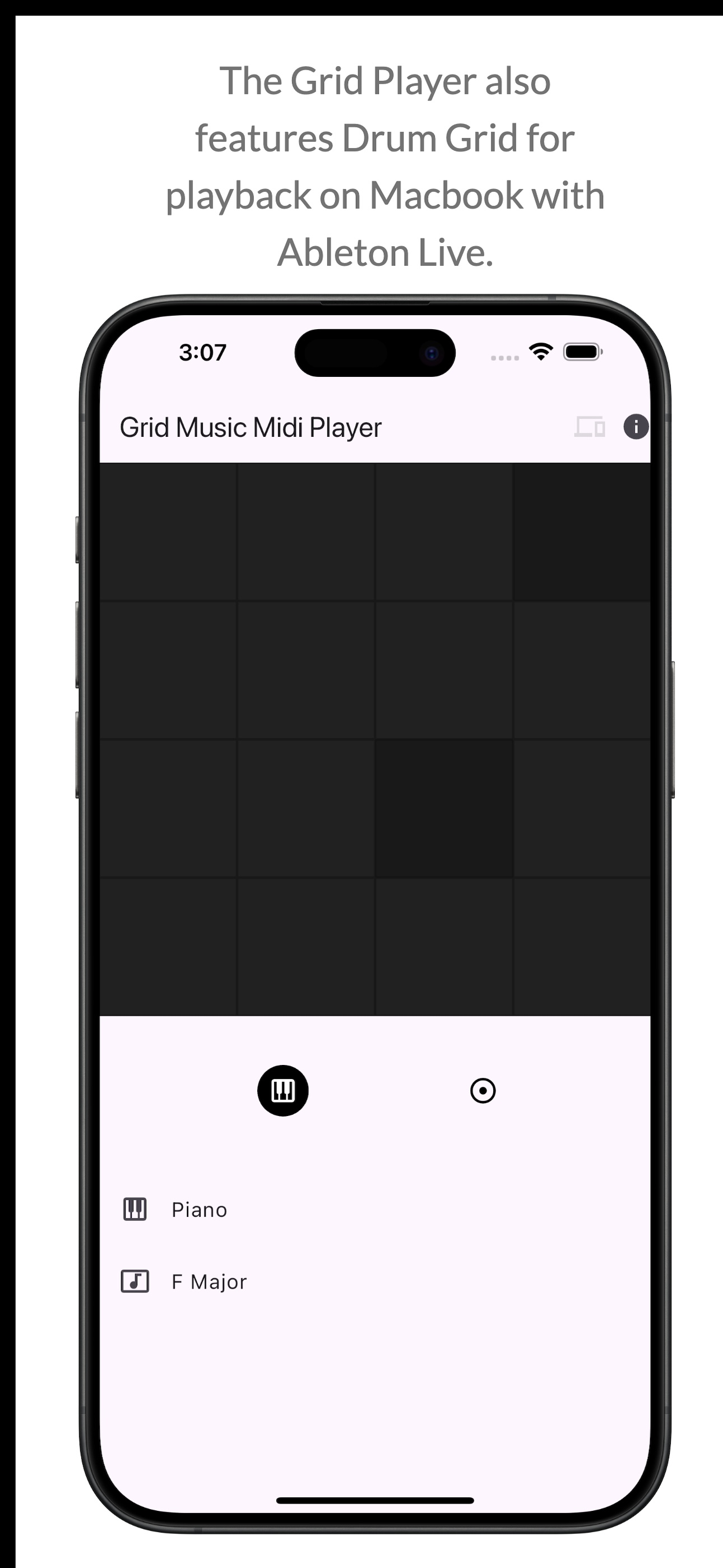
* Separate Grid (4x4 ) for Drum Playback.
* Changeable 2x and 4x Drum Playback.
* How to use: Click on the Devices icon on the App bar and connect your DAW. Then start playing while you're connected to your DAW.
* Ableton Setup Tutorial: https://help.ableton.com/hc/en-us/articles/209071169-Setting-up-a-virtual-MIDI-network
Update:
* By default, the ads will not be clickable. You'll have to click on the "INFO" icon on the top right to enable ads. Long Press the Icon to enable the Advertisements.
* The Key note pads can be enabled/disabled by the Key Icon on the info panel that displays the Key of the note being played.
Store Rank
The Store Rank is based on multiple parameters set by Google and Apple.
All Categories in
United States--
Music in
United States--
Top Competitors & Alternative Apps
Apps with a high probability of being used by the same users, from the same store.

JAX MIDI Control Pad

JAX Squasher

M@tronome

JAX TubeFlavour
 Grid Music Midi Player VS.
 October 10, 2026