

You’ve hit your search limit
Start your free trial to keep exploring full traffic and performance insights.
Get StartedClassBell Alarm app analytics for September 16

ClassBell Alarm
- Ojas Ray
- Apple App Store
- Paid
- Education
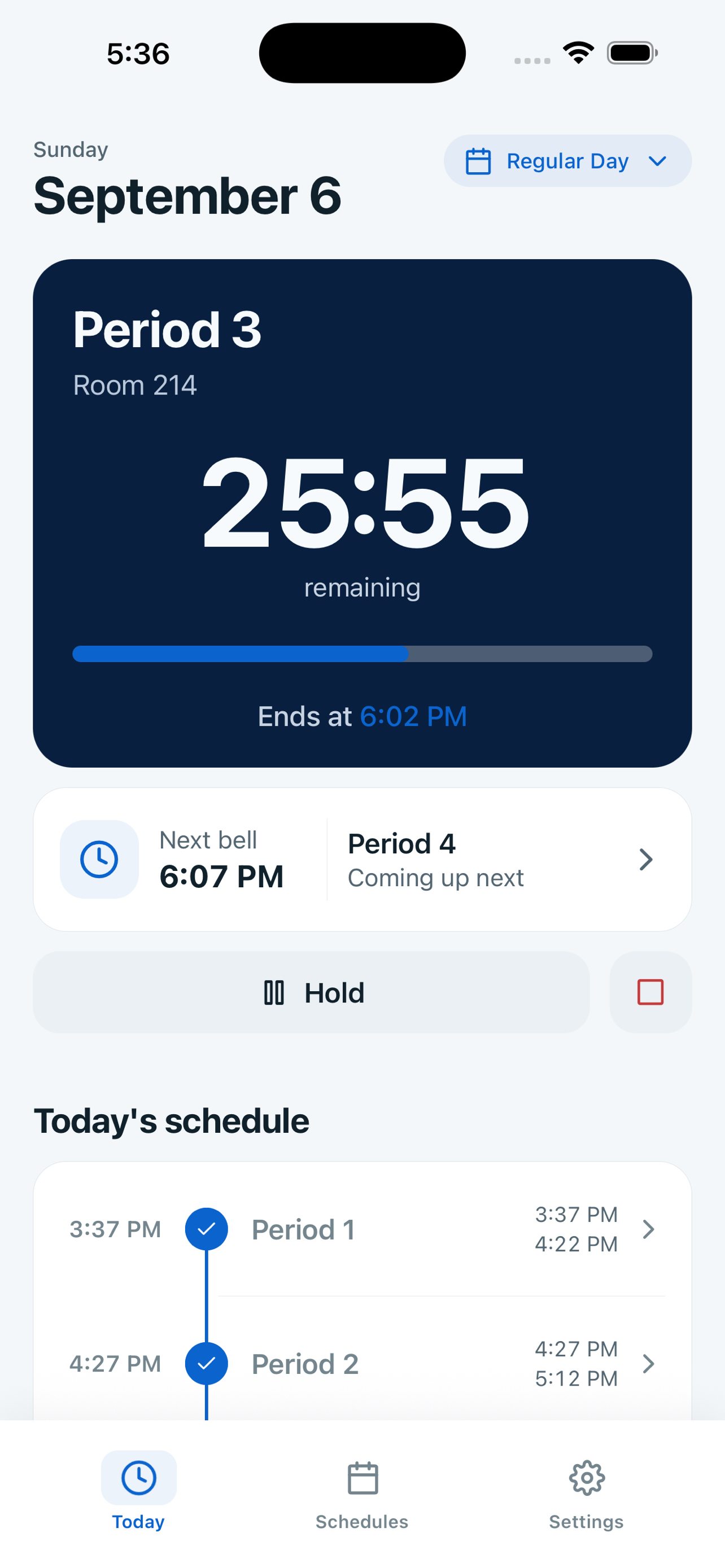
Keep track of class transitions with ClassBell Alarm, your personal school bell schedule companion.
CREATE CUSTOM SCHEDULES
Build unlimited bell schedules with as many periods as you need. Whether you have a regular 8-period day, block scheduling, or special assembly days — ClassBell handles it all.
REAL-TIME COUNTDOWN
See exactly how much time remains in your current period with a beautiful countdown display. A visual progress bar shows you at a glance where you are in your day.
BELL NOTIFICATIONS
Choose Bell, Chime, or Subtle as iPhone notification sounds for ClassBell's time-sensitive notifications, and add up to three warnings to each period. On iPhone, sounds follow Silent mode, Focus, and notification settings. Apple normally alerts your iPhone or Apple Watch, not both: an unlocked iPhone receives the alert; when the phone is locked, an eligible worn, unlocked Watch normally receives it. A paired Apple Watch uses its own sound and Silent settings, so silence the Watch too when quiet is required. iOS and watchOS control haptics; check your device settings and run a test before class.
AUTOMATIC DAY DETECTION
Assign schedules to weekdays, one-time dates, or an alternating A/B calendar. ClassBell resolves the exact schedule for each school day while still letting you start any schedule manually.
SIRI & SHORTCUTS
Start today's schedule, begin again from Period 1, hold, resume, or end a schedule with Siri or the Shortcuts app. You can also open Confidence Center directly when you want a quick readiness check.
CONFIDENCE CENTER
See notification permission and sound status, Live Activity status, and recent scheduling actions in one clear place. ClassBell explains how Silent mode, Focus, and Apple Watch routing can affect delivery without implying that it uses your microphone or records your screen.
BEAUTIFUL DESIGN
Enjoy a clean, modern interface with full dark mode support. Customize your accent color to match your style.
PRIVATE BY DESIGN
ClassBell works offline and does not require an account. Optional manual backups are stored in your private iCloud container, never on ClassBell's servers.
HOME SCREEN WIDGETS
Add small, medium, and large Home Screen widgets for current, next, and upcoming periods. The native period-boundary timelines keep the display aligned with your schedule, and you can tap to open Today.
KEY FEATURES
• Create unlimited schedules and periods
• Live countdown timer with progress bar
• Pre-end warning notifications
• Three iPhone notification sounds: Bell, Chime, and Subtle
• Automatic schedule suggestions by day
• Alternating A/B rotation calendars and date-specific schedules
• Siri and Shortcuts controls
• Confidence Center readiness and recent-action history
• Quick setup wizard for fast schedule creation
• Dark and light theme support
• Small, medium, and large Home Screen widgets
• Works offline — no ClassBell account required
Perfect for students, teachers, and anyone who follows a timed daily routine. Download ClassBell Alarm and take control of your schedule today!
Store Rank
The Store Rank is based on multiple parameters set by Google and Apple.
All Categories in
United States--
Education in
United States--
Top Competitors & Alternative Apps
Apps with a high probability of being used by the same users, from the same store.

My_Timetable

Bell+

Chool - School Timetable

Seagraves ISD
 ClassBell Alarm VS.
 September 16, 2026