

You’ve hit your search limit
Start your free trial to keep exploring full traffic and performance insights.
Get StartedJPG, Photos to PDF Converter app analytics for September 11

JPG, Photos to PDF Converter
- Kirti Arya
- Apple App Store
- Free
- Productivity
PDF Document Converter Pro: The All-in-One PDF
Convert, Compress, and Merge documents in seconds with the ultimate PDF toolkit.
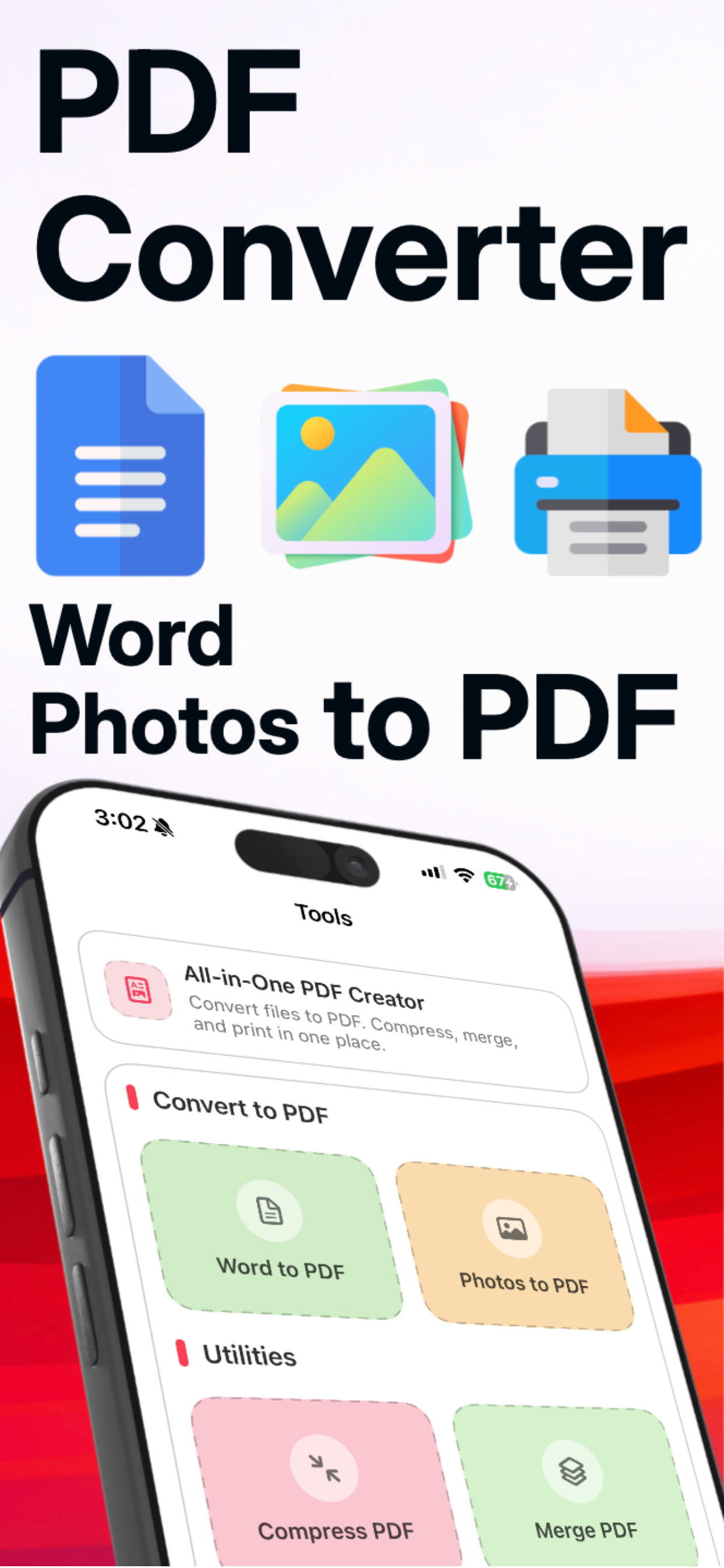
Are you looking for a fast, secure, and modern way to handle your documents? PDF Document Converter Pro is the professional-grade solution designed to convert Word to PDF, Images to PDF with a single tap.
Whether you need to compress PDF files for email or merge PDF documents into a single report, our app provides a clean, lightning-fast experience.
Key Features at a Glance:
- Photo to PDF & Image Converter: Turn any photo into a high-quality document. We support all formats: .jpg, .png, .jpeg, .webp, .heic, and more.
- Office to PDF Converter: Seamlessly convert Word (.docx)files while preserving original formatting and layouts.
- PDF Compressor: Reduce file size without losing quality. Perfect for meeting upload limits on government sites or email attachments.
- PDF Merger: Combine multiple PDF files into one organized document in seconds.
- Integrated File Manager: All your converted files are automatically saved in the "My Files" section. View, rename, or share your documents from one central location.
- One-Tap Printing: Connect to any wireless printer and print PDF documents directly from the app.
Why Choose PDF Document Converter Pro?
Modern & Easy Design: Forget cluttered menus. Our "Design-First" approach ensures a smooth, intuitive user interface that anyone can master instantly.
Privacy Focused: Your files are processed locally. Your sensitive data stays on your device—never on a server.
High-Speed Processing: Powered by our 2026 optimized conversion engine, even
FAQ – How to use PDF Document Converter Pro?
How do I convert photos to PDF? Simply select the "Images to PDF" tool, choose your pictures from your gallery (JPG, PNG, JPEG), and hit convert. Your new PDF will be ready in the file section instantly.
Where are my converted files saved?
All files are stored in the built-in File Section. This allows you to check all converted, compressed, and merged files in one place without searching through your phone's storage.
Technical Specifications:
- Supported Input: DOC, DOCX, JPG, PNG, JPEG, TIFF
- Output: High-Resolution PDF, Compressed PDF.
- Tools: PDF Scanner, PDF Merger, PDF Compressor, PDF Printer.
Download PDF Document Converter Pro today and transform your mobile device into a powerful office workstation!
Privacy Policiy - https://pdfmakerconvert.blogspot.com/2026/02/privacy-policy.html
Terms of use - https://pdfmakerconvert.blogspot.com/2026/02/terms-conditions.html
Store Rank
The Store Rank is based on multiple parameters set by Google and Apple.
All Categories in
United States--
Productivity in
United States--
Top Competitors & Alternative Apps
Apps with a high probability of being used by the same users, from the same store.

SovereignAI

GeekClean

Unzip Fast - ZIP RAR 7Z

Helix Planner
 JPG, Photos to PDF Converter VS.
 September 11, 2026