

You’ve hit your search limit
Start your free trial to keep exploring full traffic and performance insights.
Get StartedLockup - Phone Free Sessions app analytics for September 19

Lockup - Phone Free Sessions
- LOCKUP TECHNOLOGIES LIMITED
- Apple App Store
- Free
- Productivity
One code puts every phone in the room away.
Start a session, share a six-character code, and every phone that joins has its
distracting apps blocked until the session ends. Use it for a class, a study
group, a team meeting, a rehearsal, or dinner at home.
STARTING A SESSION
- Create a free account in the app or on the web
- Start a session and choose how long it runs, from 20 to 60 minutes
- Share the code, or let people scan it
- Up to 30 people can join
- Phones unlock when you end the session, or when the time runs out
- The person who started the session's phone is never blocked, so they always
keep control of the room
JOINING A SESSION
- Tap Join, enter the code, and you are in
- No account needed to join a session
- Distracting apps stay blocked until the session ends
FOR SCHOOLS
Schools can run Lockup across the whole timetable instead of session by session:
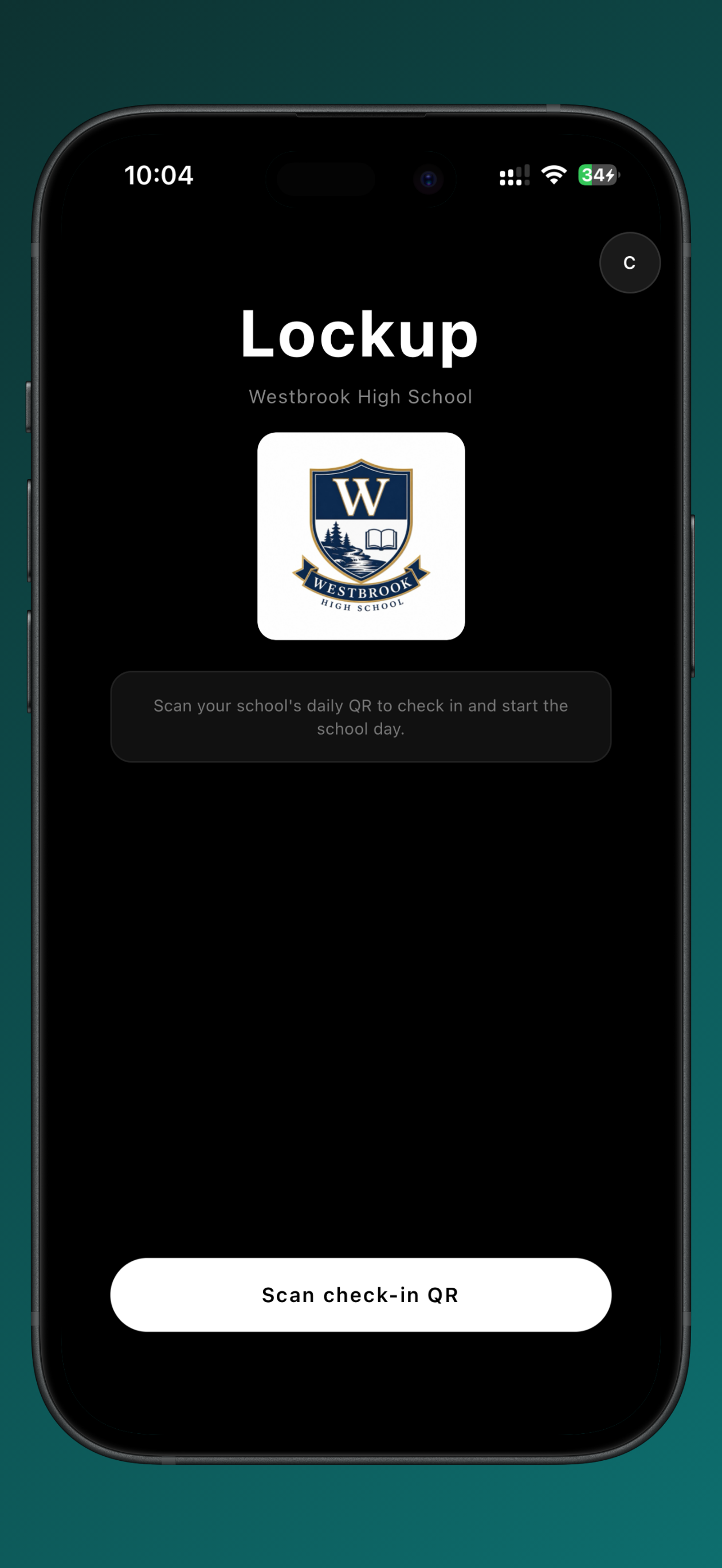
- Students scan their school's code to check in for the day
- Distracting apps are blocked automatically during school hours
- Breaks and lunch unlock on their own schedule
- Teachers can grant a temporary unlock when a lesson needs phones
- Everything unlocks automatically when the school day ends
- Teachers and admins manage classes, breaks and unlocks from the Lockup
dashboard
- Student accounts are created by the school, and Lockup runs on each student's
own device
HOW BLOCKING WORKS
Lockup uses Screen Time to block the selected apps, and a local network
connection to stop blocked apps and websites reaching the internet around the
block. Both are active only while a session or a school day is running.
- Blocking turns off automatically when a session ends, at the end of the school
day, during scheduled breaks, and when a teacher grants a temporary unlock.
- The network connection exists solely to enforce on-device app and website
blocking. Lockup does not use it to monitor, collect, or sell browsing
activity, and does not route traffic to third parties for advertising or
analytics.
- Lockup is not a general-purpose or anonymizing VPN.
PERMISSIONS LOCKUP ASKS FOR
- Screen Time: to block the selected apps while blocking is active
- Camera: to scan session join codes and school check-in codes. Nothing is
recorded.
- Notifications: to say when a phone locks, unlocks, or a break begins
PRIVACY
Lockup is used in schools, so it is built to collect as little as possible.
Lockup shows no ads, uses no advertising identifiers, and does not sell personal
data. Lockup does not track browsing history and does not record what anyone
types or says.
Lockup records the device model and a device identifier so that an account can
only be signed in on one phone at a time. This prevents a second device being
used to get around blocking.
Privacy policy: https://lockup-app.com/privacy
Store Rank
The Store Rank is based on multiple parameters set by Google and Apple.
All Categories in
United States--
Productivity in
United States--
Lockup - Phone Free SessionsSeptember 19, 2026