

Timer App-Analysen für 8. Oktober

Timer
- Francis Bonnin
- Apple App Store
- Bezahlt
- Versorgungseinrichtungen
Build timers that guide you through every step. Hear the next stretching instruction, follow a cooking sequence, or alternate activity and rest—with spoken announcements, sounds and clear visual progress.
Start with a ready-made preset, then adapt it to your routine. From a simple countdown to a workout with several stages, choose your cues and preview the sequence before you begin. Try the Stretching preset for an example with spoken guidance.
HEAR WHAT COMES NEXT
Create cues such as “Hold the stretch” or “Round 3 of 5.” Combine your own text with timer and event names, round numbers, elapsed or remaining time, and the current clock time. Choose a voice and delay speech to let an alarm sound first. Use the same text and variables in on-screen messages and notifications.
SET THE PACE OF YOUR ROUTINE
Build intervals for HIIT, Tabata, stretching, meditation or study breaks. You can also time turns in board games.
• Choose a duration or a specific finish time, with an optional preparation delay.
• Repeat for a set number of rounds or indefinitely.
• Schedule cues relative to the start or end, as a time or a percentage, or at regular intervals—for example, a gong 30 seconds before the end or a tick every second.
• Run an event every round, only the first or last, or a range such as rounds 3–5. End actions can run every round or only after the final one.
SAVE IT ONCE, USE IT AGAIN
Run several timers at once. Add, reorder and hide timers to keep the ones you need within reach. Save your setups as presets, organize them, and import or export them to reuse or share.
SEE YOUR PROGRESS AT A GLANCE
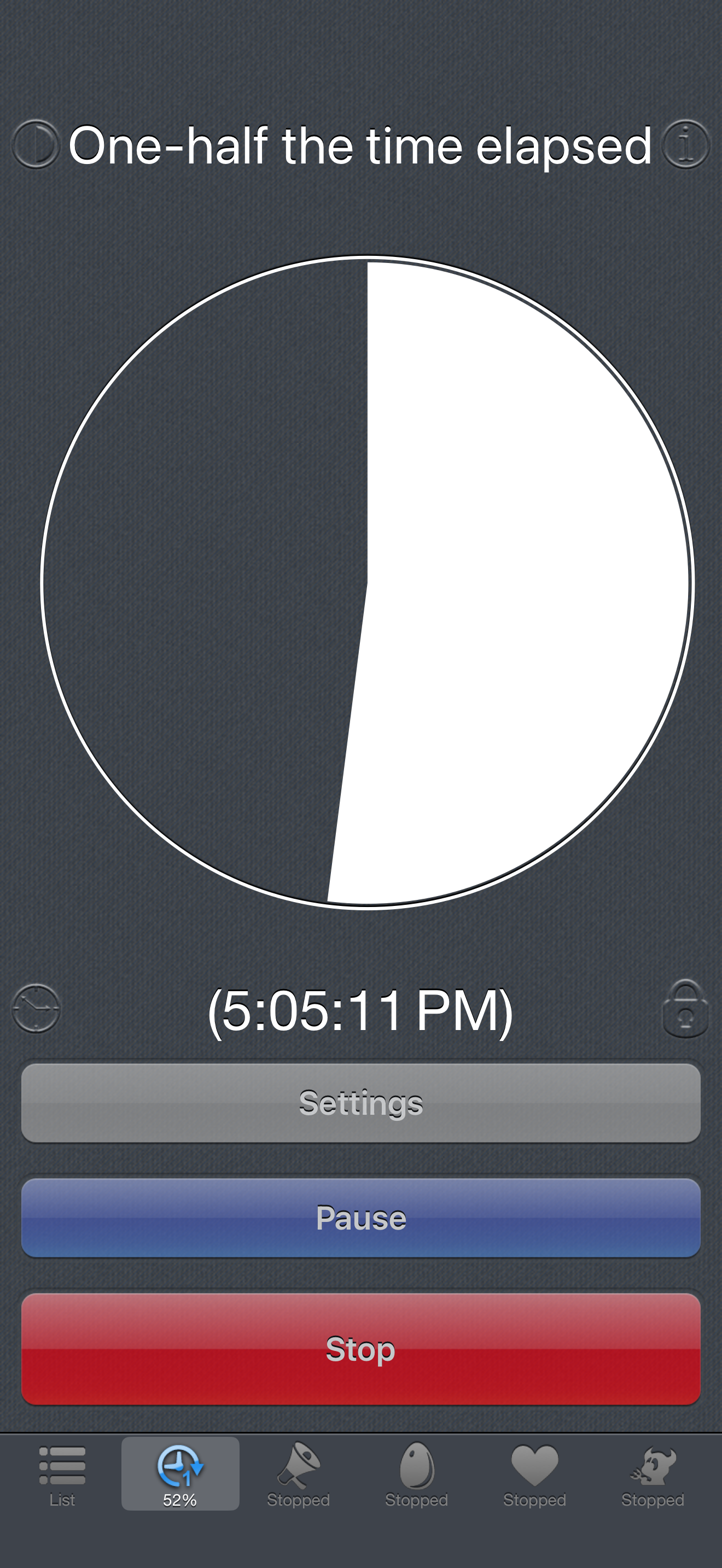
Display remaining time, elapsed time, the clock or graphical progress in two customizable areas. Switch to full screen for a larger view, in portrait or landscape. Keep track of the current round, dim the display for a less intrusive screen, and lock the controls while keeping the time visible. Choose whether to stop at the end or keep showing the time elapsed since finishing.
MAKE IT YOUR OWN
Choose bells, gongs and other alarms, or import and record your own sounds. Try Shepard tones: sequences that seem to rise or fall endlessly in pitch. Play a song from your music library, choose a random track from a playlist, or schedule music to stop.
Prefer silent cues? Use on-screen messages, vibrations or a flashing screen. Customize colors and backgrounds, and search over 1,800 icons. On supported devices, you can also schedule photos or use the flashlight as a visual cue.
In the background, scheduled notifications can display messages and play notification sounds. Spoken announcements, photos and other interactive actions require Timer to stay open.
Rang speichern
Der Store-Rang basiert auf mehreren Parametern, die von Google und Apple festgelegt wurden.
Alle Kategorien in
Vereinigte Staaten--
Versorgungseinrichtungen in
Vereinigte Staaten--
Top-Wettbewerber und alternative Apps
Apps mit hoher Wahrscheinlichkeit, von denselben Benutzer:innen aus demselben Store verwendet zu werden.

Timers!

TimeSpeaker

timer & stopwatch

Time_Tools
 Timer VS.
 Oktober 8, 2026