

You’ve hit your search limit
Start your free trial to keep exploring full traffic and performance insights.
Get StartedJPG to PDF:Convert JPEG to PDF app analytics for October 7

JPG to PDF:Convert JPEG to PDF
- Daniel Esteban Gonzalez
- Apple App Store
- Paid
- Productivity
Convert JPG and JPEG images into clean, high-quality PDF files in seconds.
JPG to PDF:Convert JPEG to PDF is a simple and reliable image to PDF converter designed to help you turn photos, pictures, JPG, JPEG, PNG, and HEIC files into organized PDF documents quickly.
Whether you need to save documents, notes, receipts, images, forms, school work, or everyday photos as PDF, this app makes the process fast, smooth, and easy.
Quick & Easy JPG to PDF Conversion
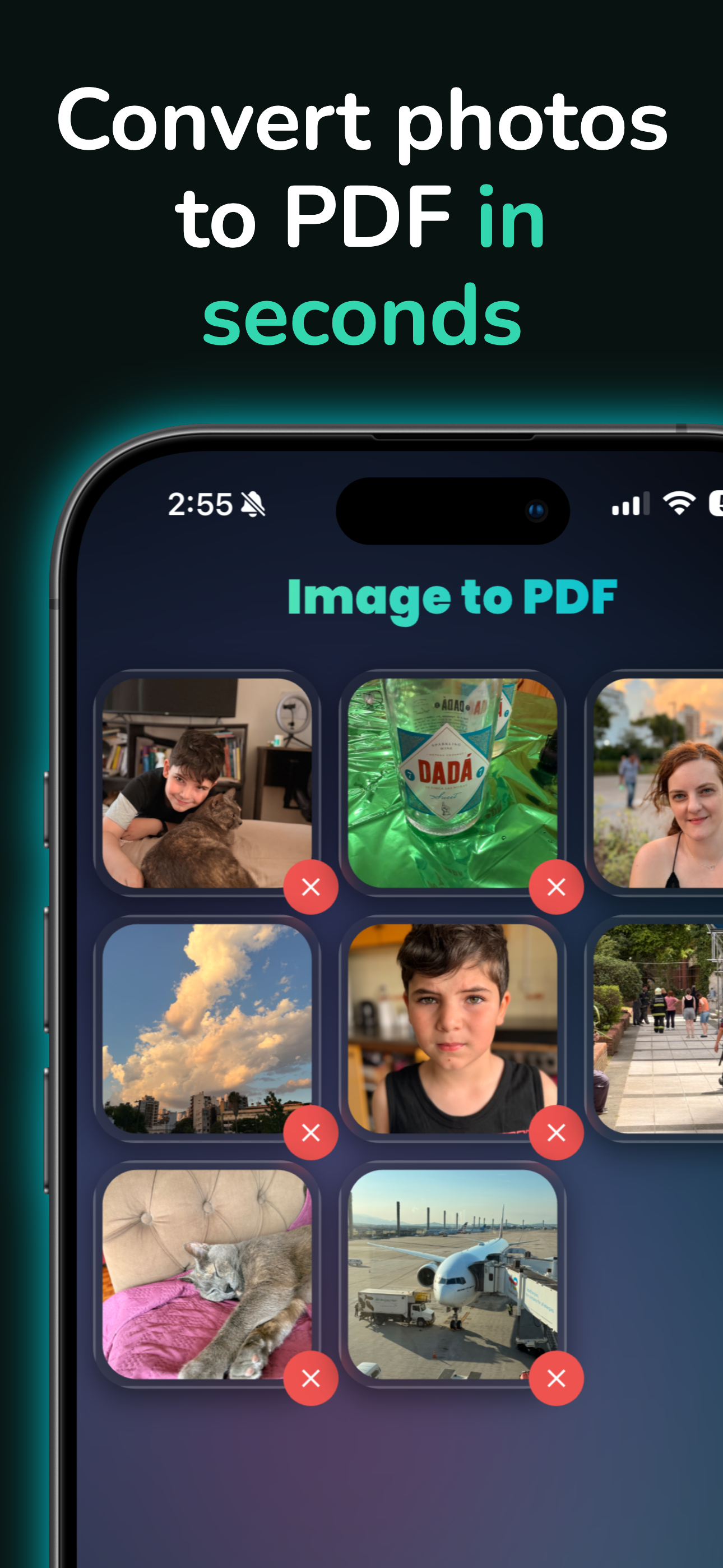
Select your photos, preview the final document, and create your PDF in just a few taps.
JPG to PDF:Convert JPEG to PDF helps you convert images into clear PDF files without complicated tools or unnecessary steps.
JPG & JPEG to PDF
Convert JPG and JPEG images into high-quality PDF documents with sharp details and clean formatting.
Perfect for documents, scanned pages, notes, receipts, image collections, and photo records.
Photo to PDF
Turn one or multiple photos into a single PDF file.
Use Photo to PDF: Image PDF Photos to combine your images into a clean document that is easy to save, share, print, or organize.
Image to PDF
Convert different image formats into PDF, including JPG, JPEG, PNG, and HEIC.
Create organized PDFs from your iPhone photos and keep your files ready for work, school, personal use, or sharing.
Full Control Before Export
• Select one or multiple images
• Reorder photos before creating the PDF
• Remove images you do not want to include
• Preview the final PDF before export
• Create clean and high-quality PDF files
• Share, save, or print your PDF directly from your device
Simple, Fast, and Private
JPG to PDF:Convert JPEG to PDF is designed to be easy to use from the first tap.
Your images stay on your device during the conversion process, giving you a private and smooth way to create PDF documents whenever you need them.
Why Users Choose JPG to PDF:Convert JPEG to PDF
• Convert JPG to PDF quickly
• Convert JPEG to PDF easily
• Turn photos into PDF documents
• Create PDFs from images
• Combine multiple photos into one PDF
• Reorder and preview before export
• Clean, modern, and simple design
• Fast image to PDF conversion
• Useful for work, study, documents, receipts, and everyday files
Designed for Everyday Use
Use JPG to PDF:Convert JPEG to PDF when you need to:
• Convert photos to PDF
• Save images as PDF
• Create PDF documents from JPG or JPEG files
• Combine multiple images into one PDF
• Share clean PDF files
• Organize receipts, notes, forms, and documents
• Turn image files into printable PDFs
No complicated setup. No confusing menus. Just select your images, organize them, preview the result, and create your PDF.
Download JPG to PDF:Convert JPEG to PDF today and turn your photos, JPG, JPEG, PNG, and HEIC images into clean PDF files quickly and easily.
Main page & support:
https://leonapps.netlify.app/pimage/index.html
Terms of Service:
https://leonapps.netlify.app/pimage/terms.html
Privacy Policy:
https://leonapps.netlify.app/pimage/privacy.html
Store Rank
The Store Rank is based on multiple parameters set by Google and Apple.
All Categories in
United States--
Productivity in
United States--
Top Competitors & Alternative Apps
Apps with a high probability of being used by the same users, from the same store.

Photo to PDF Scanner: ImgNow

TaskBot | To-Do List

photo to pdf convert scanner *

Video File Compressor
 JPG to PDF:Convert JPEG to PDF VS.
 October 7, 2026