

WebLink Host 앱 분석 (10월 13일)

WebLink Host
- Abalta Technologies, Inc.
- Apple App Store
- 무료
- 엔터테인먼트
WebLink — Tech that moves you™
WebLink upgrades your in-vehicle screen into a modern, connected infotainment system allowing you to safely and easily enjoy your favorite smartphone apps on the go.
WebLink is the only in-car infotainment system that allows you to:
・ Use almost any app on your vehicle screen using Cast*
・ Access most of your smartphone's media and content
・ Watch your favorite YouTube videos (available on many vehicle screens)*
・ And discover much more!
A compatible WebLink vehicle screen is required. To find out if your vehicle screen is compatible with WebLink, look for a WebLink logo on your product packaging or in the vehicle screen manual.
*Vehicle screen manufacturers may restrict the use of certain apps. Regional differences apply.
—————
Flexible and Personalized
No matter where you are in the world, WebLink provides you with a connected in-vehicle experience that is tailored to you.
Reliable and Safe
WebLink is tested and continuously updated to improve your in-vehicle experience — all so you can keep your eyes on the road with confidence.
Easy to Use and Relevant
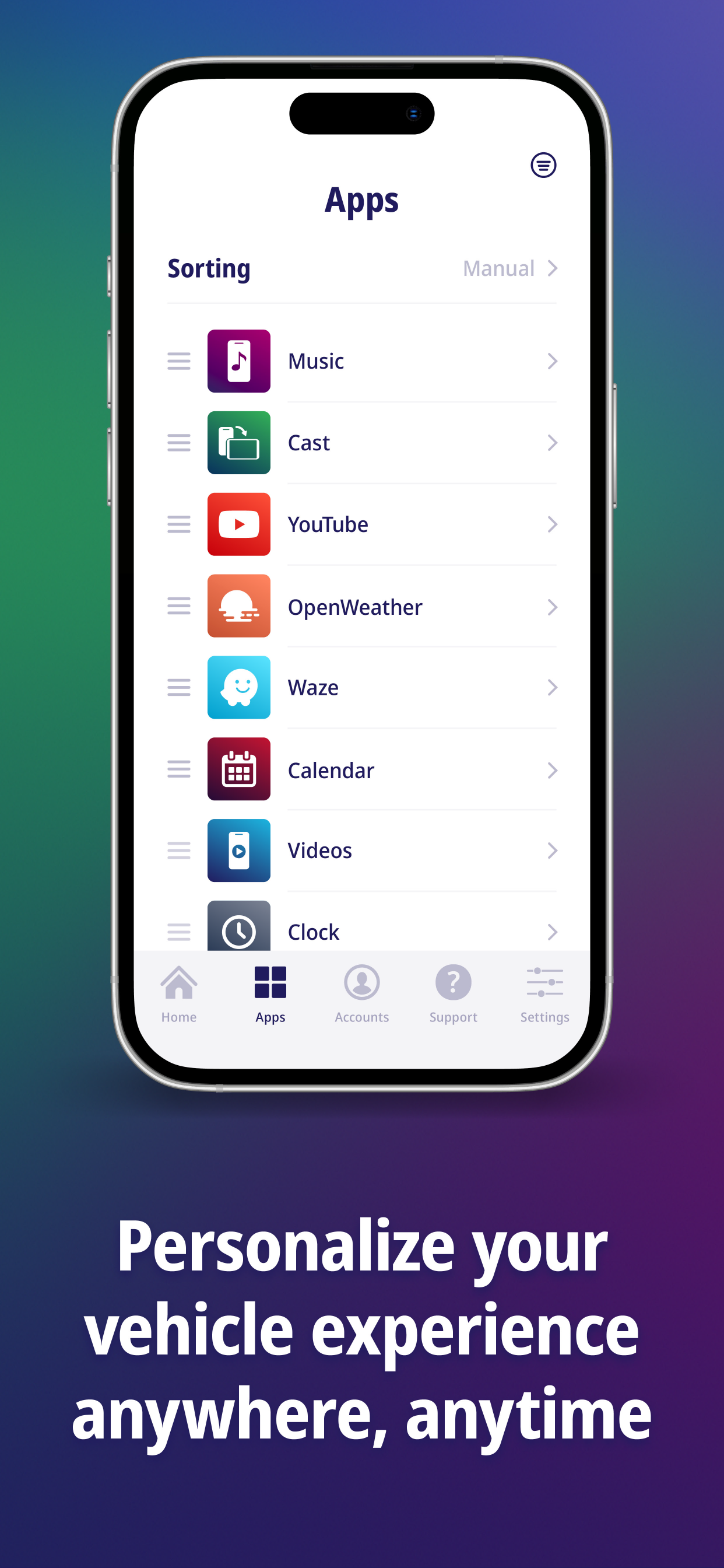
Enjoy a beautifully designed in-vehicle interface and interact with the apps you already love.
—————
WebLink allows you to change the way you interact with your apps, music and videos inside your vehicle. WebLink provides you with a modern infotainment system that fits your lifestyle. Download the WebLink Host app for your smartphone and connect to your vehicle. WebLink uses the power of your smartphone to improve what's available on your vehicle screen.
Over five million people already use WebLink globally to safely access what is relevant to them — right from their vehicle screen.
—————
Setup Instructions:
1. Download the WebLink Host app to your smartphone
2. Open the WebLink Host app on your smartphone, accept the Terms & Conditions, and accept all of the permission prompts.
3. Connect your smartphone to a compatible WebLink vehicle screen. Be sure to use a certified USB cable that supports both data communication and charging capabilities for connecting with your in-vehicle screen.
4. Pair your smartphone to the in-vehicle screen using Bluetooth to enjoy full audio playback for the in-vehicle speakers. Consult your in-vehicle screen's owner's manual for the connection details.
—————
The WebLink Support Team is here to help and answer any question you might have.
Visit us at HelloWebLink.com
스토어 순위
스토어 순위는 Google과 Apple이 설정한 여러 매개변수를 기반으로 합니다.
모든 카테고리 ·
미국--
엔터테인먼트 ·
미국--


 WebLink Host VS.
 10월 13, 2026