

Dexcom G6 mmol/L DXCM1 앱 분석 (10월 10일)

Dexcom G6 mmol/L DXCM1
- DexCom, Inc.
- Apple App Store
- 무료
- 의료
Only use this app if you have the Dexcom G6 CGM System.
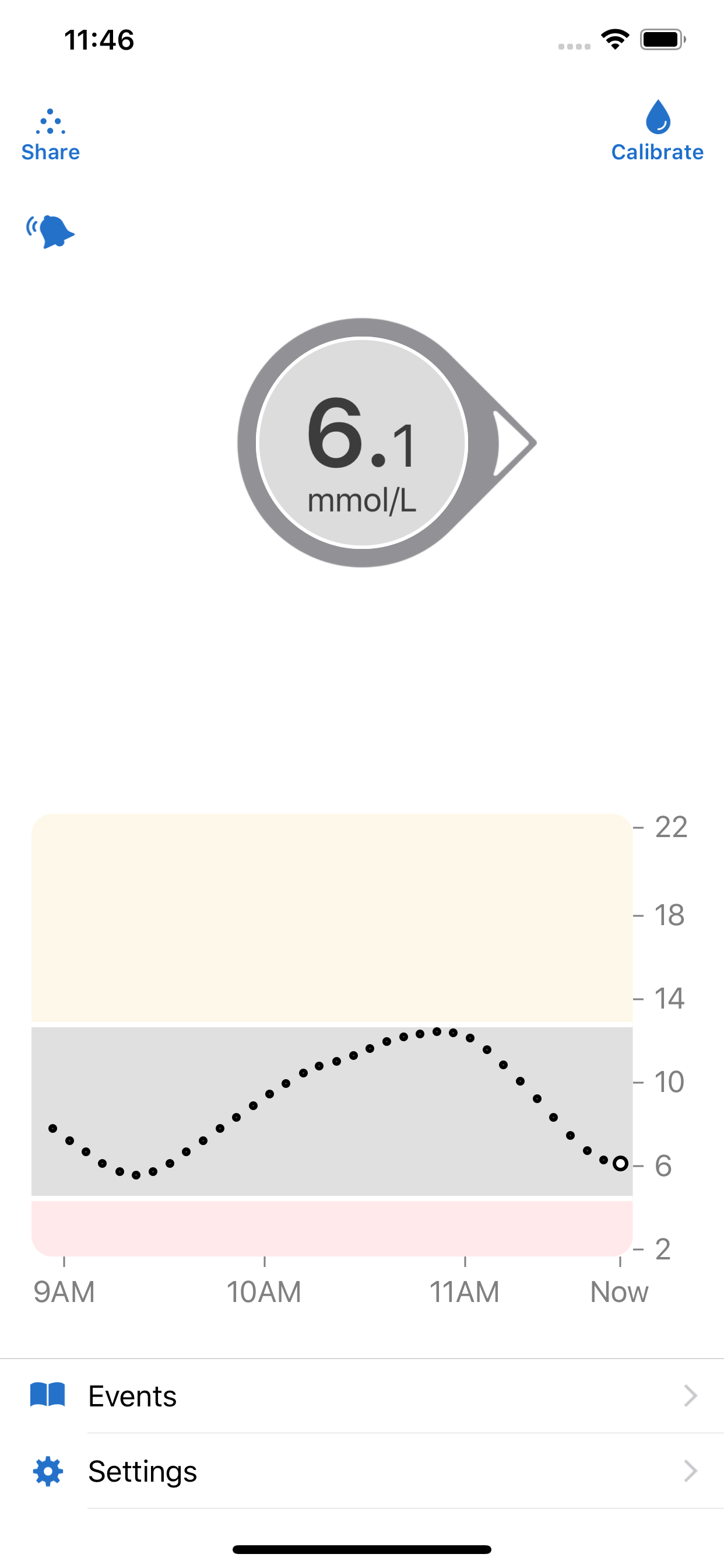
See your glucose number and where it’s heading with just a quick glance at your compatible smart device* with the Dexcom G6 Continuous Glucose Monitoring (CGM) System – Approved for diabetes treatment decisions with zero fingersticks†, no scanning, and no calibration. Discuss with your healthcare professional how you should use the information displayed on the Dexcom G6 to help manage your diabetes.
*For a list of compatible smart devices, please visit dexcom.com/compatibility.
†If your glucose alerts and readings from the Dexcom G6 do not match symptoms or expectations, use a blood glucose meter to make diabetes treatment decisions.
Dexcom G6 provides real-time glucose readings as frequently as every five minutes. Dexcom G6 is approved for children age 2 and older.
The Dexcom G6 System provides personalized trend alerts right on your smart device and lets you see when your glucose levels are going too low, or too high, so you can better manage your diabetes. The Alert Schedule feature lets you schedule and customize a second set of alerts. Custom alert sounds are available, including a Vibrate-Only option on the phone for glucose alerts. The only exception is the Urgent Low Alarm, which you can’t turn off.
The Always Sound setting allows you to receive certain Dexcom CGM Alerts even if your phone sound is off, set to vibrate, or in Do Not Disturb mode. This will allow you to silence calls or texts but still receive audible CGM Urgent Low Alarm and alerts: Low and High Glucose alert, Urgent Low Soon, and Rise and Fall Rate. Always Sound is on by default. A Home screen icon shows you if your Alerts will sound or not. For safety, the Urgent Low alarm and these alerts can’t be silenced: Transmitter Failed, Sensor Failed, and App Stopped.
In addition to the accurate performance provided by the Dexcom Sensor, you’ll receive other valuable features:
• Share your glucose data with your followers who can monitor your glucose data and trends on their compatible smart device with the Dexcom Follow app. Share and Follow functions require an internet connection
• Health app access so you can share retrospective glucose data with third party apps
• Today View widget, which allows you to view your glucose data on the lock screen of your smart device
• Ask Siri* to read your current glucose value, using a custom phrase
• A Dexcom Clarity link on the landscape trend graph lets you easily transition to the Clarity App to view more information on your glucose trends
*Siri may not be available in all regions. Check Apple’s website to see if Siri is available in your country.
Apple Watch
View your glucose information, trend graph, and alerts and alarms right from your wrist with the Dexcom G6 Apple Watch app. Watches require compatible smart device to use app.
Dexcom G6 watch face complications allow you to view your glucose number and arrow from your watch face
스토어 순위
스토어 순위는 Google과 Apple이 설정한 여러 매개변수를 기반으로 합니다.
모든 카테고리 ·
미국--
의료 ·
미국--


 Dexcom G6 mmol/L DXCM1 VS.
 10월 10, 2026