

You’ve hit your search limit
Start your free trial to keep exploring full traffic and performance insights.
Get StartedRemote App - Mouse, Keyboard app analytics for September 2

Remote App - Mouse, Keyboard
- Adarsh Urs
- Apple App Store
- Free
- Utilities
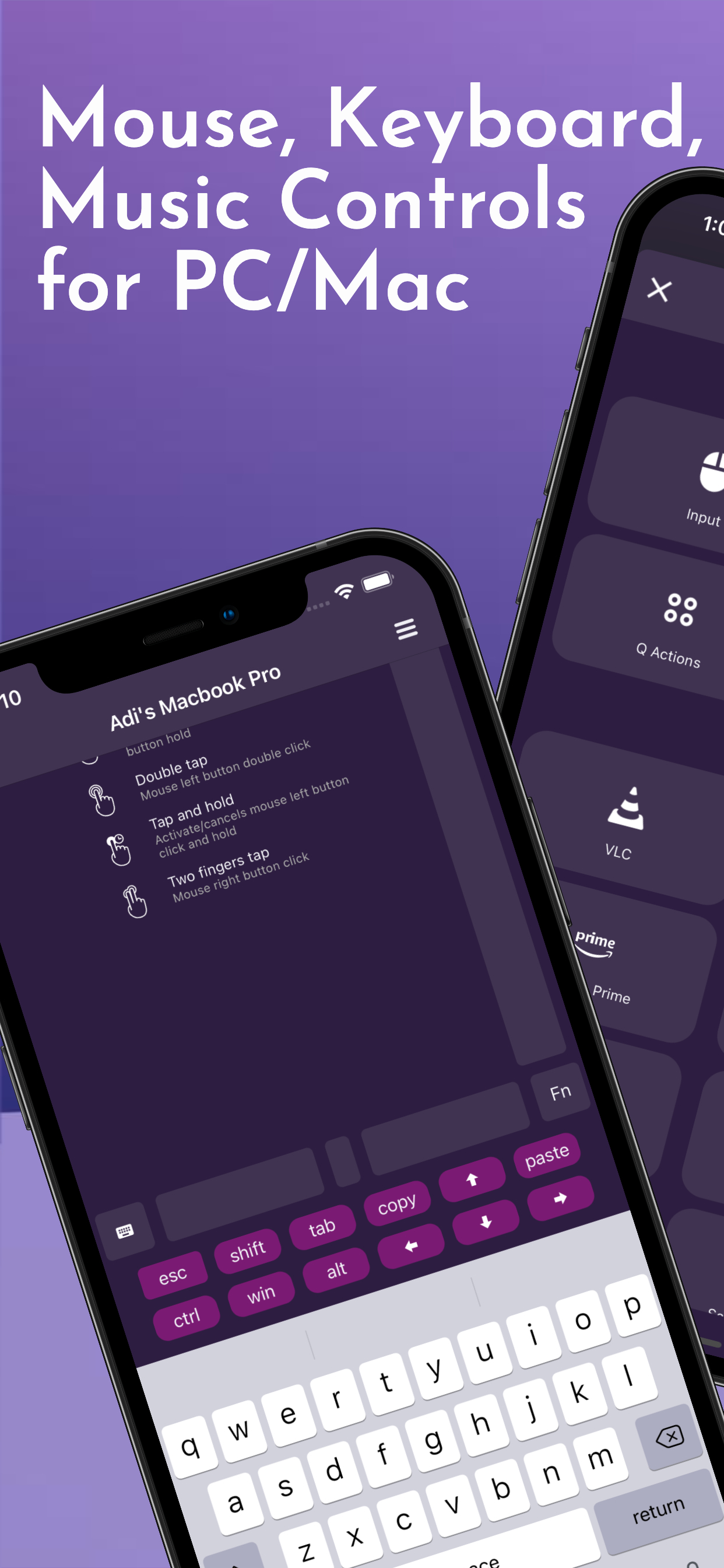
Turn your iPhone into a wireless mouse, keyboard, and touchpad for your PC or Mac.
Perfect for remote work, browsing from bed, or controlling presentations.
Works over Wi-Fi — no cables, no hassle.
Remote App transforms your iPhone into a powerful wireless remote control for your computer. Whether you're working, presenting, or watching a movie on your laptop, control everything effortlessly from your phone.
Key Features
- Wireless Mouse (trackpad-style)
- Full Keyboard input support
- Click, scroll, and zoom gestures
- Supports both PC and Mac
- Clean, lag-free experience
Great for:
- Couch browsing
- Controlling media on your PC
- PowerPoint or Keynote presentations
- Typing from a distance
- Media Remote: Manage media players like VLC, Spotify, iTunes, and more.
- Works as Netflix Remote, Amazon Prime Remote, YouTube Remote.
Simple Setup:
Download the free companion server for PC/Mac
Connect your iPhone and computer to the same Wi-Fi
You're ready to control!
Just smooth, wireless control.
Join millions of satisfied users and revolutionise the way you interact with your computer!
Terms of Use: https://vlcmobileremote.com/terms/
Store Rank
The Store Rank is based on multiple parameters set by Google and Apple.
All Categories in
United States--
Utilities in
United States--
Top Competitors & Alternative Apps
Apps with a high probability of being used by the same users, from the same store.

Mobile Mouse Remote - Cloud

Remote Trackpad: Virtual Tool

Delete Contacts `

Countdown Widget: Day Count
 Remote App - Mouse, Keyboard VS.
 September 2, 2026