


8月20日 的 ePrint 應用程式分析

ePrint
- MICROTECH CORP.
- Apple App Store
- 付費
- 公共設施
“ePrint” solves to print directory from iPad,iPhone or iPod touch.
*****
For ink-jet printer users:
Canon, brother, Samsung, Lexmark ink-jet printers are not available on ePrint.
*****
[The differences of ePrint and ePrint Free]
Paid Version Only:
- Web page printing. Also Downloaded Image or PDF file printing.
- Various print formats
- Print several pages
- Borderless or Border printing
- Supports shared printers by Mac (Regardless of Printer models)
Please test with “ePrint Free” at first, then get “ePrint”.
[HP ink-jet printer user]
when "Failed to get printer control command" message appears,
please set PDL to "PCL3GUI".
Also set "Port" is "Port9100", when register printer manually.
[Support Printers / PDL (Printer Description Language)]
ePrint works with the printers installing the following printer description language.
Please check each printer manufacture web site to confirm what printer description language your printer has.
Please check if ePrint supports your printer’s PDL before you purchase ePrint.
EPSON Inkjet Printer
- PDL: ESC/P-R (except for ESC/P raster)
EPSON Page Printer
- PDL: ESC/Page,ESC/Page-Color,ESC/Page-S(Color only)
HP Inkjet Printer
- PDL: PCL3GUI
HP Page Printer
- PDL: PCL (Except for HostBase model)
Canon Page Printer
- PDL: LOPS (Except for CAPT)
Canon, brother, Samsung, Lexmark or other manufacture’s Page Printer
ePrint works if the printer supports the following PDL.
- PCL
- PostScript
Canon, brother, Samsung, Lexmark or other manufacture’s Inkjet Printer
- NONE. (ePrint DONOT work.)
Shared printer by Mac
ePrint supports shared printer by Mac. It isn’t depends on Printer manufactures (PDL).
[Requirements]
Wi-Fi
Printer is connected on the network and printed through TCP/IP (LPR).
Printer should be available for SNMP.
Meet support printers conditions.
[New Features]
- Add Camera/ Web/ Server function limitation.
- Add e-mail attached file printing. (only for iPad)
Hold down an attached file icon on the Mail application.
- Support to call other application form the files on the server. (only for iPad)
- Support ESC/Page-S printing system (Epson page printer)
[Outline]
If you have “ePrint” and required printers, you don’t need PC anymore.
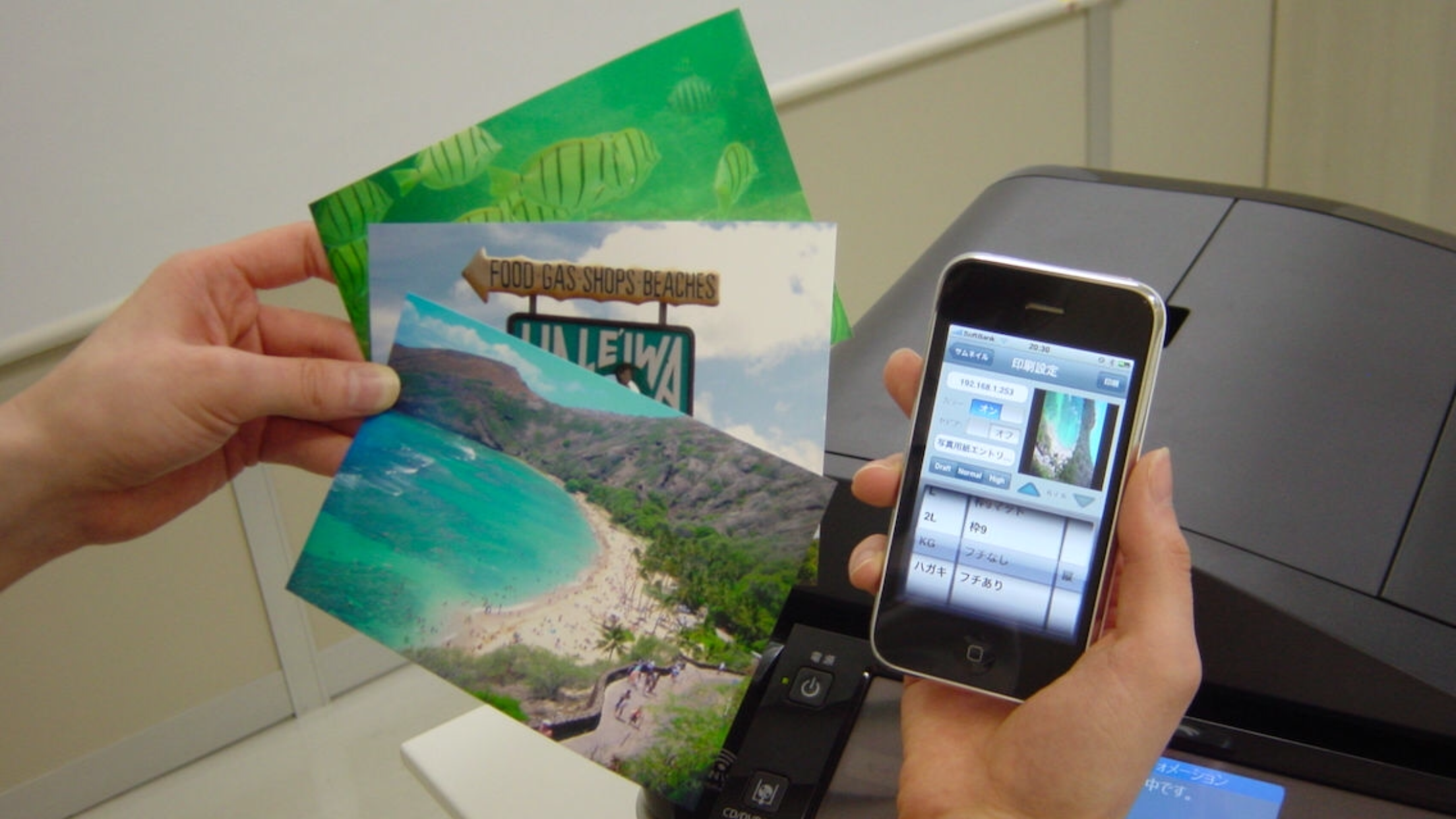
You can print various contents such as contacts, photos, notes, Web pages or PDF files contacts in your iPad,iPhone or iPod touch as you like.
“ePrint” has a lot of print settings; paper size, color etc.
[Features]
1. Web page printing
- “ePrint” arranges linked PDF or image files before printing.
- You can save linked PDF or image files
- You can also specify print pages
2. Camera (24 formats) (Borderless printing support)
- Date stamp or time stamp function
3. Contacts (3 formats)
4. Albums. (24 formats) (Borderless printing support)
5. Note. (6 formats)
6. Photo calendar (5 formats)
7. Photo card (13 formats)
8. Clipboard
9. Add a printer. (Bonjour search / Enter IP address)
10. Print Settings
Color
Duplex (Limited printer models)
Sepia
Paper size
Orientation
Media type
Print image preview
11. Support direct printing for the Printer connected AirMac with USB
12. Support Printing for the shared printer by Mac
13. Display consumable information (Limited printer models)
Produced by e-Workshop
商店排名
商店排名基於Google和Apple設定的多個參數。
所有類別 在
美國--
公共設施 在
美國--


 ePrint VS.
 8月 20, 2026