


8月18日 的 Exsto: Concept Art Sketching 應用程式分析

Exsto: Concept Art Sketching
- Nil Coalescing Limited
- Apple App Store
- 免費版
- 圖形與設計
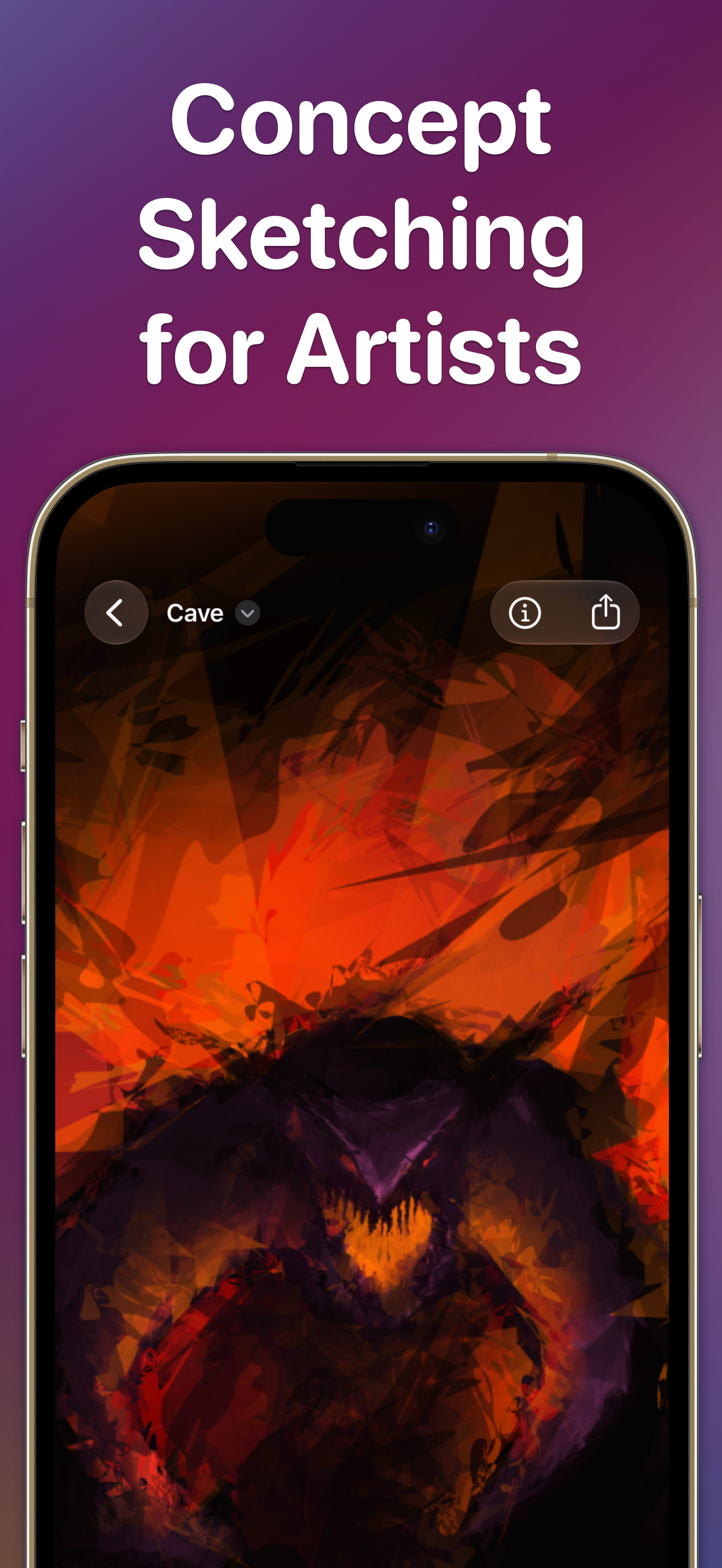
Exsto is an experimental drawing and concept-sketching tool built for artists. Explore characters, creatures, environments, compositions, and unexpected forms with expressive strokes, mirror drawing, symmetry, and three-point perspective.
Exsto is designed for the beginning of the creative process—the fast, loose stage where you test shapes, develop variations, and follow unexpected directions. Natural variation in every movement becomes part of the result, helping you find forms you might never have planned.
DRAW IN PERSPECTIVE
Position three vanishing points, select a ground or wall plane, and draw directly onto it. Exsto maps your strokes and their expressive variation into the selected plane, while an adaptive grid helps you understand the space as you pan and zoom.
EXPLORE WITH MIRROR AND SYMMETRY
Mirror your strokes in real time around an adjustable axis. Use symmetry to develop balanced characters, creatures, props, vehicles, architecture, and unexpected abstract forms.
EXPLORE SHAPE AND FORM
Exsto’s organic stroke behaviour responds to subtle variations in your movement. Work loosely, push shapes in different directions, and develop the strongest results further.
MADE FOR APPLE PENCIL
On iPad, Exsto responds to Apple Pencil pressure, tilt, speed, and movement. Subtle variations in your input influence each stroke, giving you direct control without removing the unexpected qualities that make exploration productive.
WORK ACROSS IPAD, IPHONE, AND MAC
Every Exsto canvas is an editable document. Save your work in iCloud Drive or your preferred Files-compatible cloud service, begin a concept with Apple Pencil on iPad, continue working on Mac, and keep ideas close on iPhone. You can also share the original Exsto document without flattening your artwork.
Built natively for Apple platforms using Metal and SwiftUI, Exsto delivers fluid, responsive drawing across your devices.
CONTINUE CREATING FROM THE HOME SCREEN
The interactive Creation of the Day widget lets you add strokes directly from your Home Screen. Build an image gradually throughout the day and return to Exsto when an idea begins to take shape.
MOVE IDEAS INTO YOUR WORKFLOW
Export your work as PNG, JPEG, TIFF, or SVG. Continue developing your concepts in another art tool, share exported artwork with collaborators, include it in a presentation, or use it as the foundation for a finished piece.
EXSTO UNLIMITED
Try Exsto’s drawing experience in the free Playground. Exsto Unlimited unlocks the ability to create, edit, save, and share multiple Exsto canvas documents, along with high-resolution PNG, JPEG, TIFF, and SVG exports.
Choose a recurring subscription or a one-time lifetime purchase. Both options unlock the same Exsto Unlimited features. Subscription access continues while your subscription is active. The lifetime purchase is a single payment and includes all future updates.
The app and all in-app purchases are licensed under the standard Apple terms:
https://www.apple.com/legal/internet-services/itunes/dev/stdeula/
商店排名
商店排名基於Google和Apple設定的多個參數。
所有類別 在
美國--
圖形與設計 在
美國--


 Exsto: Concept Art Sketching VS.
 8月 18, 2026