

8月30日 的 PrintHand Mobile Print 應用程式分析

PrintHand Mobile Print
- Dynamix Software
- Apple App Store
- 免費版
- 生產力
With PrintHand Mobile Print you can print PDFs, photos, documents, web pages, contacts and more!
Easily share content to be printed from any other app using the standard iOS Share menu.
Print over WiFi (thousands of printer models supported), AirPrint, save as PDF, and even over the internet via our desktop app.
IMPORTANT
The PrintHand Mobile Print app is not completely free. It is free to install and to print a test page to make sure the app works with your printer model prior to purchase, but actual printing requires a payment.
To unlock the full functionality, you need to buy the Premium mode available as an in-app purchase inside this app or by purchasing the PrintHand Mobile Print Premium app from the App Store.
If your printer is not supported, you can still print by sharing your printer through our desktop app (see instructions in the app). Please visit https://www.printhand.com/install.php to download the PrintHand Remote desktop software.
FEATURES
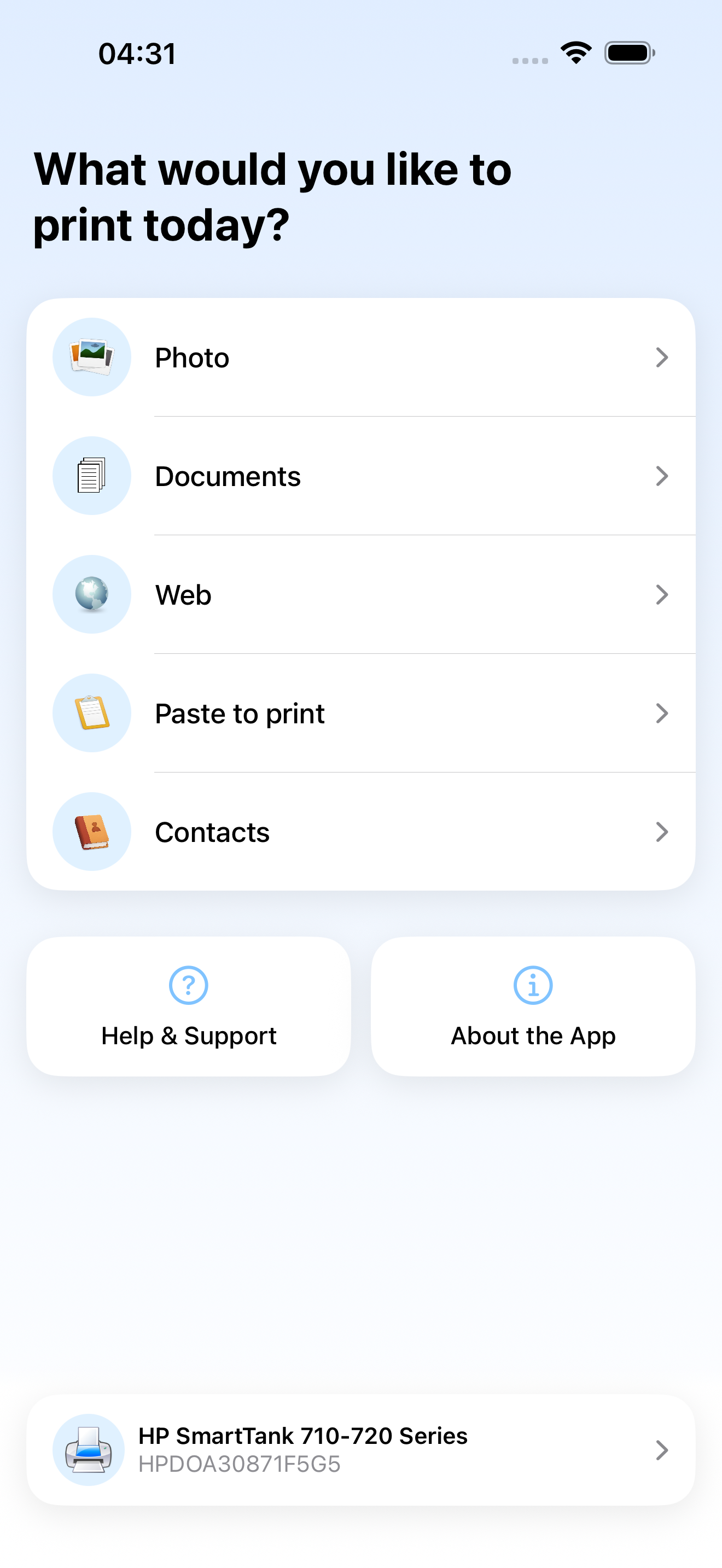
Using PrintHand you can print the following content:
- PDFs;
- Photos and images;
- Office documents and keynotes;
- Markdown and text files;
- Web pages;
- Contacts;
- Content copied to clipboard (using Paste to Print);
- Content shared from other apps using the Action button.
You can print via:
- Wi-Fi (using a Wi-Fi Direct printer or using a Wi-Fi router as a middleman);
- PC or Mac (if your printer is shared using PrintHand Remote desktop client);
- AirPrint;
- Save as PDF;
USING PRINTERS
Printing on Nearby wireless printers
Most of the Wi-Fi printers are detected automatically. PrintHand can print on such printers directly in case they are supported by the app.
As long as your printer is available from a Windows or Mac computer, you can print via the PrintHand desktop app. To use it, please visit https://www.printhand.com/install.php to download the PrintHand desktop app.
The mobile app will find printers shared via the PrintHand Remote desktop app automatically (see instructions in the app). However, please note that your printer should be connected to the same Wi-Fi network to which your mobile device is connected.
Remote printing via the Internet
Also, you can print on printers located anywhere in the world via the Internet. This will require the same PrintHand desktop software installed on the computer at the receiving end, and a PrintHand desktop account registered. Complimentary 100 pages for Remote Printing under the same account.
You can read the Terms of Use here: https://printhand.com/terms.php
商店排名
商店排名基於Google和Apple設定的多個參數。
所有類別 在
美國--
生產力 在
美國--


 PrintHand Mobile Print VS.
 8月 30, 2026