

You’ve hit your search limit
Start your free trial to keep exploring full traffic and performance insights.
Get StartedSmart AC Remote app analytics for August 31

Smart AC Remote
- MOBILE ALCHEMY LTD
- Apple App Store
- Free
- Utilities
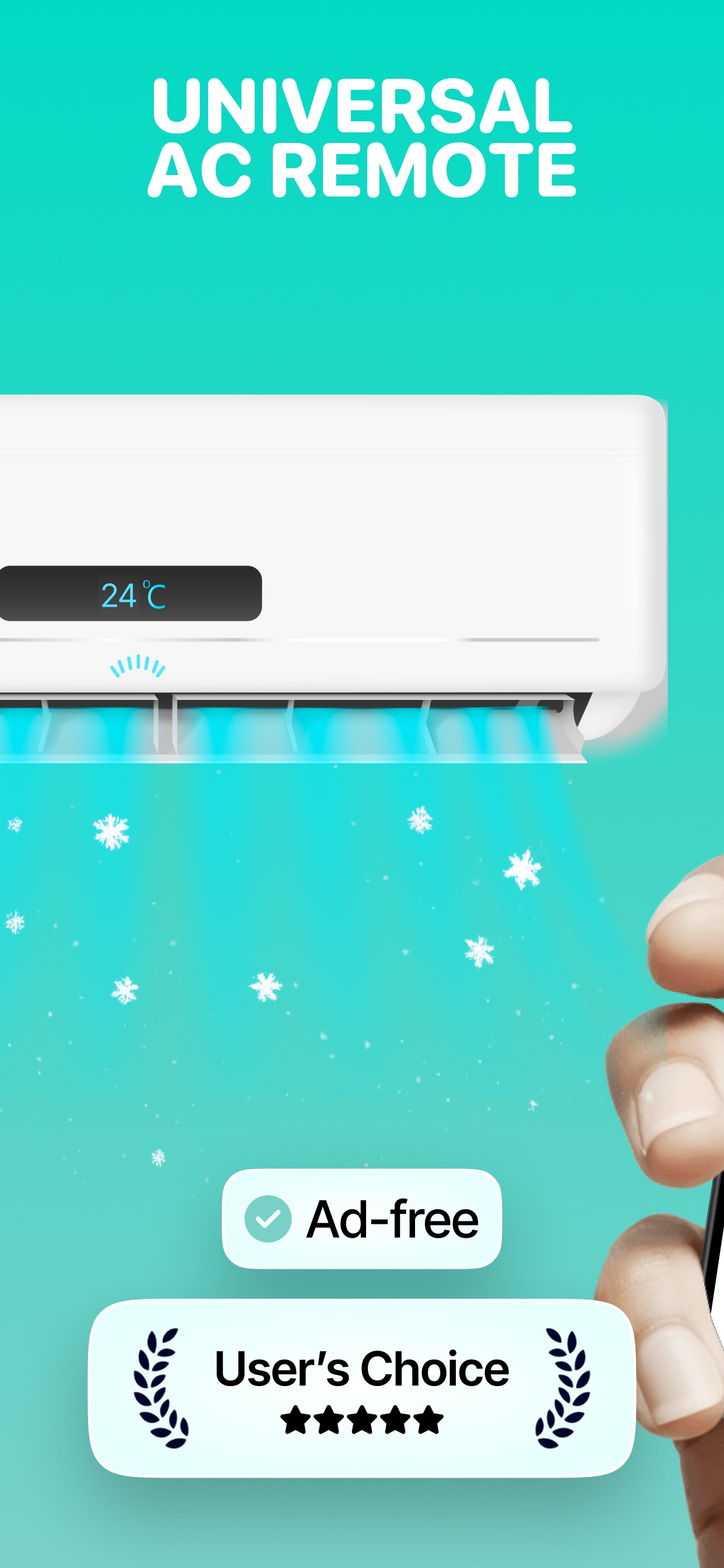
AC Remote is a smart air conditioner remote control app that turns your iPhone into a universal AC remote. It helps homeowners, renters, and travelers control any air conditioner from any brand using infrared accessories, WiFi, or Apple HomeKit. With 500+ supported AC brands, AC Remote replaces lost, broken, or incompatible remotes instantly.
HOW IT WORKS
AC Remote sends infrared (IR) signals to your air conditioner — the same technology your original remote uses. Pick your AC brand, connect a device, and start controlling in seconds. If your AC is already in Apple Home, connect through HomeKit with zero setup.
FOUR WAYS TO CONNECT
1. Apple HomeKit & Matter — Control instantly if your AC is in Apple Home. No extra hardware needed.
2. IR Adapter Dongle ($3-$8) — Plug a USB-C or Lightning IR adapter into your iPhone. Point and tap, just like a real remote.
3. WiFi IR Hub ($15-$30) — Place a BroadLink RM4 Mini or Tuya hub near your AC. Control from anywhere, even remotely.
4. Smart AC with WiFi — Daikin, Gree, or Midea with built-in WiFi connect directly over your local network.
WHAT YOU CAN DO
- Turn your AC on before you get home using a WiFi hub
- Set a sleep timer so the AC turns off after you fall asleep
- Switch between cool, heat, dry, and fan modes without finding the remote
- Adjust temperature and fan speed from your couch or your office
- Control ACs in multiple rooms from one app
- Use Turbo mode for rapid cooling on hot days
FREQUENTLY ASKED QUESTIONS
Q: Can I control my AC with my phone if I lost the remote?
A: Yes. Plug in a $3 IR adapter or use a WiFi hub, select your brand from 500+ supported, and your iPhone becomes the remote.
Q: What brands does AC Remote support?
A: Over 500 including Daikin, Gree, Midea, Haier, LG, Samsung, Panasonic, Hitachi, Toshiba, Mitsubishi, Fujitsu, Sharp, Carrier, Frigidaire, TCL, Hisense, and hundreds more.
Q: Do I need special hardware?
A: It depends. HomeKit ACs need nothing extra. For standard ACs, a $3 IR adapter plugs into your iPhone. For anywhere control, a $15 WiFi IR hub works over your home network.
Q: Does it work without WiFi?
A: Yes. An IR adapter works without WiFi — point your iPhone at the AC like a regular remote.
SUPPORTED DEVICES
Apple HomeKit & Matter thermostats, USB-C IR Adapter (iPhone 15-17+), Lightning IR Adapter (iPhone 14 and older), BroadLink RM4 Mini, Tuya/Smart Life Hub, SwitchBot Hub Mini, Sensibo Sky/Air, Tasmota/ESP8266 DIY IR Blaster, Daikin/Gree/Midea WiFi AC (direct connection).
Core remote control features are free. Pro unlocks advanced features, additional device support, and removes all limits.
Payment is charged to your Apple ID at confirmation. Subscriptions auto-renew unless turned off 24 hours before the current period ends. Manage in Settings > Apple ID.
Terms of Use: https://www.apple.com/legal/internet-services/itunes/dev/stdeula/
Privacy: https://acremote.app/privacy
Support: support@acremote.app
Store Rank
The Store Rank is based on multiple parameters set by Google and Apple.
All Categories in
United States--
Utilities in
United States--
Top Competitors & Alternative Apps
Apps with a high probability of being used by the same users, from the same store.

Universal Remote - TV AC

Universal AC Remote Control '

AC Remote-Smart Controller

Universal AC Remote Control +‧
 Smart AC Remote VS.
 August 31, 2026