

You’ve hit your search limit
Start your free trial to keep exploring full traffic and performance insights.
Get StartediMusic - Stories and Joy app analytics for October 6

iMusic - Stories and Joy
- 天从 何
- Apple App Store
- Paid
- Music
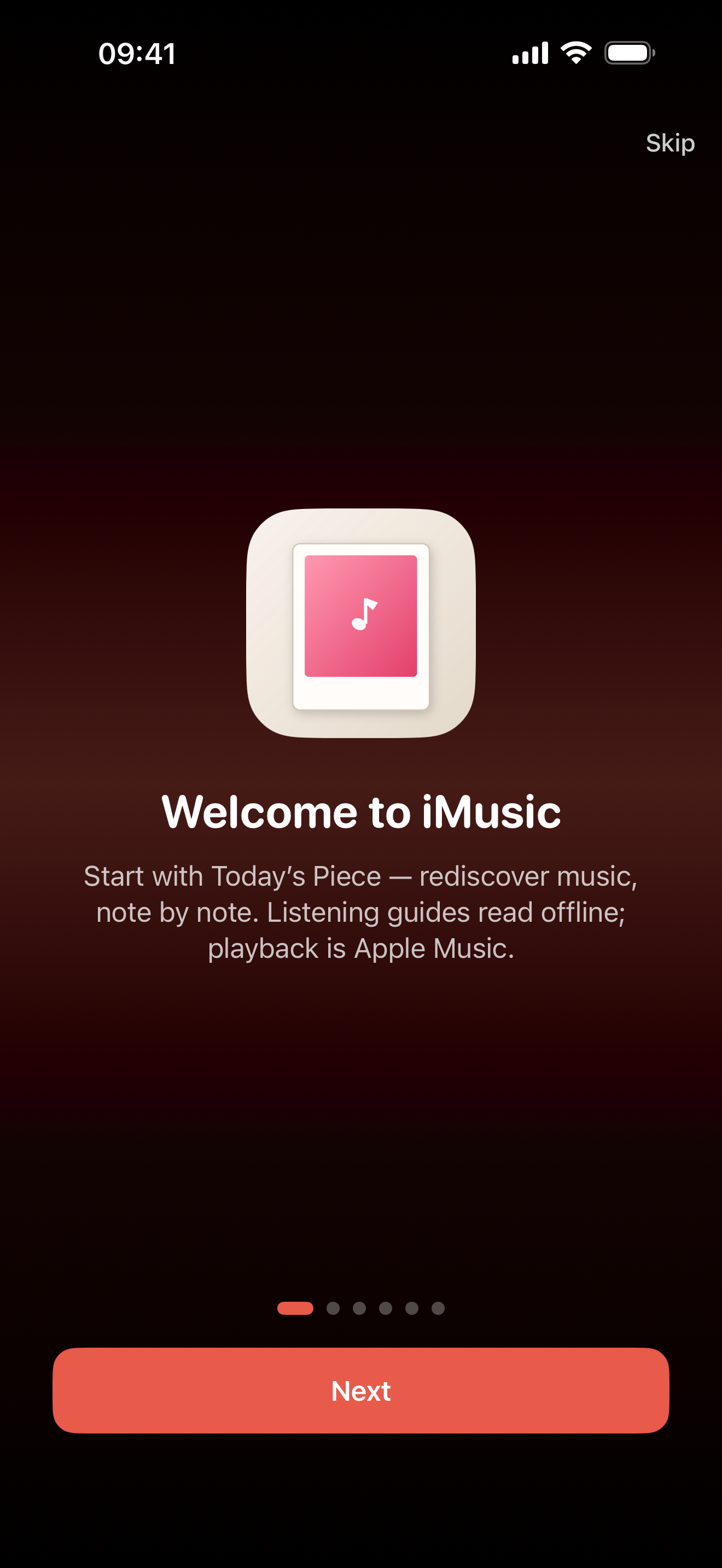
iMusic is an offline editorial listening companion. 5,300 curated pieces with original essays and listen tips on where to lean in and why it lasts. Essays live on your device. Playback uses Apple Music you authorize: a full track with a subscription, or a 30-second preview. No ads, no analytics.
First launch: Continue or Later. If denied, open Settings. Essays read either way.
1. Listening essays
One page holds title, artist, dek, segmented essay, listen tips, related pieces, notes, and playback. Lists show numbers, playing-row highlight, and waveform play control. Long-press to copy, translate, or make a card. Read previous and next from a collection or an artist page. Essay-page lyrics read by section and do not follow playback.
2. Today's Piece
One work a day on a magazine card, picked by calendar, festival, and season. Refresh draws from the whole library, skips what you saw today, and prefers another artist. The widget and the reminder follow. Roam plays ten unique pieces. Mood Walk defaults to twenty (ten to two hundred in the picker) by mood, scene, era, genre, or place.
3. Immersive player
Tap or swipe up the mini bar for Play, Lyrics, and Essay; expand keeps bottom controls aligned with the cover.
- Lyrics are looked up at play time or on the lyrics page, never bundled. Title and artist must both match
- Timed lines let you tap to seek. Pick a version, or open Aa for seven looks
- On-device pinyin, romaji, and romaja. iOS 18 can translate a whole song. Long-press a line to copy, play from there, or card it
- Mini-bar buttons: pick up to three in Settings
- Lock Screen and headphones follow your queue. Object style is shared in Settings and the player More menu. Sleep timer 1–360 minutes
- On a full track, chorus spans can appear on the progress bar. The queue separates what is next from what plays after this round
- Start from a category, collection, Compare pair, or artist page and reopen that source
- Backdrop: Frosted, Motion, Poster, or Spotlight. Cover Flow or Spectrum in Settings or player More, with angled covers and floor reflection
- Settings can show the encoding now playing
4. Song recognition
Identify music in the room. A library hit opens that essay. Microphone only when you start.
5. Browse, collections, and artists
44 categories and 58 collections, each with its own intro, up to 72 pieces. 1,342 artist pages with bios and a cover carousel. 346 famous lines browse by region. Search ranks by relevance. Recents keep 50 terms.
6. Guess the Song, Era Corridor, and Compare
Hear a clip and guess; lock type, region, era, mood, genre, or favorites. Walk the catalog by decade. Place two pieces side by side with 194 curated pairs.
7. Favorites, lists, later, and notes
Heart a piece, favorite an artist, and build listen lists. Apple Music songs from search can sit in the same lists, marked Apple Music, with no essay. If the storefront no longer matches, the row shows unavailable but stays. Listen Later stays separate. Notes appear only when written. Optional iCloud sync.
8. Music cards
Share a curated image in ten styles and four canvases. A player style appears only when the card is made from the player or a lyric line. Essays, lyric lines, bios, and intros can become cards. Photos access is add-only.
9. Widgets and system features
Six Home widgets (Now Playing with spin while playing), Lock Screen accessories, Control Center, Siri, and Shortcuts. Spotlight is off by default.
10. Appearance and privacy
Light, dark, accents, type size, and three interface languages. Essays stay in Chinese. Play in silent mode and continue in the background. Cover style follows the era or a chosen object. Ten alternate icons on iOS. iPhone, iPad, and Mac.
Matching depends on your storefront; if a song is missing there, the essay still opens offline. iMusic does not download songs, and tips do not unlock audio. Not affiliated with Apple.
May every finished song leave one clear moment in a busy day.
Store Rank
The Store Rank is based on multiple parameters set by Google and Apple.
All Categories in
United States--
Music in
United States--
Top Competitors & Alternative Apps
Apps with a high probability of being used by the same users, from the same store.

OMusic - Offline Music Player

Ever Play - HiFi Music Player

索尼精选Hi-Res音乐-听见好音质
 iMusic - Stories and Joy VS.
 October 6, 2026