


9月26日的Home Designer | Architecture应用程序分析

Home Designer | Architecture
- Sebastian Kemper
- Apple 应用商店
- 免费
- 图形与设计
Would you like to create a 3D floor plan quickly and easily and maybe even set it up with modern furniture?
Then you have found exactly the right software with Home Designer - Architecture.
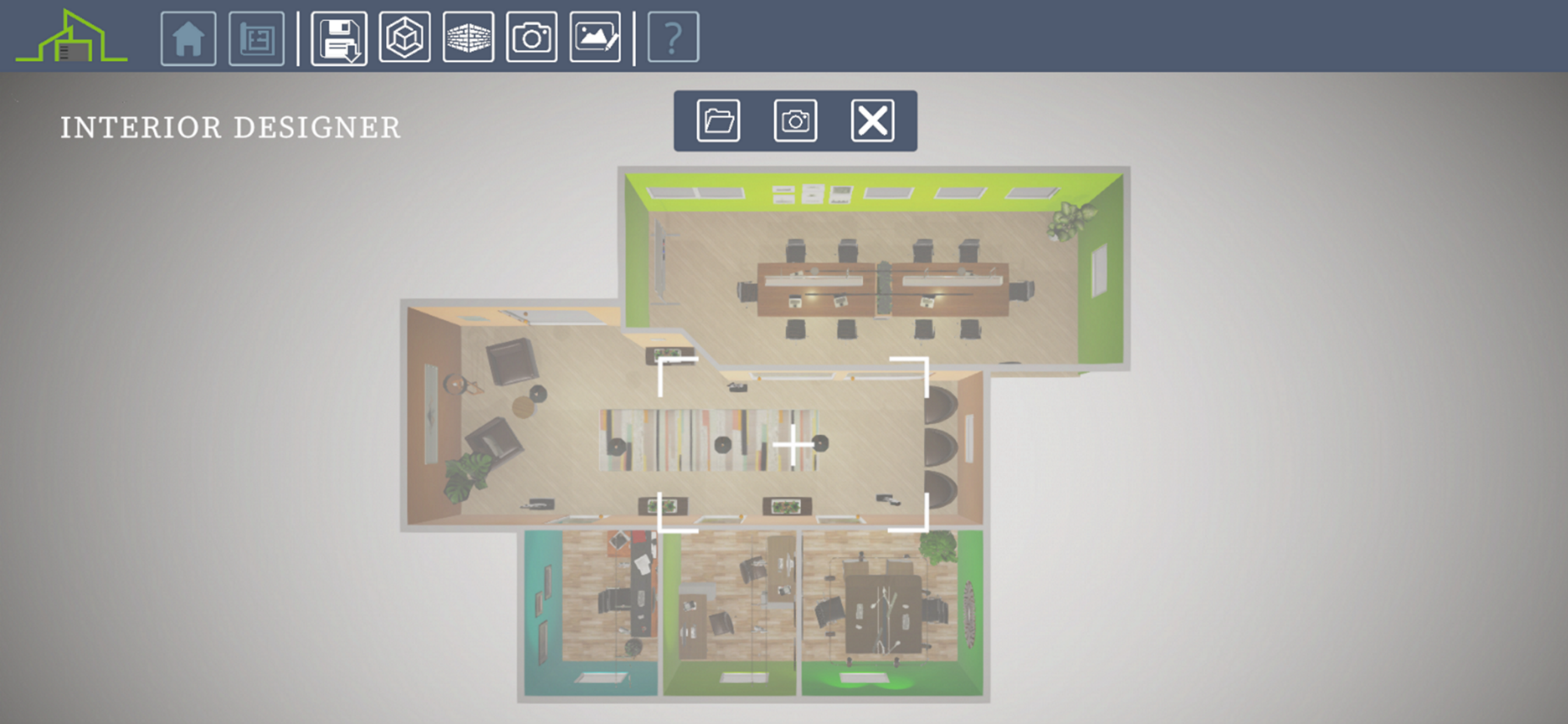
With just a few clicks you can quickly create rooms and entire floor plans. You can even import an image file as a template where you may have already drawn a 2D floor plan to redraw it in Home Designer - Architecture.
You can insert doors and windows and change their design and size.
Once your floor plan is complete, it's time for the interior design. Here you have over 1000 pieces of furniture available to use to create your 3D floor plan.
When the interior design is ready, use the photo editor and photo function to create dreamy images of your work.
1. CREATE YOUR 3D FLOOR PLAN
- Draw rooms in 2D or 3D
- Import a 2D drawing as a template
- Change the height of the room and the thickness of the walls (inside and outside)
- Create doors and windows (fully configurable)
- Use the photo function to record your floor plan from different perspectives
2. INTERIOR DESIGN
- Use over 1000 different furniture and accessories and decorate your 3D floor plan
- Furniture can also be resized
- Use numerous wall colors and floor designs
- Use image editing to make your result even more realistic
- Use the photo feature to capture and share your design
I hope you enjoy Home Designer - Architecture
商店排名
商店排名基于 Google 和 Apple 设置的多个参数。
所有品类在
美国--
图形与设计在
美国--
Home Designer | Architecture九月 26, 2026