

You’ve hit your search limit
Start your free trial to keep exploring full traffic and performance insights.
Get StartedPhoto Pixel Resizer app analytics for January 31

Photo Pixel Resizer
- Ruchira Ramesh
- Apple App Store
- Paid
- Photo & Video
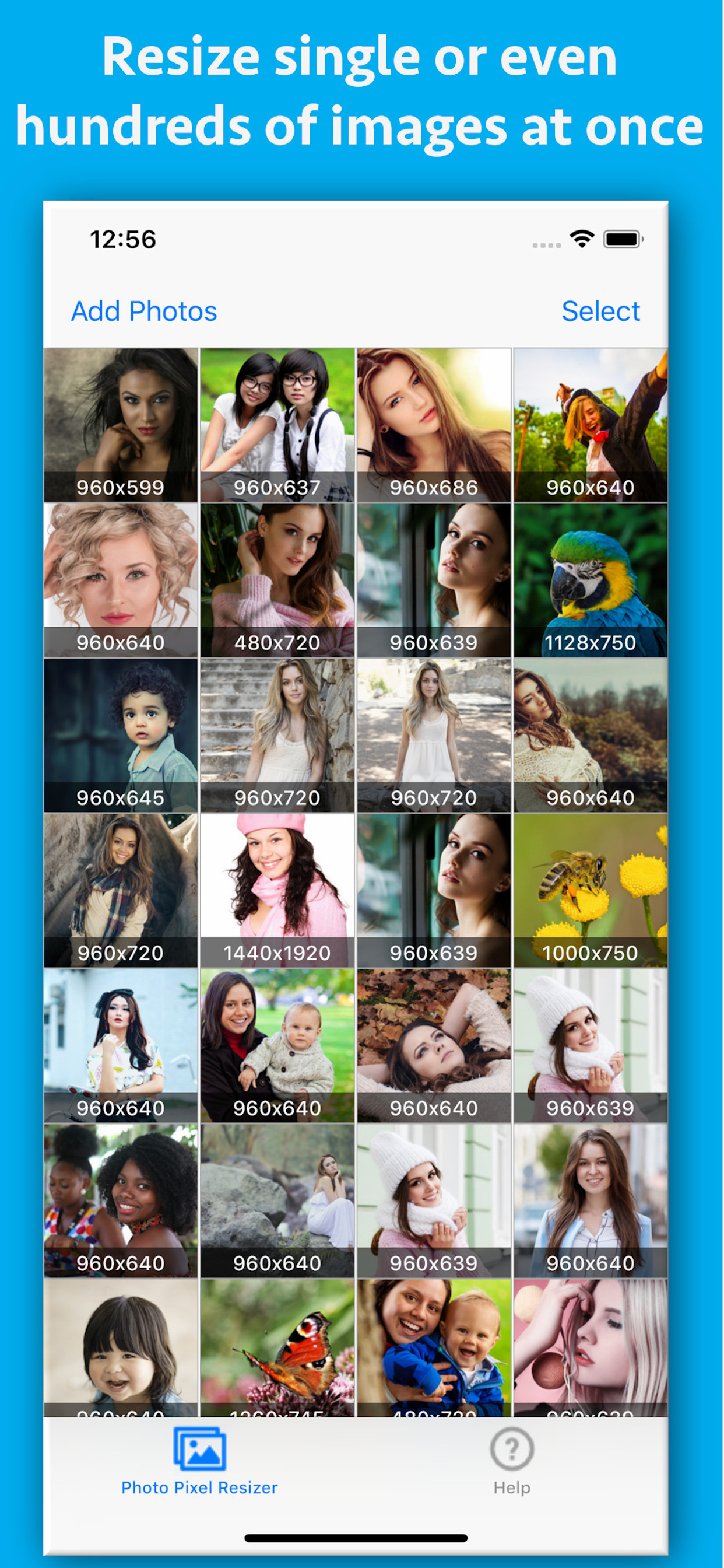
Photo Pixel Resizer is an application that could change the pixel size (width and height)of a single or multiple photos/images at a time.It could change the pixel size exactly as per the requirements. It also has the feature of maintaining the aspect ratio. This option prevents the images from stretching out.Not only this, the app also reduces the phone's space that is being used by the photos.This results in lesser disk space usage by the photos.
Example : If there is an image with dimensions of 1920x1280 pixels.By using this application the dimension could be changed to 1280 x 800 pixels,1440 x 900 pixels or any other size as per the requirements.The size could be increased for example to 2560x1600 as well.
The application saves all pixel sizes and settings so that these need not be entered again after setup.This saves a lot of time and efforts.
Below are the features and usage of the application :
a) Many websites have the requirements of having specific pixel sizes /dimensions of the images while doing the submission. This app could make the process easy by resizing the photos specific to the required pixel sizes.
b) Lesser phone's space usage by the Photos.(If the width & height are reduced)
c) Batch Image Processing - Using the application, multiple photos could be resized at once. This saves both time and efforts.
d) Maintaining aspect ratios - If this option is selected, the app will automatically analyse and resize the photos so that these will not appear as distorted or stretched out after resizing operation.
e) Accurate Pixel resizing : The app resizes the photos accurately as per the specified dimensions.
f) The application saves the last used dimensions so that one does not have to enter the same information again and again.
g) Add multiple photos to application at once : Multiple photos could be added at once to the application for processing.
Using the application :
The application is very easy to use. In order to resize an image, please browse for the photos and add them to the application. Once you have added the photos/Images to the application, please select the photos using the select button.After this, please tap on the "Resize" button at top left side.A new page will appear.In the new page, please specify the desired dimensions of the photos in the text-boxes.(Please specify the new width and height.)
Store Rank
The Store Rank is based on multiple parameters set by Google and Apple.
All Categories in
United States--
Photo & Video in
United States--
Top Competitors & Alternative Apps
Apps with a high probability of being used by the same users, from the same store.

Picture Borders

My Wow Adventure Video Editor

Drawing to Photo: AI Sketches!

BeatHype: Enhance Your Audio
 Photo Pixel Resizer VS.
 January 31, 2026