

You’ve hit your search limit
Start your free trial to keep exploring full traffic and performance insights.
Get StartedUPDF - AI-Powered PDF Editor app analytics for September 13

UPDF - AI-Powered PDF Editor
- Superace Software Technology Co., Ltd.
- Apple App Store
- Free
- Productivity
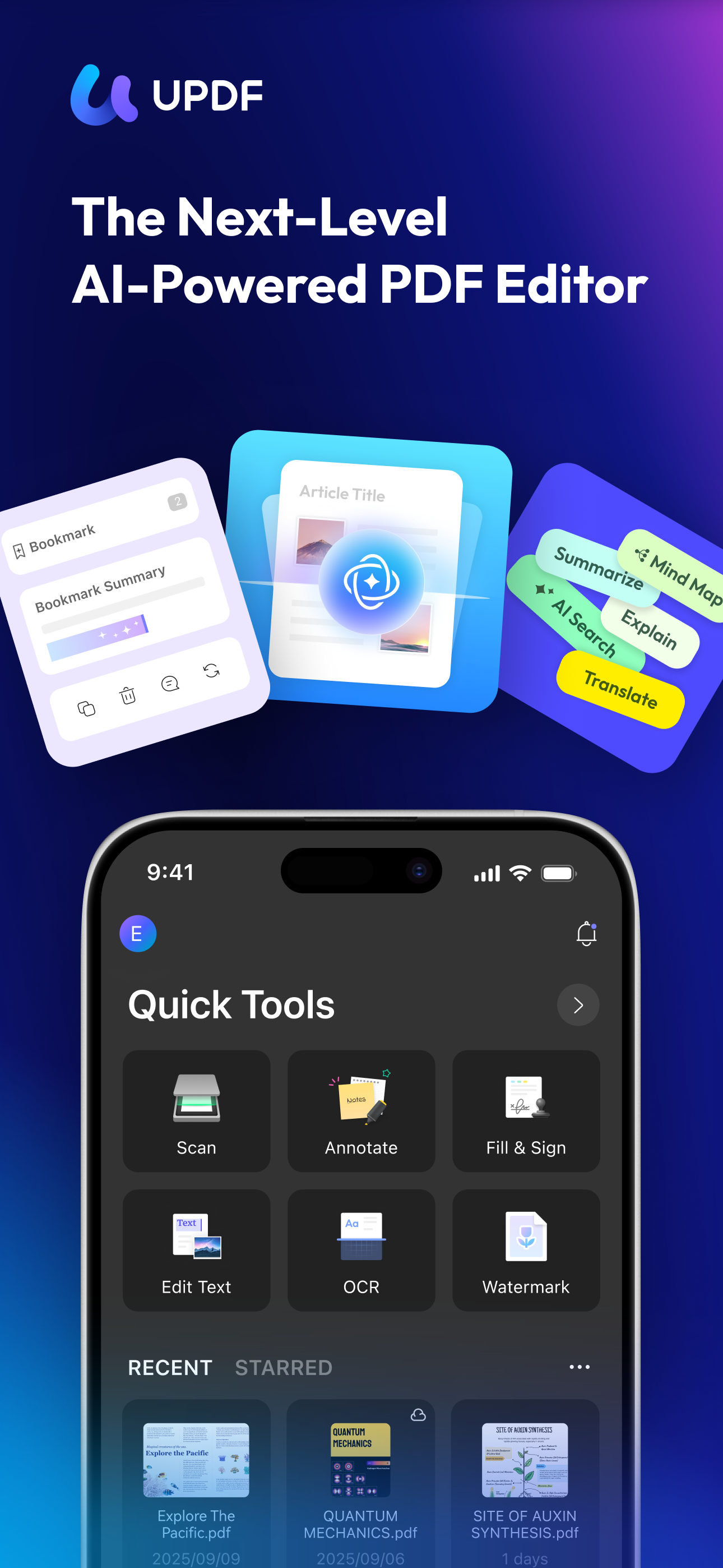
UPDF for iOS is an AI-powered PDF editor for iPhone and iPad. Read, edit, annotate, convert, sign, and AI chat with your PDFs — all from your iOS device. Summarize lengthy documents, translate full PDFs, scan paper to PDF, and manage all your files in one place.
Amazing features of UPDF for iOS:
Edit PDF
- Edit text in PDF (change color, font style, font size)
- Edit images in PDF (rotate, extract, replace, and crop images)
- Edit watermark in PDF (add, edit, delete and favor watermark)
- Edit links in PDF (add, edit, copy, and delete)
AI Assistant
- Summarize, translate, explain, and rephrase lengthy PDFs in minutes.
- Engage in a chat with UPDF AI and ask it any questions you have.
- Summarize or translate PDF by pages.
- Export conversations to Markdown or TXT files.
- NEW AI Bookmark Agent: Auto-generate bookmarks and get instant section summaries for any PDF.
- NEW AI Semantic Search: Search your PDF by meaning, not just exact words.
- NEW AI Editing Suite: Rewrite, refine tone, or correct grammar directly.
Read PDF
- Flexible reading: vertical and horizontal scrolling, single page or two-page view
- Dark mode to protect your eyes
- Add and manage bookmarks with AI Bookmark Agent's help
- Search text in PDF
- Present PDF as a slideshow
- Text-to-speech support
Annotate PDF
- Annotate PDFs using markup tools: pencil, highlight, underline, strikethrough, squiggly line
- Add text boxes, text comments, callouts, sticky notes
- Add shapes, stamps, and stickers to PDFs
- Free-hand drawing on PDF pages
OCR PDF
- Convert scanned documents and images into searchable and editable PDFs
- Recognize text in 38 languages
Scan to PDF
- Scan physical documents to PDF with your camera
- Scan ID cards onto one page
- Crop, rotate, and filter scanned images
Convert PDF
- Convert PDF to Word, Excel, PPT, and images
Organize PDF Pages
- Insert, replace, extract, split, rotate, remove, and reorder pages in PDFs
- Merge multiple PDFs into one file
- Copy, paste, and share specific pages in a PDF
Sign PDF & Fill PDF Form
- Create handwritten signatures
- Import and add image signatures
- Fill PDF form and add e-signatures
- Save signatures to cloud for cross-platform use
Create PDF
- Create PDF with blank, lined, dotted, grid, and graph papers
- Combine multiple files/images into one PDF
Protect PDF
- Password-protect PDFs to restrict opening, editing, and printing
- Add or remove watermarks
- Add digital signatures
Manage Files
- Upload, create, rename, move, copy, duplicate, and organize files or folders
- Unzip files by simply tapping .zip files
- Search for files
- Supports two-finger multiple selections and operations
- Move files or folders to trash, and find deleted items in the trash
- Protect PDF files with a password or unlock protected PDF files
- Compress one or multiple files into a zip file
Security Space
- Protect your privacy by moving files or folders to Security Space
- Enable Face ID & Passcode to access your Security Space
Import File
- Import files from Photos albums
- Import files from the Files App
- Transfer files from a computer over the same Wi-Fi
View files in All Formats
- Browse dozens of different file formats including PDFs, Office documents (.doc, .docx, .ppt, .pptx, .xls, .xlsx), Pages, Keynotes, and Numbers with a single app
- Open other formats such as text, HTML, XML, Web Archive, Images (JPG, JPEG, GIF, PNG, TIFF, SVG, BMP), video, audio
*** Pro Features of In-App Purchase ***
- Use UPDF across all platforms including desktops and mobiles
- Free Users will get 1 GB of Cloud Storage; Paid users will get 10 GB of Cloud Storage for free
- Advanced PDF features such as Convert PDF with OCR, batch process, etc. are available on the desktop
- Unlimited use of Scan to PDF (Free trial only scans up to 5 pages)
- Unlimited use of Security Space (Trial version stores up to 10 items)
- Secure App with passcode/TouchID/FaceID
Need help? Email us at support@superace.com
Store Rank
The Store Rank is based on multiple parameters set by Google and Apple.
All Categories in
United States--
Productivity in
United States--
Top Competitors & Alternative Apps
Apps with a high probability of being used by the same users, from the same store.

PDFelement: PDF Editor, Viewer

Foxit PDF Editor

PDF Reader – PDFelement

PDF Pro - Reader Editor Forms
 UPDF - AI-Powered PDF Editor VS.
 September 13, 2026