

Practical Guide for Linux app analytics for December 28

Practical Guide for Linux
- Eugene Khmelevsky Inc.
- Apple App Store
- Paid
- Reference
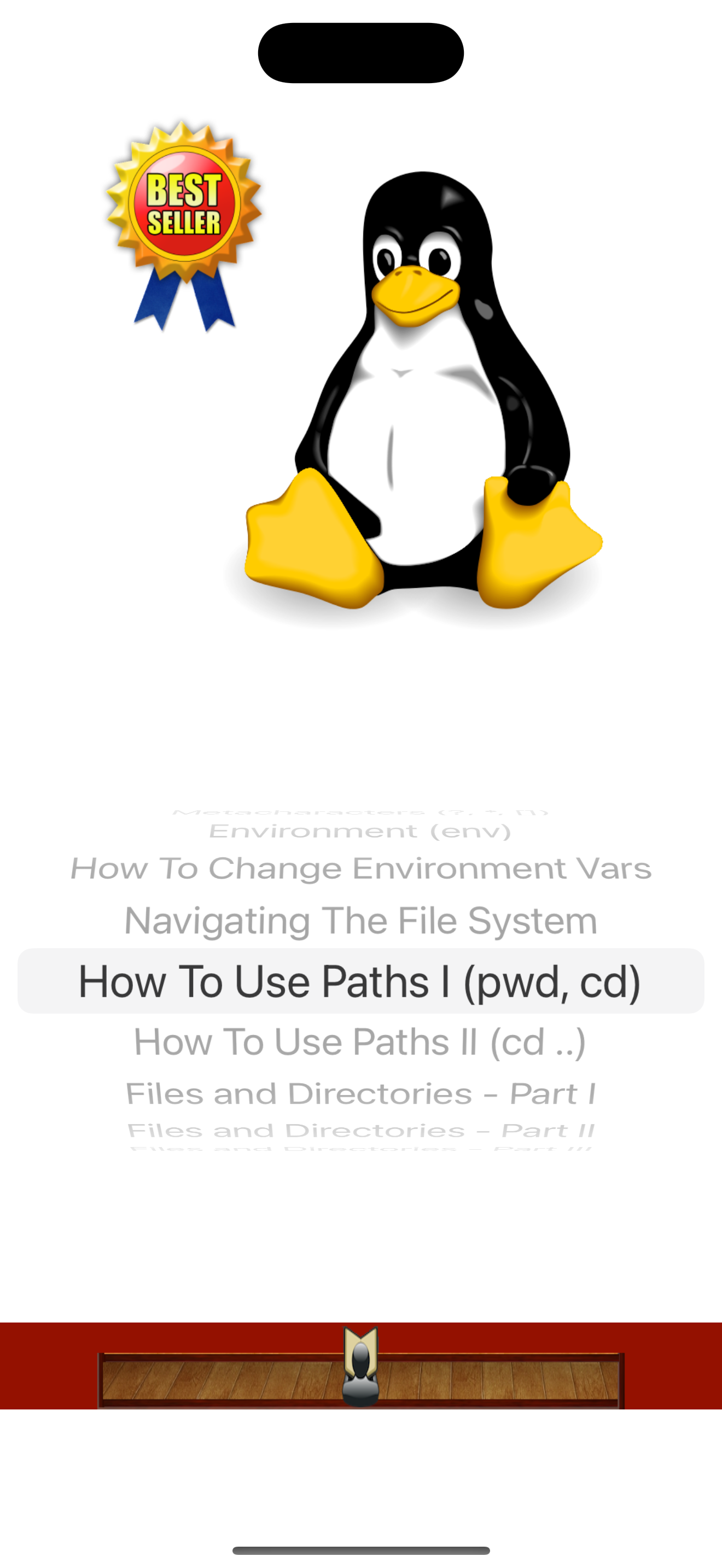
Best Seller UNIX/Linux Reference since 2010 for both students and working adults! Now, with updated content for 2026, Air Print and iOS Light and Dark modes.
#1 Guide in Operating Systems > Unix / Linux
#1 College OS Guide
Making First Steps (passwd, su)
Logging Out, Shell (exit, Ctrl-d)
Special Characters (Ctrl-c, Ctrl-h, Ctrl-d)
Metacharacters (?, *, [])
Environment (env)
How To Change Environment Variables (.profile, .login)
Navigating The File System (absolute, relative paths)
How To Use Paths I (pwd, cd)
How To Use Paths II (cd ..)
Files and Directories - Part I (ls, ls -l)
Files and Directories - Part II(ls -al)
Files and Directories - Part III (ls -R)
Permissions - Part I (id)
Permissions - Part II (rwx-)
Permissions - Part III (how to read)
Permissions - Part IV (chmod)
Viewing Files (more, cat, head, tail)
Searching in Files - Part I (grep options)
Searching in Files - Part II (grep examples)
Renaming Files (mv)
Copying Files (cp)
Deleting Files (rm)
Links (ln)
Compare Files (diff)
Compare Directories (dircmp)
Creating Directories (mkdir)
Finding Files and Directories (find)
Create and Edit Files With vi - Part I
Create and Edit Files With vi - Part II (insert mode)
Create and Edit Files With vi - Part III (searching)
Create and Edit Files With vi - Part IV (editing)
Create and Edit Files With vi - Part V (deleting)
Create and Edit Files With vi - Part VI (saving)
Create and Edit Files With vi - Part VII (line-edit mode)
Printing Files (lp, lpr)
Archiving Files (tar)
Transferring Files Between Computers (nslookup, ping)
Telnet
FTP - Part I (connecting)
FTP - Part II (transferring files)
More UNIX Commands (uname, arch)
Date and Time (date, cal)
Find Out About Other Users - Part I (who)
Find Out About Other Users - Part II (finger)
History
Disk Space (df, du, gzip, gunzip)
Memory (free, uptime)
Processes (Jobs) - Part I (ps)
Processes (Jobs) - Part II (ps -ef, kill, fuser)
Processes (Jobs) - Part III (at)
Electronic Mail - Part I (elm)
Electronic Mail - Part II (command mode)
Advanced UNIX - Redirection Part I (>, >>)
Advanced UNIX - Redirection Part II (|)
Practical sed and awk - Part I (sed)
Practical sed and awk - Part II (sed example)
Practical sed and awk - Part III (sed example)
Practical sed and awk - Part IV (awk)
Practical sed and awk - Part V (awk example)
The best way to learn UNIX and Linux for all.
Designed for all devices, full support for Air Print.
Store Rank
The Store Rank is based on multiple parameters set by Google and Apple.
All Categories in
United States--
Reference in
United States--
Top Competitors & Alternative Apps
Apps with a high probability of being used by the same users, from the same store.

Lbs Commands- Daily command

PocketUNIX Lite
![Learn MongoDB Offline [PRO]](https://is1-ssl.mzstatic.com/image/thumb/Purple126/v4/4e/81/cb/4e81cb08-58c7-9dc2-20c0-17b40033dc28/AppIcon-0-0-1x_U007emarketing-0-0-0-7-0-0-sRGB-0-0-0-GLES2_U002c0-512MB-85-220-0-0.png/175x175bb.jpg)
Learn MongoDB Offline [PRO]

Learn Ai for Robotics
 Practical Guide for Linux VS.
 December 28, 2025