

You’ve hit your search limit
Start your free trial to keep exploring full traffic and performance insights.
Get StartediPrint: Smart Air Printer App app analytics for January 14

iPrint: Smart Air Printer App
- COOLDEV CO., LTD
- Apple App Store
- Free
- Business
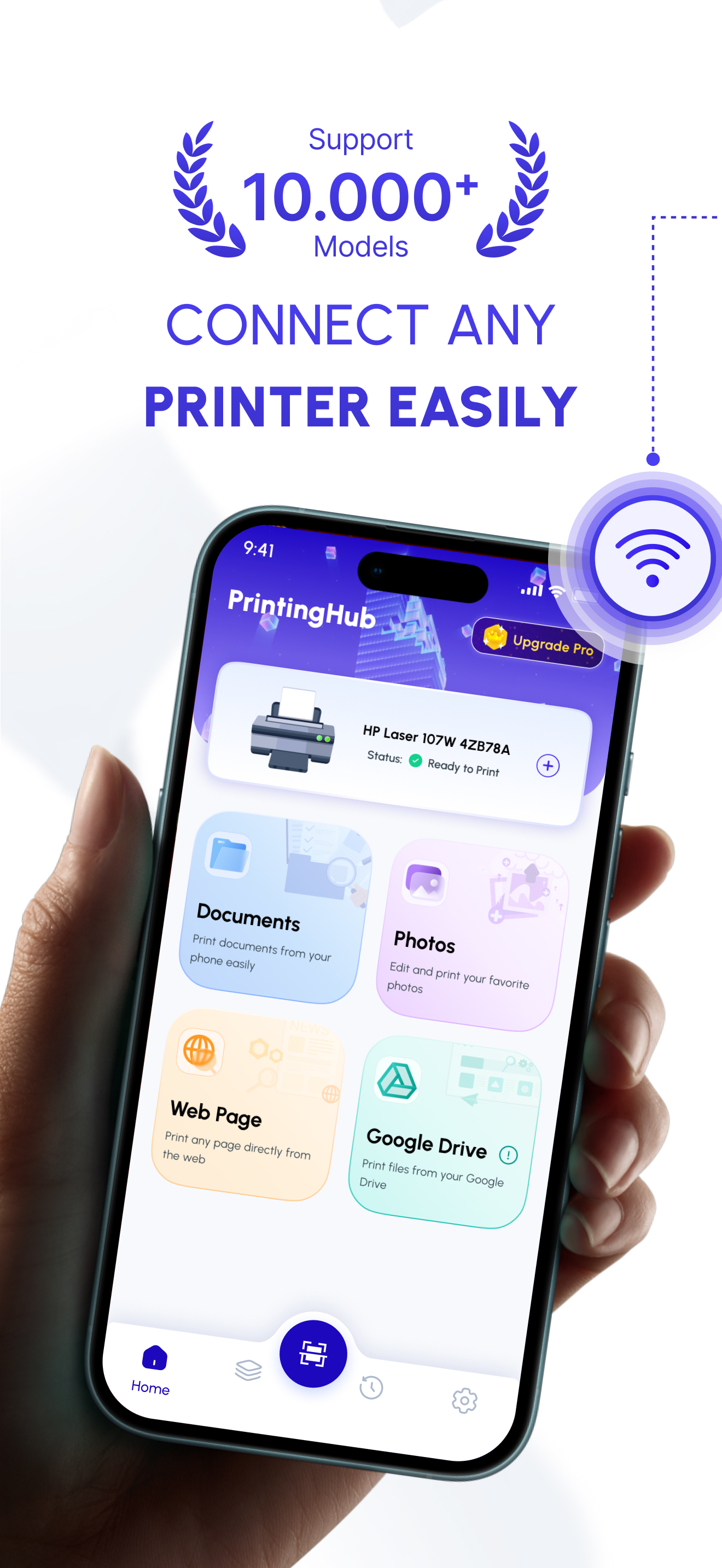
Need to print, scan, or fax asap? iPrinter is your all-in-one solution for handling documents directly from your smartphone!
iPrinter transforms your device into a portable printing, scanning, and faxing powerhouse. No more looking for computers or bulky office equipment – easily manage all your document needs with one versatile app.
Whether working from home, in the office, or on the move, iPrinter provides seamless connectivity to all your Wi-Fi printers and fax machines.
Key Features:
1. Easy Mobile Printing: Connect to any Wi-Fi-enabled printer and print directly from your phone. It supports multiple document types, such as PDF, Word, and images.
2. Quick Scanning: Turn your smartphone into a scanner. Digitize paper documents, receipts, and more with high-quality output.
3. User-Friendly Interface: Navigate printing, scanning, and faxing options with a clean and intuitive design.
4. Multiple File Formats Supported: AirPrinter supports printing and scanning in various formats, including DOC, DOCX, PDF, JPG, and PNG.
5. Cloud Integration: Print documents from popular cloud storage services like Google Drive, Dropbox, Mega, and OneDrive.
6. Preview Before Printing: Ensure perfect results with a live preview feature before you hit "Print."
7. Print Queue Management: Control and manage your print jobs effortlessly.
8. Fast Setup: Connect with printers and start printing in seconds.
Why Should You Choose iPrinter?
1. iPrinter allows you to manage all your printing, scanning, and faxing needs without being tied to an office or desktop. Its powerful features and simple interface make it the ultimate printer tool for professionals, students, and anyone needing document handling.
2. Perfect for Business and Personal Use: iPrinter ensures you get the job done quickly and efficiently from invoices to homework assignments.
3. Lightweight and Fast: Minimal storage, maximum functionality.
4. Productive: Save time and boost efficiency with all-in-one mobile printing.
How It Works:
1. Download and Install: Get iPrinter from the App Store.
2. Connect to Printer: Ensure your phone and printer are on the same Wi-Fi network.
3. Scan then Print or just Print: Select the document and choose your desired action. It’s that simple!
Join thousands of users who rely on iPrinter for their mobile printing and scanning needs. Download now and experience the convenience of an all-in-one printing solution!
LICENSED APPLICATION END USER LICENSE AGREEMENT: https://www.apple.com/legal/internet-services/itunes/dev/stdeula/
Store Rank
The Store Rank is based on multiple parameters set by Google and Apple.
All Categories in
United States--
Business in
United States--
Top Competitors & Alternative Apps
Apps with a high probability of being used by the same users, from the same store.

Printer App: Smart Print App ·

Smart Printer & Print App

Picture to PDF: Document Scan

Smart Printer App : Print PDF
 iPrint: Smart Air Printer App VS.
 January 14, 2026