

You’ve hit your search limit
Start your free trial to keep exploring full traffic and performance insights.
Get StartedLens - PDF Scanner & Editor app analytics for January 15
Lens - PDF Scanner & Editor
- Colleen Williamson
- Apple App Store
- Free
- Utilities
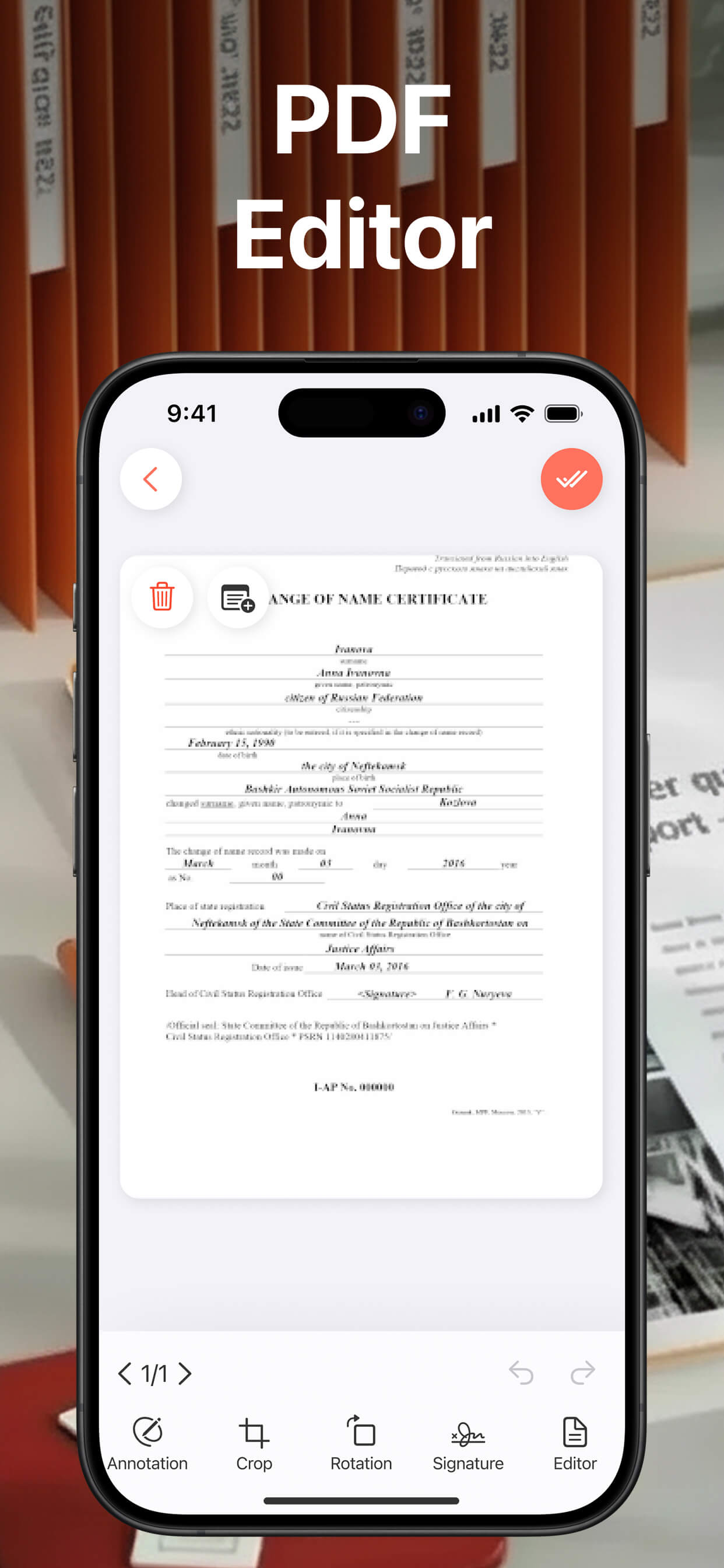
Our app is an all-in-one tool for scanning, editing, and organizing documents effortlessly. Turn paper documents such as receipts, contracts, notes, forms, or ID cards into sharp, professional-quality PDFs in just a few taps.
Smart scanning automatically detects borders, enhances image quality, and uses OCR to extract text, making your documents searchable and ready to share. Once scanned, you can easily edit your PDFs — add notes, highlight important sections, draw, or make quick corrections directly within the app. Keep everything organized with folders, combine multiple pages into a single file, and export documents as PDFs or images whenever needed.
Subscription Information:
Full access to all features requires an active subscription, which you can manage or cancel anytime through your device’s subscription settings.
Privacy Policy Link: https://docs.google.com/document/d/1WhJaBYHEX0TYLcOUB8SG9sqbaiGSoEZrh5JtwkalIKc/edit?usp=sharing
Terms of Use Link: https://www.apple.com/legal/internet-services/itunes/dev/stdeula/
Store Rank
The Store Rank is based on multiple parameters set by Google and Apple.
All Categories in
United States--
Utilities in
United States--
Lens - PDF Scanner & EditorJanuary 15, 2026