

Custom Color Keyboards for iOS 8 app analytics for January 3

Custom Color Keyboards for iOS 8
- AppYea Inc
- Apple App Store
- Paid
- Utilities
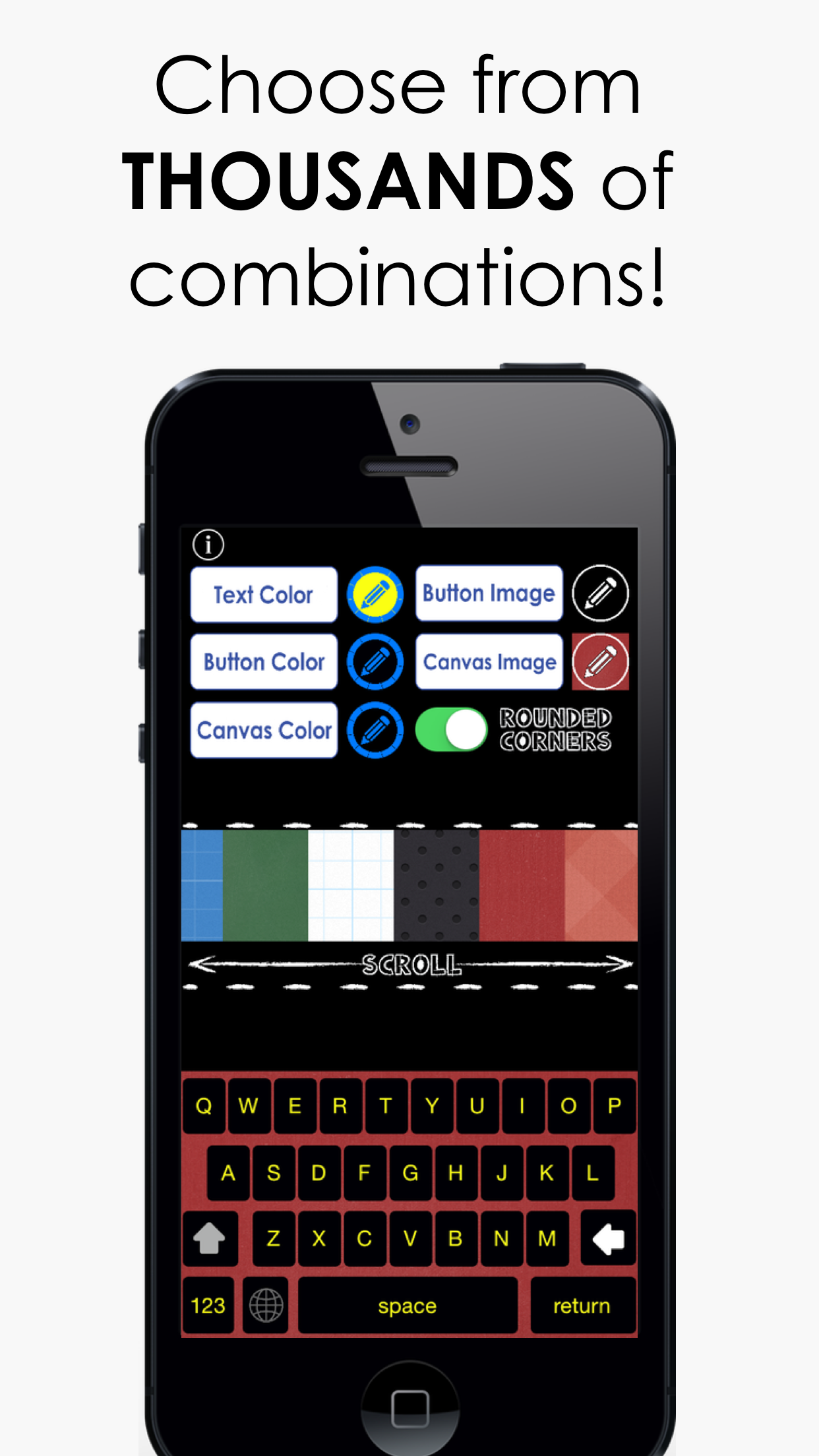
CUSTOMIZE YOUR KEYBOARD with THOUSANDS of color combinations!!
Are you bored with the same keyboard you've been using for YEARS?! Never type on a boring keyboard again with CUSTOM COLOR KEYBOARDS!!
Choose from endless fun colors to customize your texting, emailing, and overall typing experience!
Use your new color keyboard in any app...automatically!
----------------------------------
Follow the steps below to activate your new keyboard!
1. Go to: Settings > General > Keyboard > Keyboards > Add New Keyboard > Color Keyboards Pro - Custom KB
2. Tap “Custom KB” and switch “Allow Full Access” to ON. This allows your keyboard color & style to change
Note: When testing keyboards in the app, simply press the globe icon until your new color keyboard appears!
----------------------------------
Enjoy your keyboard freedom!
Store Rank
The Store Rank is based on multiple parameters set by Google and Apple.
All Categories in
United States--
Utilities in
United States--
Top Competitors & Alternative Apps
Apps with a high probability of being used by the same users, from the same store.

Custom: Fonts and Keyboards

Fonts+: Keyboard Font Text Art

FaceClock Analogue

Letters Font: Stylish Messages
 Custom Color Keyboards for iOS 8 VS.
 January 3, 2026