

You’ve hit your search limit
Start your free trial to keep exploring full traffic and performance insights.
Get StartedBlend: Combine Photo Layers app analytics for January 13

Blend: Combine Photo Layers
- Owen Schick
- Apple App Store
- Free
- Photo & Video
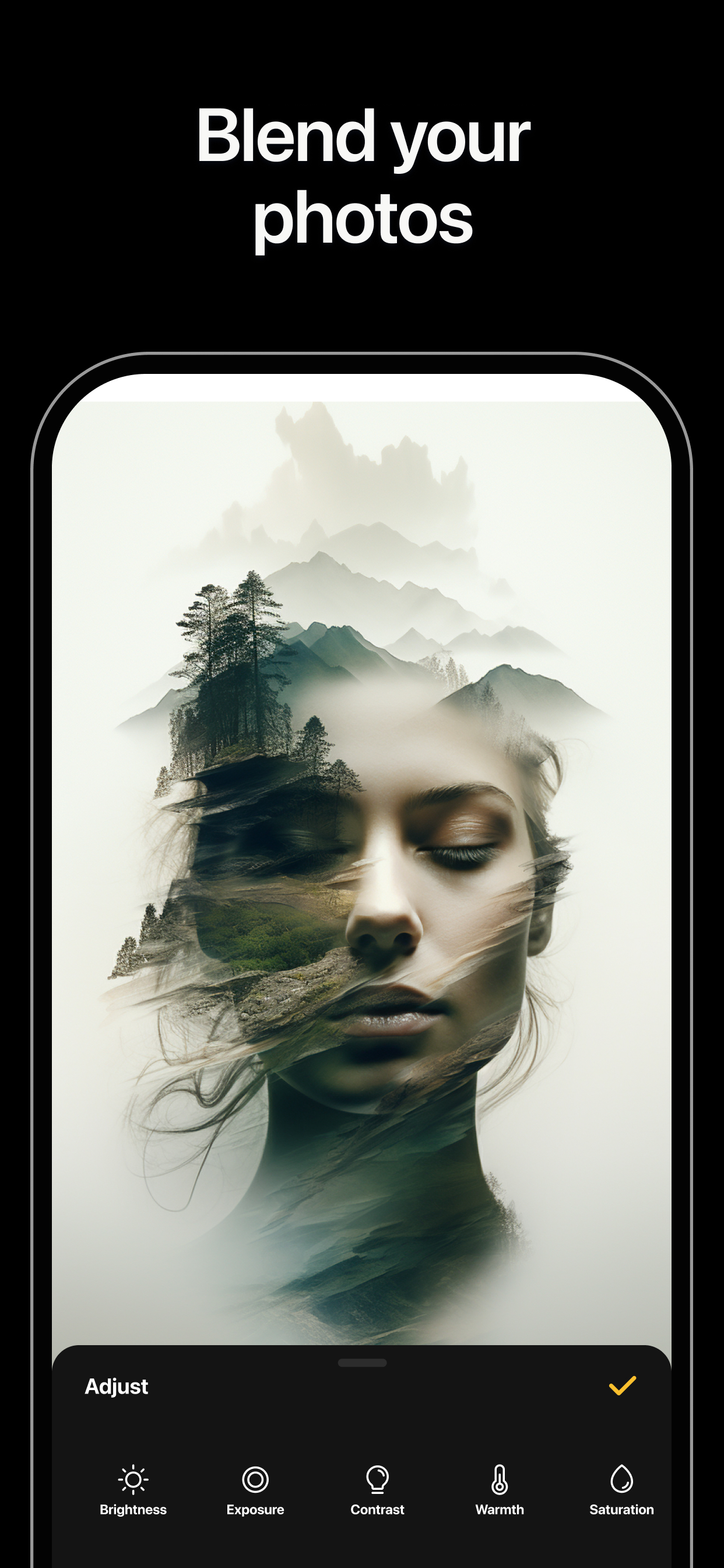
Blend photos together for amazing results.
With Blend you have double exposure editing like never before.
Add a cool twist to your photos and create images you could not have imagined!
Blend is simple and easy to use, yet powerful.
Layer your photos.
Combine your photos easily with one click.
Use special effects to draw and erase layers.
Choose from various filters and frames.
Love your blend and share it on Instagram.
- Create Unique Photo Collages and Instagram Carousels with Blend
Whether you're an influencer, creator, or simply love sharing memories, Blend Photo Collage Maker has everything you need to make your posts stand out.
- Endless Collage Templates Designed for Every Aesthetic
Explore a wide range of curated templates, from clean and minimalist to bold and creative. Every layout is handcrafted by our design team for premium quality and flexibility, with new templates added regularly to keep your feed fresh.
- Smooth, Swipeable Carousel Designs
Design eye-catching swipe-through carousel posts that flow perfectly. Blend’s simple tools make it easy to connect your photos into panoramic carousels or scroll-through layouts that tell a story.
- Custom Grids and Layouts for a Polished Feed
Build cohesive photo grids and multi-post Instagram layouts that tie your content together beautifully. Mix and match grids, carousels, and collage templates for unlimited creative combinations.
- Showcase More Photos in Every Post
Go beyond Instagram’s limits. Add over 10 photos in one project to express your full story. Perfect for creators who want more room for visuals and ideas.
- Flexible Canvas for Complete Creative Control
Work your way with Blend’s freeform canvas. Zoom in to perfect details or zoom out for the full view. Design freely and bring your ideas to life without constraints.
Subscription pricing and terms:
Blend offers three auto-renewing subscription options:
$3.99 per week
$7.99 per month
$39.99 per year
These prices are for United States customers. Pricing in other countries may vary and actual charges may be converted to your local currency depending on the country of residence.
Your Blend subscription will automatically renew at the end of each term and your credit card will be charged through your iTunes account. You can turn off auto-renew at any time from your iTunes account settings but refunds will not be provided for any unused portion of the term.
Read more about our terms and conditions here:
Terms of Use: https://architectapps.co/terms-of-use/
Privacy Policy: https://architectapps.co/privacy-policy/
Store Rank
The Store Rank is based on multiple parameters set by Google and Apple.
All Categories in
United States--
Photo & Video in
United States--
Top Competitors & Alternative Apps
Apps with a high probability of being used by the same users, from the same store.

Ultimate Photo Mixer Blender

Photo Blend - Collage Maker

PhotoLayers

Cut & Paste Photos
 Blend: Combine Photo Layers VS.
 January 13, 2026