

Sie haben Ihr Suchlimit erreicht
Starten Sie Ihren kostenlosen Testzugang, um weiterhin alle Traffic- und Performance-Insights zu erkunden.
Los geht'sSearch by Image for Safari App-Analysen für 24. Januar

Search by Image for Safari
- Armin Sebastian
- Apple App Store
- Bezahlt
- Produktivität
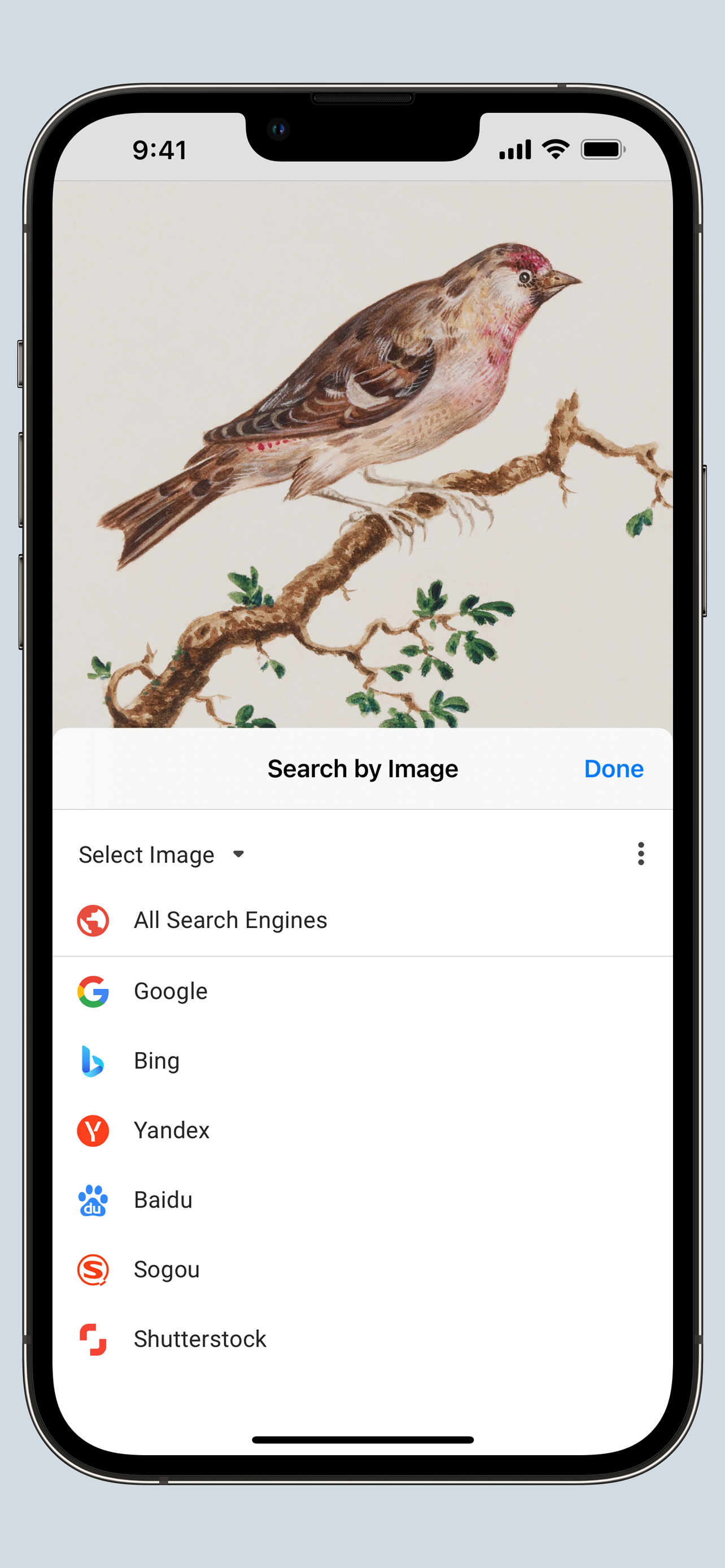
Search by Image is a powerful browser extension for Safari that makes effortless reverse image searches possible, and comes with support for more than 30 search engines, such as Google, Bing, Yandex, Baidu and TinEye.
Search by Image is an open source project made possible thanks to a community of awesome supporters. By purchasing the extension on the App Store, you help support the continued development of the extension.
The extension helps journalists and researchers verify the authenticity of images, and assists in the identification of false information on social media. Search by Image is also popular among photographers, helping artists explore how their work is shared on the web, while shoppers find it valuable for discovering similar products at discounted prices.
The extension enables you to search for images from the browser menu with the help of a diverse set of reverse image search engines, which can be toggled and reordered from the extension's options. Visit the wiki for the full list of supported search engines.
https://github.com/dessant/search-by-image/wiki/Search-engines
PRO TIPS:
• Search with an image by sharing it from Files or Photos.
• Tap the Share button in the extension modal to extract an image from a web page and share it to other apps, such as Messages or Notes.
You may choose to allow the extension to run on every website, or grant access to the current website before a search. When you grant access only to the current website, access must also be granted to each search engine in order to view search results.
Images positioned at the selected area are detected regardless of how they were embedded in the page. The extension also supports searching with images from your device, and images from private sites.
A handful of search modes are offered that serve different use cases. The search mode can be configured from the extension's options.
Search modes:
• Select URL: select an image on the page and search with the image URL. This is the default search mode.
• Select image: select an image on the page and search with the image file. This search mode is preferred for sites which do not allow the direct linking of images, such as private sites.
• Browse: search with an image from your device. Pasting images from the clipboard is also supported.
• URL: search with an image URL.
Reviews are not monitored for bug reports, please visit the support page to report issues and submit feature requests.
Rang speichern
Der Store-Rang basiert auf mehreren Parametern, die von Google und Apple festgelegt wurden.
Alle Kategorien in
Vereinigte Staaten--
Produktivität in
Vereinigte Staaten--
Top-Wettbewerber und alternative Apps
Apps mit hoher Wahrscheinlichkeit, von denselben Benutzer:innen aus demselben Store verwendet zu werden.

DeArrow for YouTube

xSearch for Safari

History Book - Browse & Search

Author
 Search by Image for Safari VS.
 Januar 24, 2026